Solar Proposal Software for Reviewed Designs and Customer Quotes
Prepare a branded proposal from the reviewed PV design, equipment list and financial assumptions. Help the customer assess the layout, scope, expected production and payment options. Check the figures and supporting documents before sharing the quote.
Proposal output
Design
Connected project inputs
Brand
Your proposal presentation
Review
Check assumptions before sharing
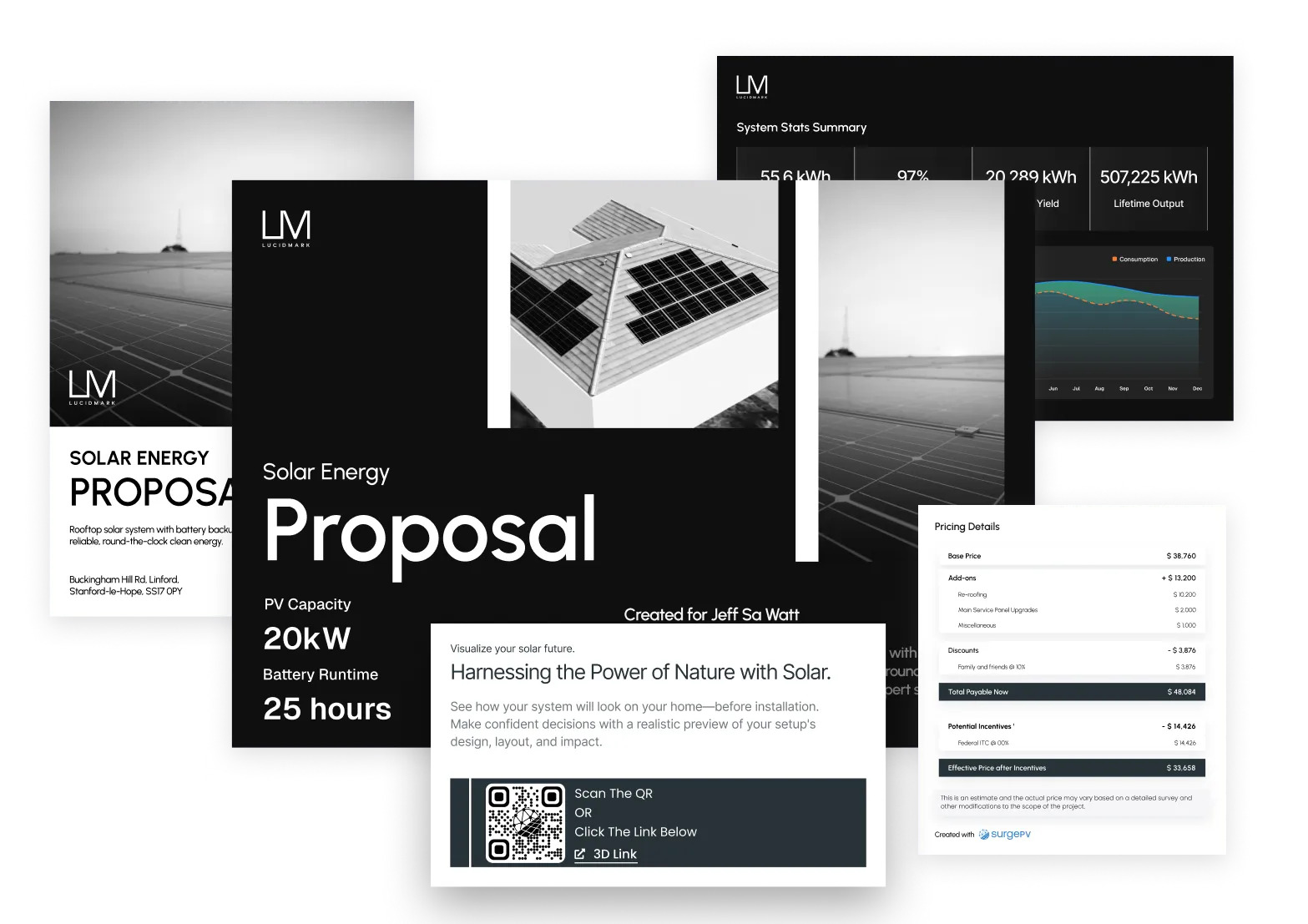
Branded, Interactive Proposals That Impress
Your logo, your colors, your templates. Every proposal looks like it came from your team - because it did.
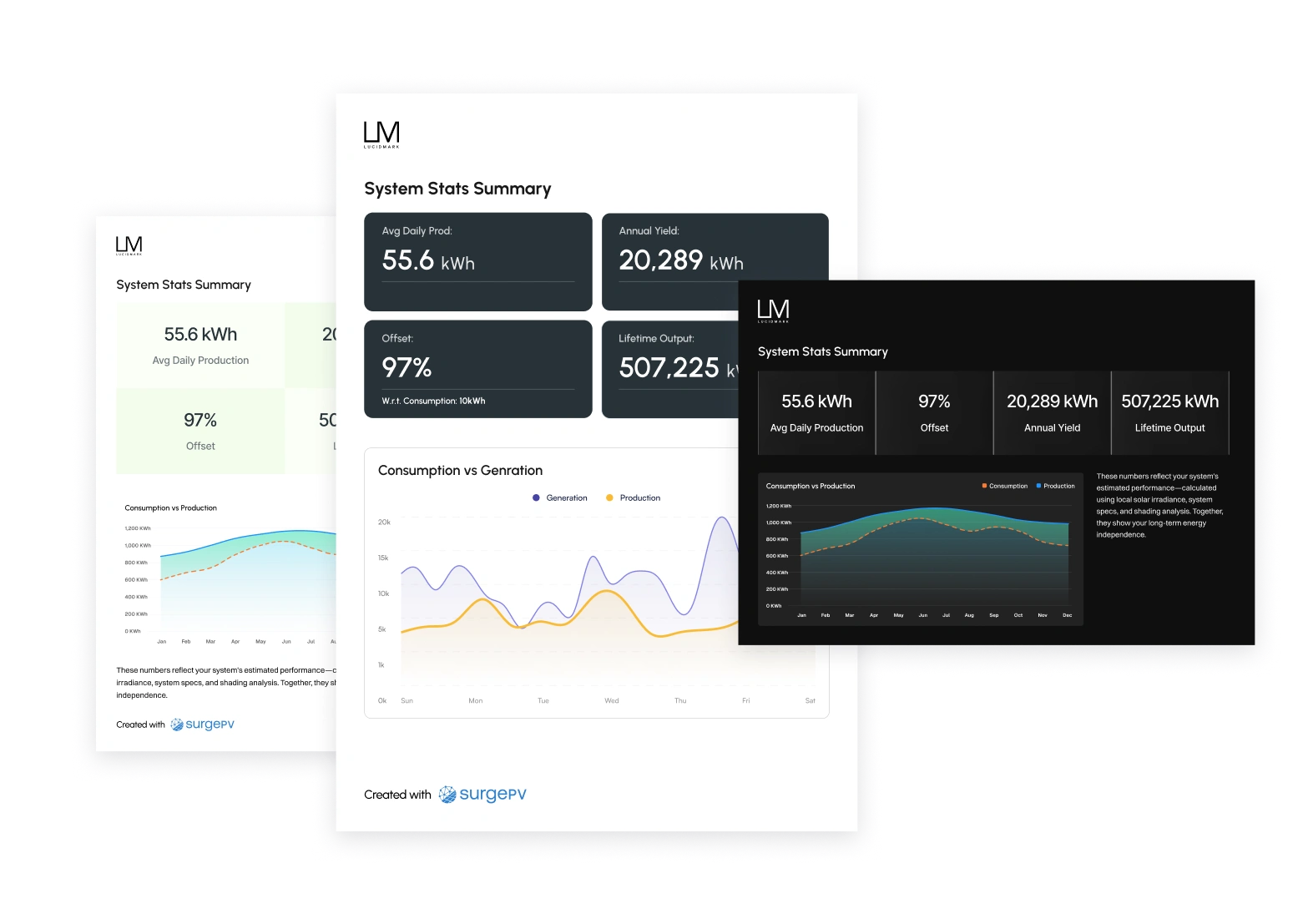
Customizable Design Templates
Control colors, logos, and layouts with flexible templates. Every proposal matches your brand guidelines - no design skills needed.
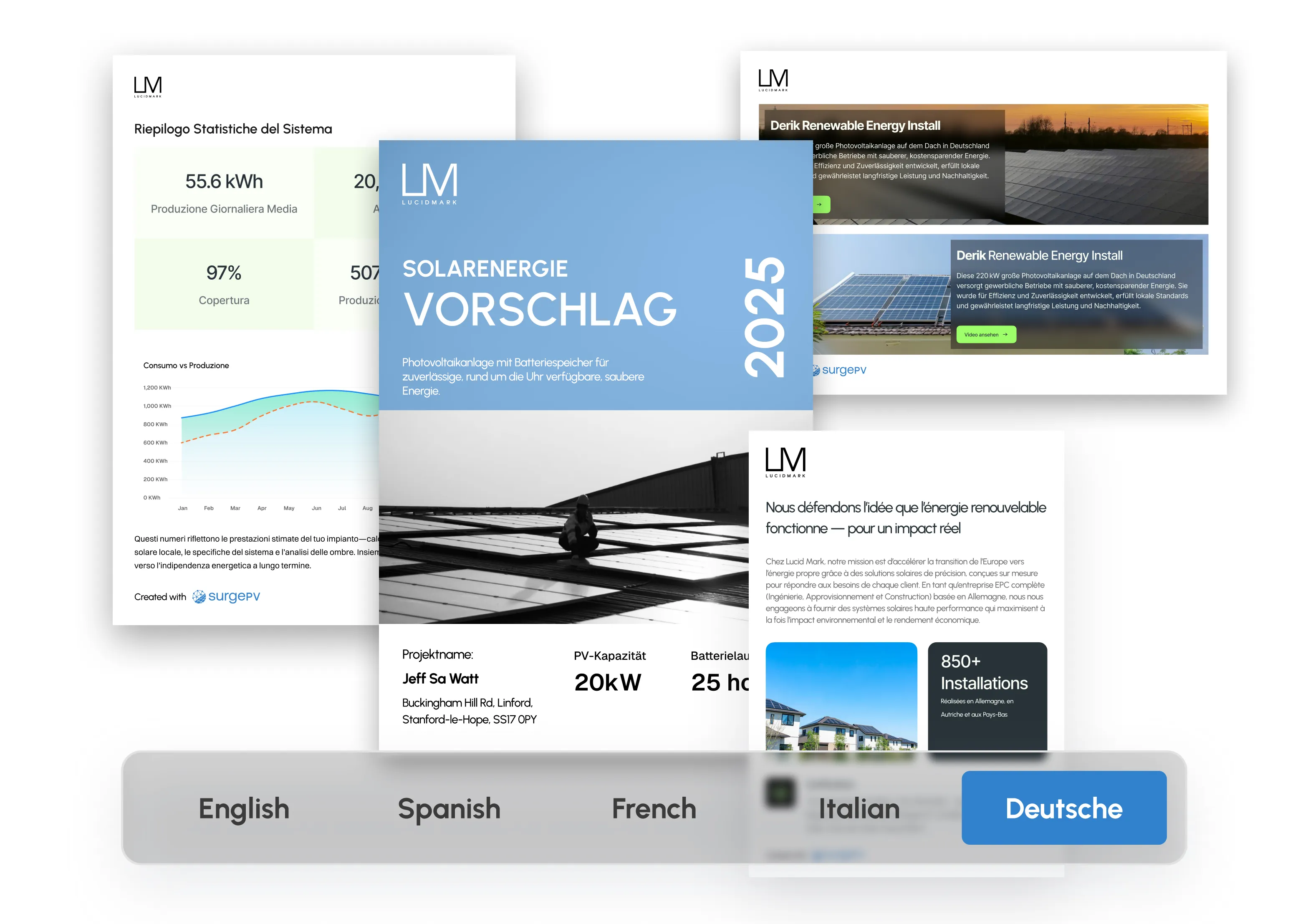
Multilingual Support
Built-in language options including Spanish localization. Serve diverse communities without extra translation costs.
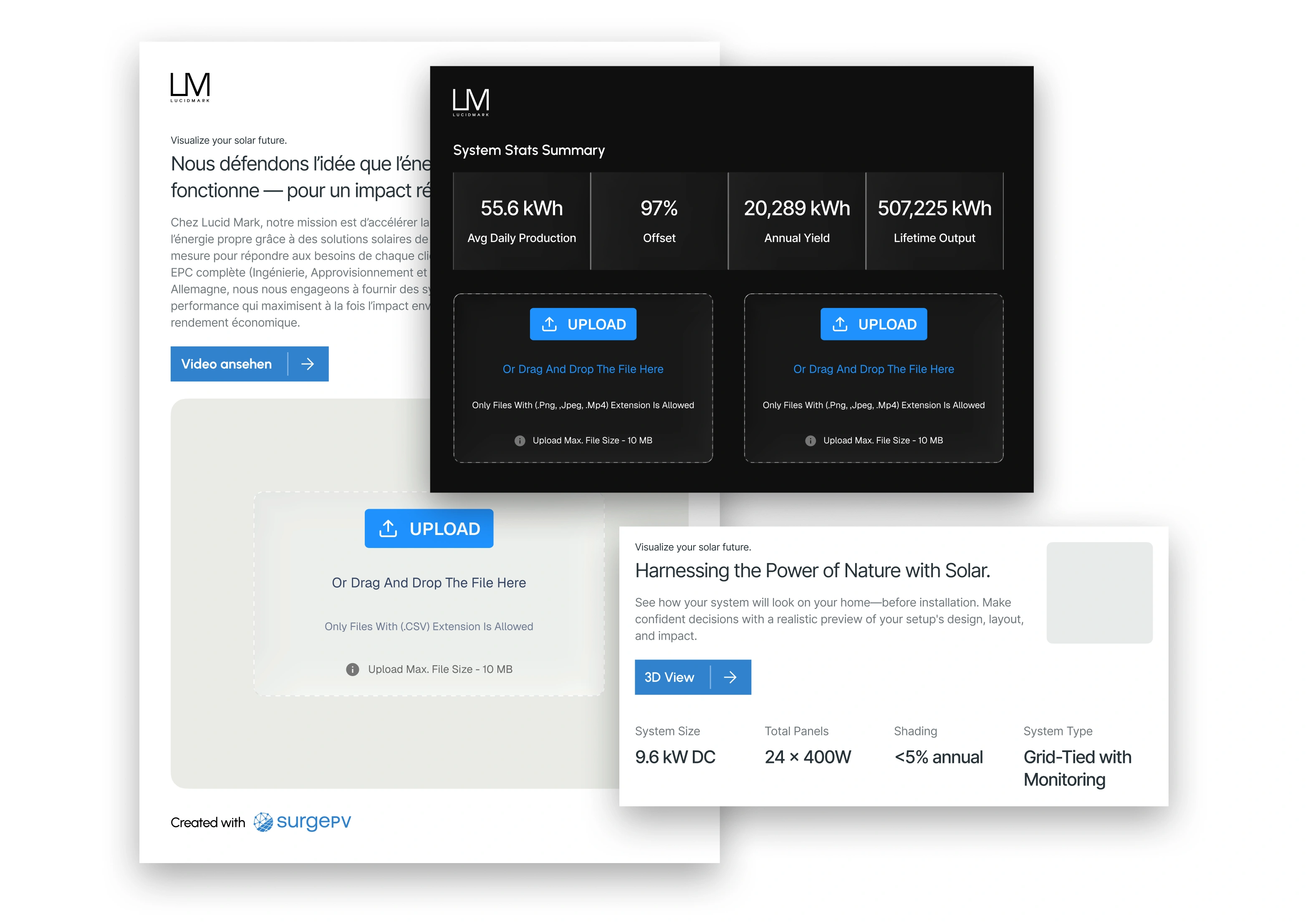
Document Integration
Upload supporting documents directly into proposals. All project information in one package - no separate attachments.
Client Tools That Speed Up Decision-Making
Choose a presentation format that the customer and other decision-makers can review. Keep the layout, equipment, projected savings and scope consistent across revisions.
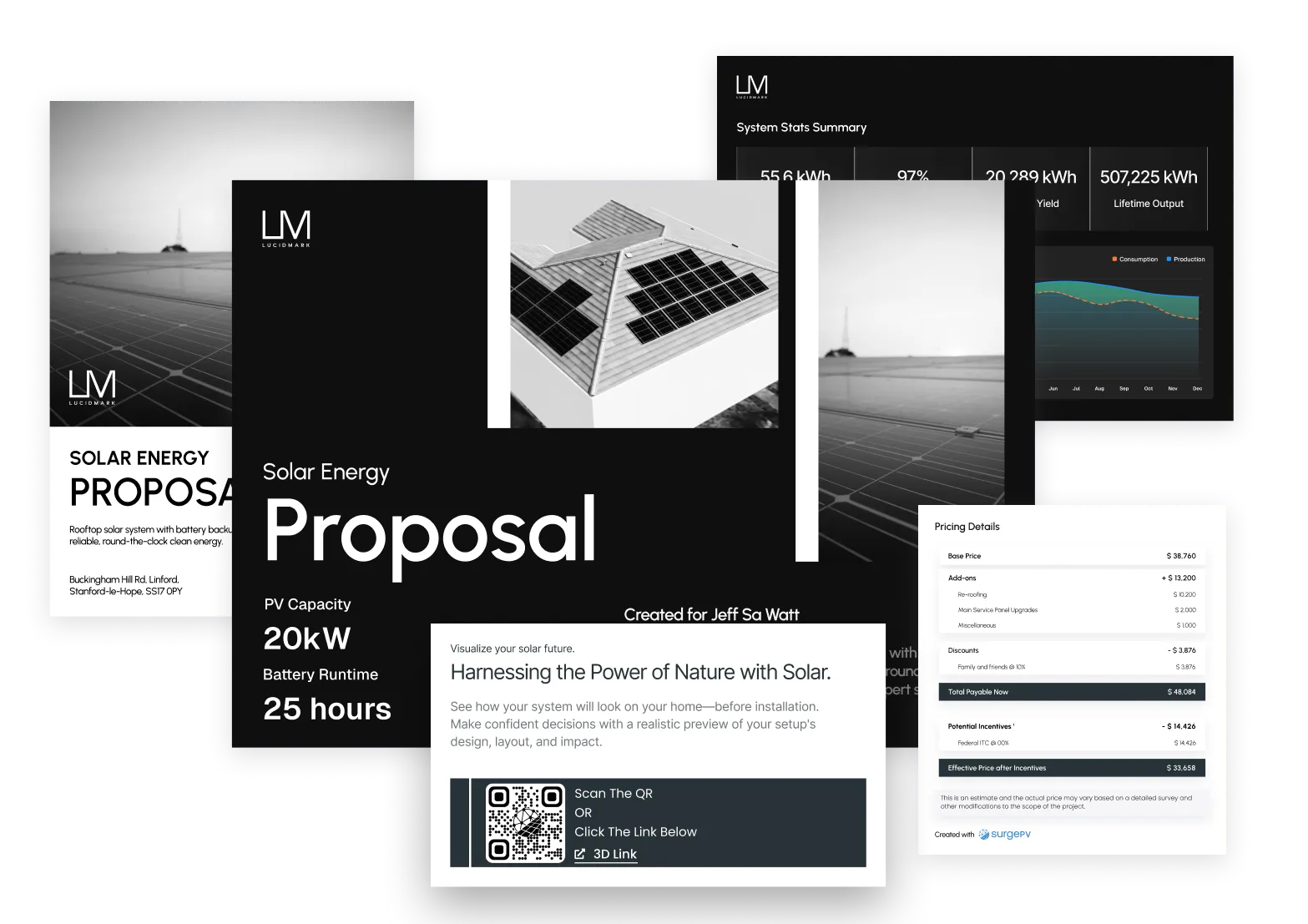
Web-Based Proposals
Share proposals as interactive web links. Clients access them on any device, anywhere - no printing, no PDFs lost in email.
Visual Design Showcase
Integrated 2D/3D visuals show clients exactly what their system looks like on their roof. Seeing is believing.
Shareable Reporting
Clients forward proposals to decision-makers with one click. Stakeholders review, approve, and you close - faster.
Crystal-Clear Financing That Builds Trust
Clients sign when the numbers make sense. Show them exactly what they save, how they pay, and when they break even.
Before-After Cost Comparison
Side-by-side visuals showing current vs. post-solar energy costs. Clients see the savings instantly - no spreadsheets needed.
Flexible Financing Options
Custom loans, PPAs, and lease options built into every proposal. Generate a budgetary quote matched to each client's situation and close more deals.
Incentive Management
Review incentive eligibility, applicable dates, discounts and tariff assumptions before including them in the quote. Confirm jurisdiction-specific requirements with the relevant authority.
Evidence-first evaluation
What Solar Professionals Say
SurgePV does not publish customer names, quotations, or performance outcomes without retained consent and substantiation. Use a representative project during a guided demonstration and validate workflow, outputs, assumptions, and fit against your own requirements.
Explore Further
Explore proposal preparation, useful tools and software evaluation guides.
Check the Proposal Before It Reaches the Customer
| Project information | What to verify |
|---|---|
| Design and equipment | Use the reviewed layout, system capacity, module and inverter selections, and a consistent bill of materials. |
| Production and savings | Identify the weather inputs, modeled losses, consumption profile and tariff assumptions behind the figures. |
| Price and payment | Check scope, exclusions, taxes, financing terms and incentive eligibility. Distinguish modeled savings from contractual promises. |
| Customer presentation | Review branding, language, attachments, revision date and the format the customer will receive. |
Follow the proposal preparation guide and connect the quote to its financial model. Bring your template and a representative project to the demo.
Evaluating other products? Use our software comparisons and each vendor's current documentation. See SurgePV pricing and seat requirements for the current public offer.
What should solar proposal software include?
Solar proposal software should auto-generate branded proposals with 3D system visuals, a complete BOM, energy production estimates, and financial analysis including payback, ROI, and financing options. SurgePV pulls all of this directly from the solar design — no re-entry or copy-paste.
How do I create a solar proposal that clients sign?
Prepare a branded proposal from the reviewed project inputs. Explain the layout, production assumptions, equipment, price and financing terms so the customer can compare options. Confirm who needs to review the proposal and agree the next step before sharing it.
What is the difference between solar quoting and solar proposal software?
Solar quoting software typically generates a price estimate. Solar proposal software creates a full client presentation with 3D visuals, financial projections, and equipment specs. SurgePV does both — it auto-populates quotes and transforms them into branded, interactive proposals in one click.
Frequently Asked Questions
What is the best solar proposal software in 2026?
Compare solar proposal tools using the same project, market requirements and purchased editions. SurgePV offers a guided review of its design-to-proposal workflow. HelioScope Pro publicly lists financial modeling and sales proposals. Confirm current pricing, region, output formats and handoffs directly rather than relying on a universal product ranking.
What should solar proposal software include?
A complete solar proposal should include: (1) branded cover with company logo and contact info; (2) system overview with 3D visuals or roof layout; (3) auto-generated Bill of Materials (BOM) with quantities; (4) energy production estimates by month; (5) financial analysis — payback period, ROI, NPV, IRR; (6) financing options (loan, PPA, cash); (7) incentives applied; (8) terms and next steps. SurgePV generates all of these automatically from the design.
Can I customize proposals with my branding?
Yes. Create organisation-level templates, choose an active default, edit supported page components, add new pages, and use project-bound placeholders plus reusable graph, table and image blocks. Branding includes your logo, colors and contact details.
What formats are proposals available in?
Proposals can be shared as interactive web links or exported as professional PDF documents. Both include 3D visuals, BOM, and financial summaries.
Are BOMs automatically generated?
Yes. The Bill of Materials pulls modules, inverters and optimizers from the design and batteries from the storage workflow. Teams can add custom items from their organisation library, maintain cost and selling prices separately, and choose whether item-level selling prices appear in the customer proposal.
Can clients view proposals on their phone?
Yes. Web proposals are fully responsive and work on any device — desktop, tablet, or mobile phone.
How does SurgePV compare to Aurora Solar for proposals?
Evaluate the purchased editions using the same representative project, customer template and financial assumptions. Compare output revisions, equipment and scope, tariffs, approval controls, delivery and CRM handoffs. Obtain current quotes with seat counts and billing terms. This page does not establish a universal accuracy, market-fit or price advantage.
What is the difference between solar quoting software and solar proposal software?
Solar quoting software generates price estimates, while solar proposal software creates full client presentations with 3D visuals, financial projections, and equipment specs. SurgePV combines both — auto-populating quotes and converting them into branded, interactive proposals in a single workflow.
What should I review before sharing a solar proposal?
Check site and equipment inputs, production assumptions, the quoted scope, financing terms and exclusions. Confirm the decision-makers and next step with the customer. Proposal software supports preparation and presentation; the customer decides whether and when to sign.
Design More. Sell More. Build More.
See how SurgePV connects solar design, simulation, financial analysis, and proposals in one workflow.
