Solar Design Tools for Installation Teams
Move from site information to a reviewed PV layout, materials list and customer proposal. Check roof measurements, equipment selections and required electrical outputs before the installation handoff. Keep assumptions and revisions available to the team responsible for the job.
Layout
Site and module review
BOM
Materials handoff
Review
Project approval requirements
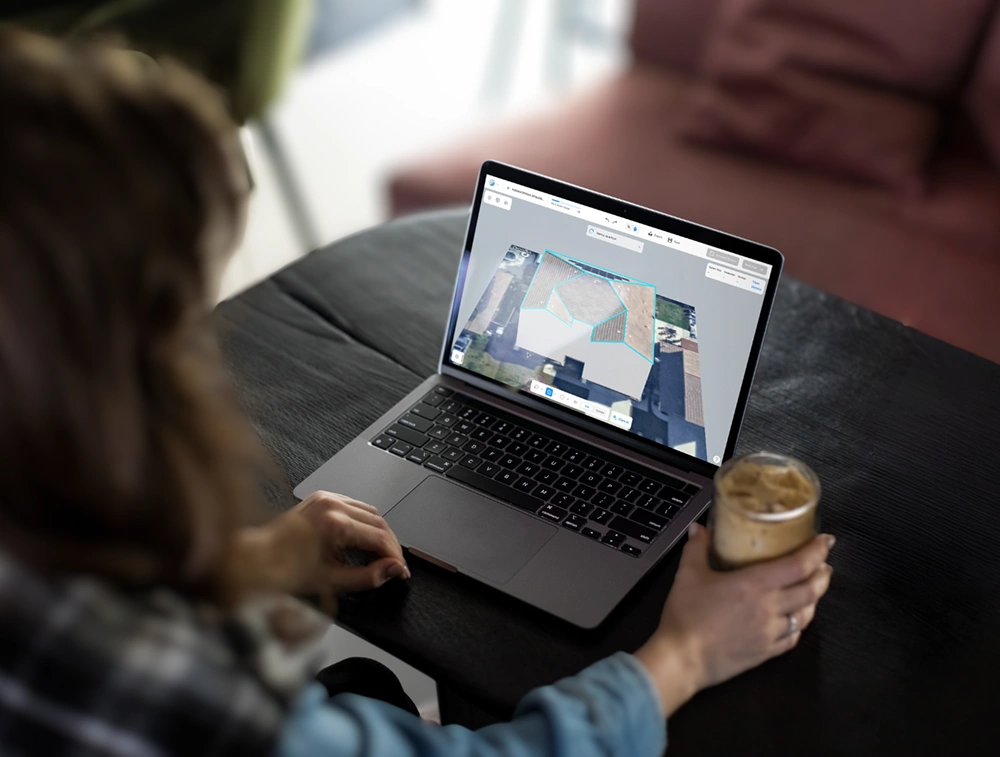
Sound Familiar?
The challenges that slow down every solar installation business - and cost you projects.
"I'm juggling 4+ tools for every project"
Switching between separate design, simulation, and proposal tools wastes hours - and mistakes slip through the cracks every time.
"I spend hours on layouts that should take minutes"
Manual layouts, hand-drawn SLDs, and spreadsheet BOMs eat up entire days - time you could spend closing the next deal.
"We keep going back to the roof to fix mistakes"
Missed shading or code issues mean truck rolls, rework, and angry customers - all because the design wasn't right the first time.
"New hires take months before they're productive"
Complex tools mean long onboarding. Every new designer you hire slows the whole team down for weeks.
One Platform, Every Installer Workflow
From rooftop modeling to final proposal - SurgePV replaces your entire tool stack with a single, intelligent platform.
Rooftop Modeling
Tackle every roof type - flat, pitched, or complex - with AI-powered modeling tools that generate faces, folds, and dormers accurately, cutting manual work and design errors.
- ✓ AI-generated roof geometry
- ✓ Google 3D, NearMap, Esri integration
- ✓ Dormers and multi-tilt support
Electrical Design
Optimize string sizing, integrate microinverters or optimizers, and calculate wire sizes - all while maintaining code compliance automatically.
- ✓ Review electrical inputs and required outputs
- ✓ Microinverter & optimizer support
- ✓ Built-in code compliance checks
Reporting & Proposals
Turn complex designs into detailed Bills of Materials and interactive proposals. Share irradiance maps, shading reports, and financial insights with clients.
- ✓ Auto-generated BOMs from designs
- ✓ Branded, shareable proposals
- ✓ Irradiance maps & financial reports
From Site Information to the Installation Handoff
Four steps to replace your entire design-to-proposal workflow - all from a single cloud platform.
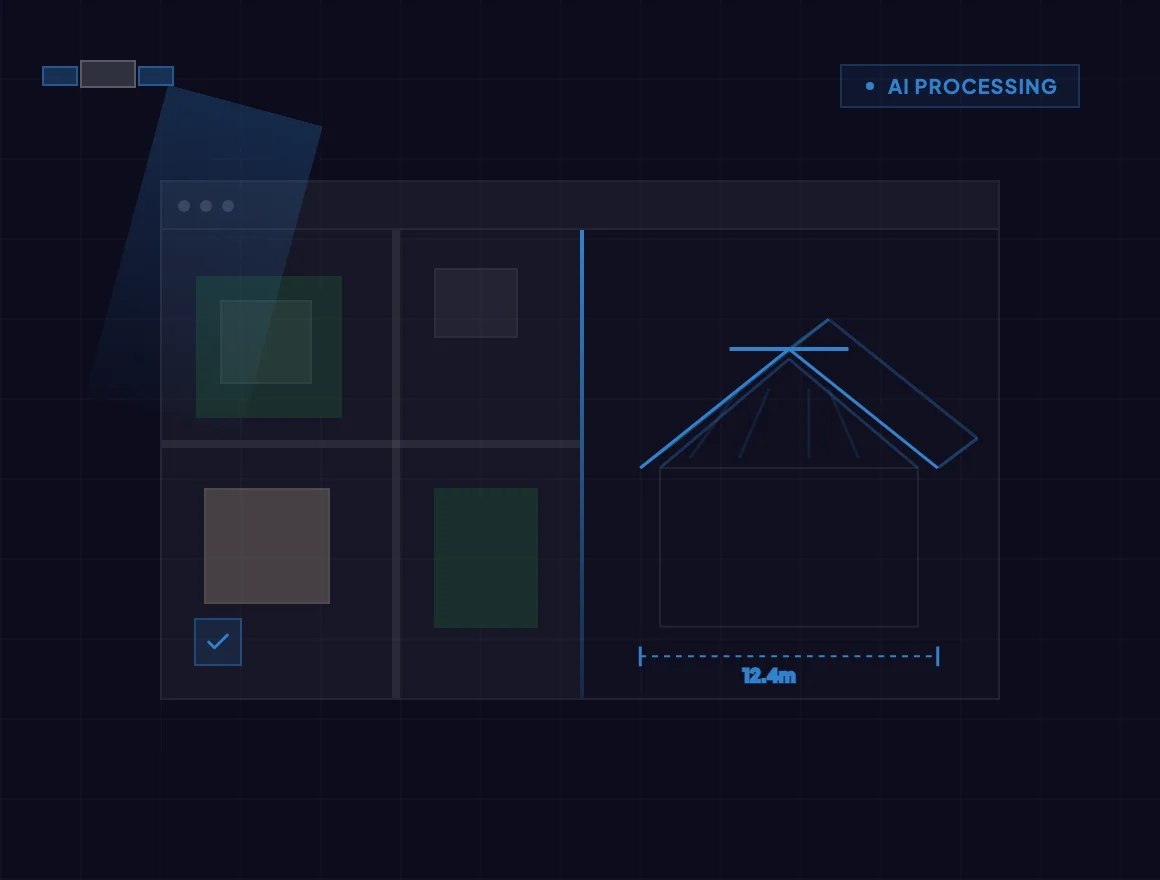
Model the Roof
Import available imagery, then verify roof dimensions, planes and obstructions before generating the layout.
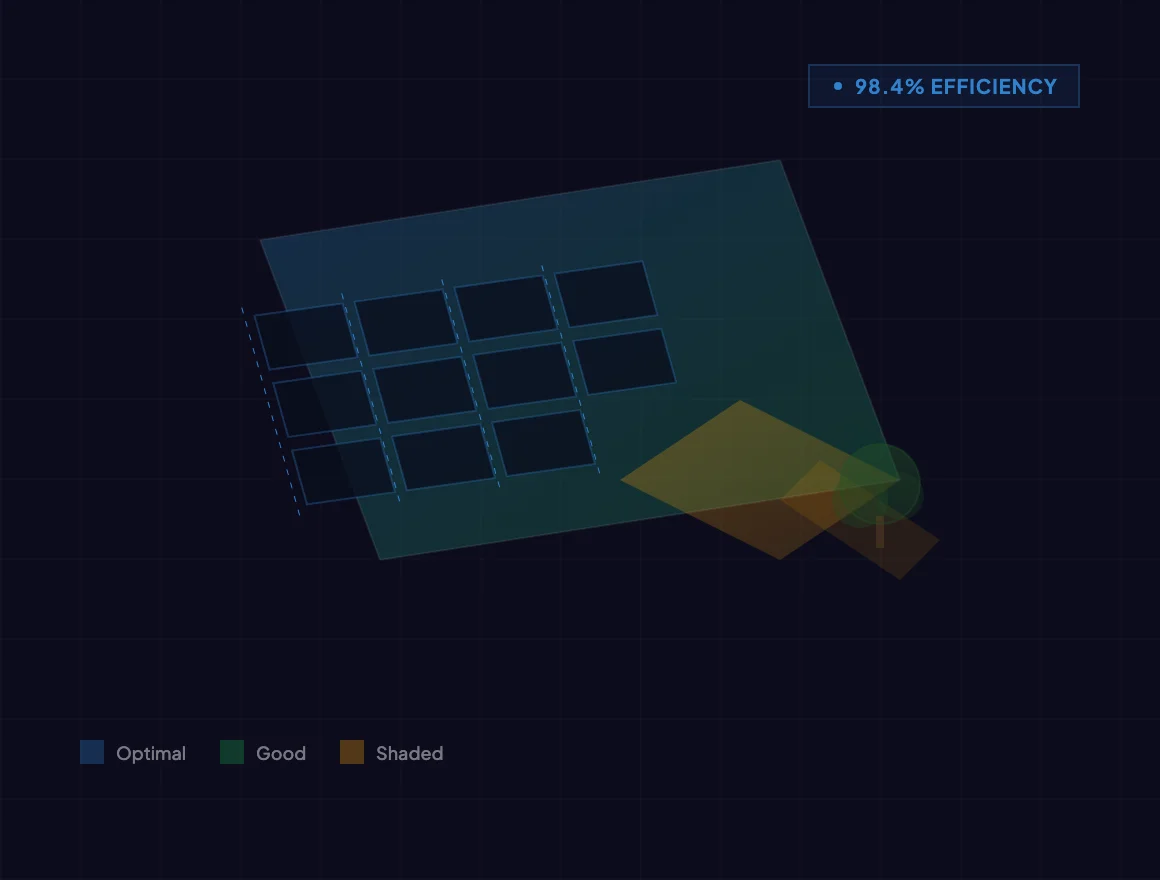
Design the Layout
Place panels automatically or manually, run shading analysis, and optimize for maximum energy output.
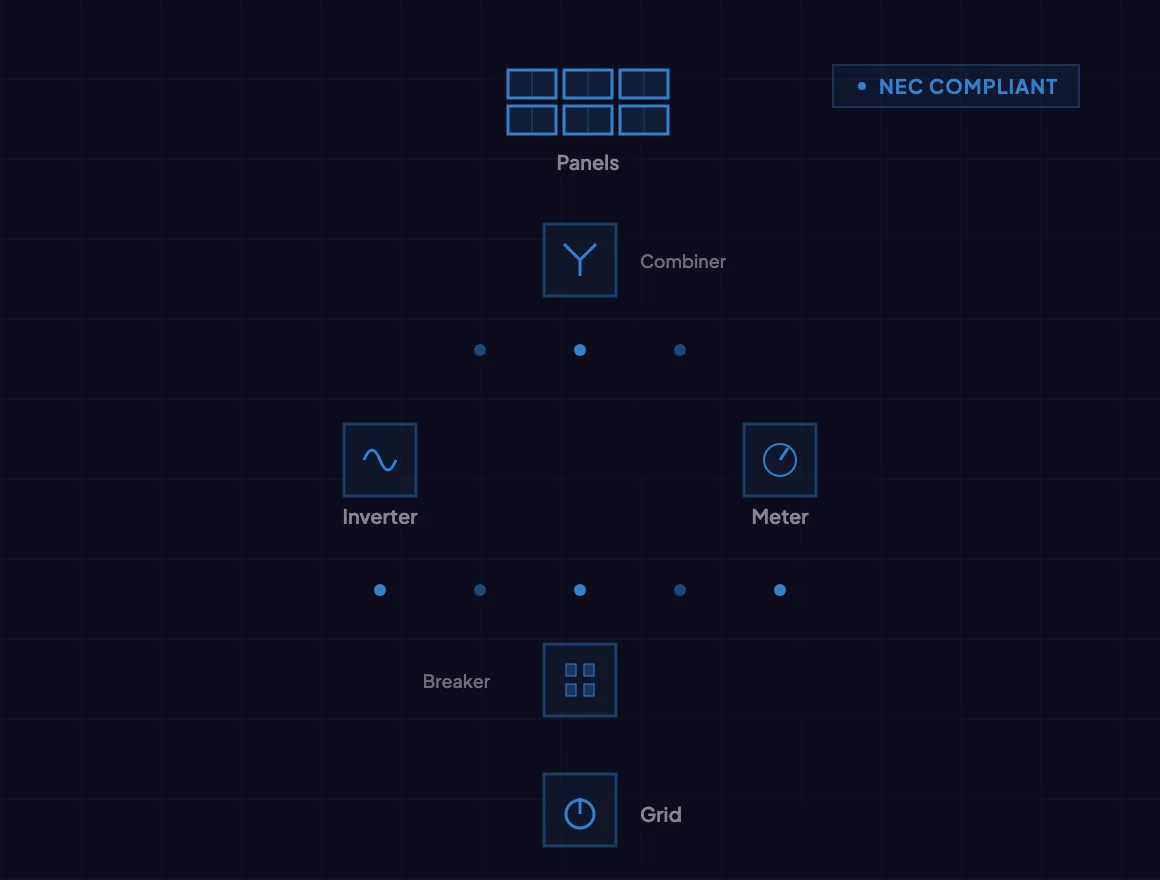
Generate Electricals
Review SLDs, string sizing and conductor calculations against equipment specifications and applicable local requirements.
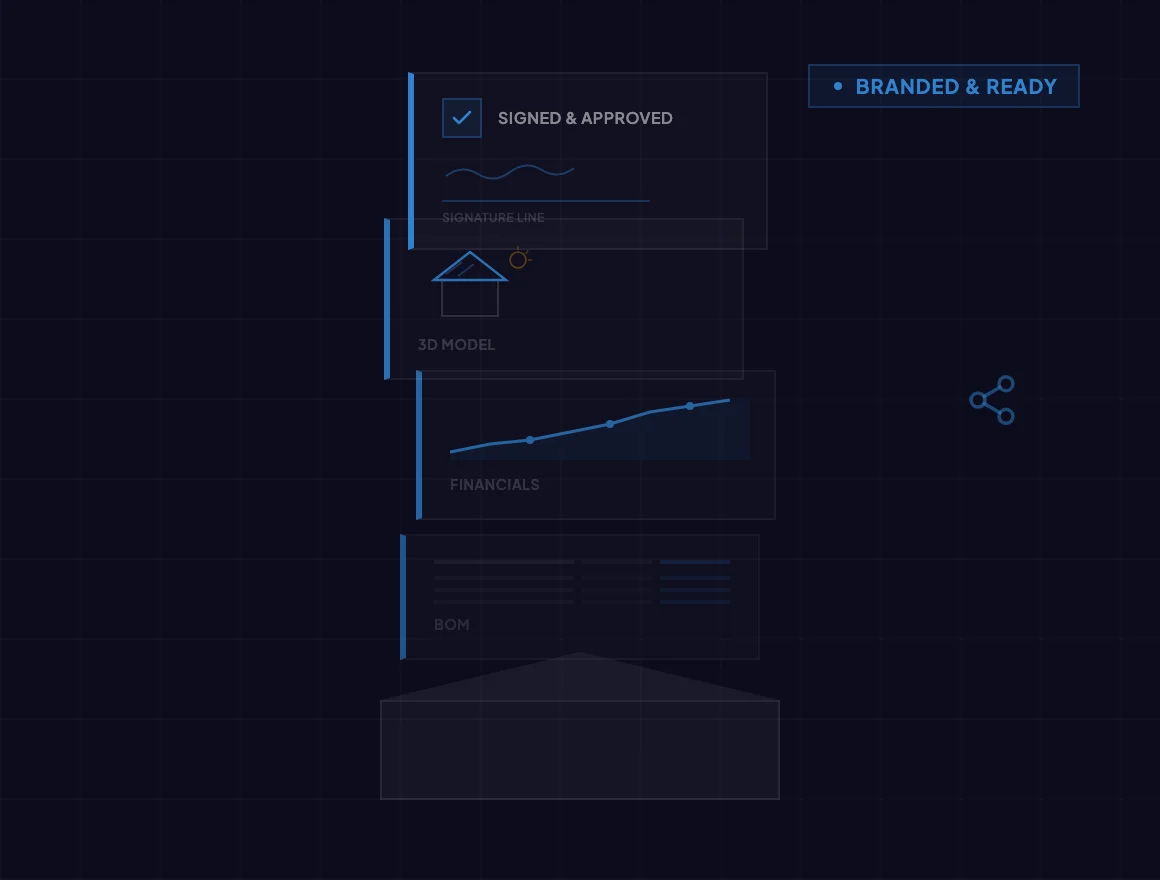
Send the Proposal
Generate a professional, branded proposal with BOM, financials, and 3D visuals - share it before you leave the site.
Evidence-first evaluation
Trusted by Installers Worldwide
SurgePV does not publish customer names, quotations, or performance outcomes without retained consent and substantiation. Use a representative project during a guided demonstration and validate workflow, outputs, assumptions, and fit against your own requirements.
What software do solar installers use?
Solar installers typically use a mix of CAD tools, shading simulators, spreadsheet BOMs, and proposal generators. SurgePV replaces all of these with one solar software platform — combining AI roof modeling, shading analysis, financial modeling, and branded proposals so teams design faster and close more deals.
How do solar installers design systems faster?
Automate repeatable layout and documentation steps, then review the results against site measurements and equipment requirements. Measure the time needed for your own representative project, including revisions and approval.
Can one tool replace AutoCAD for solar design?
Check the required drawings, export formats and revision process before replacing a current tool. Structural, architectural and authority-specific deliverables may require separate tools and professional review.
Project Evaluation Questions
What should an installer bring to the demo?
Bring a site address, verified dimensions, module and inverter selections, required drawings and an example proposal. Use the same project to check the design, documentation and customer handoff.
How should I review the bill of materials?
Reconcile quantities and selections against the reviewed layout, electrical configuration, site requirements and purchasing specifications. A generated list still needs project review.
Does software output replace engineering approval?
No. Check local requirements and obtain the professional and authority reviews required for the project before construction.
Design More. Sell More. Build More.
See how SurgePV connects solar design, simulation, financial analysis, and proposals in one workflow.
