

Quick answer
Often yes: residential tools centre on fast roof design and homeowner proposals, while commercial work adds larger systems, demand charges, depreciation and engineering documents. Several tools say where they stop, such as OpenSolar's 500 kW advice for 3D designs. If your pipeline crosses both, check each tool's stated limits. Vendor pages checked October 2026.
SurgePV publishes this page and is a vendor in this category. SurgePV is named alongside other tools, and its entry uses only its published scope and pricing. The facts here come from vendor and help-center pages, checked October 2026. Last checked: 28 October 2026.
Work across residential and commercial?
Run one rooftop home and one larger commercial project through SurgePV in a guided demo and see where the workflow holds.
Book a Free DemoChecking cost first? See the SurgePV pricing page.
Do residential and commercial solar need different software?
Often, yes, but the line is set by each tool, not by the segment. Vendors publish where their tools stop, and those stated limits are the best guide. The table below uses only what vendors say about themselves.
| Question | Residential-focused | Commercial or larger-scale |
|---|---|---|
| Who it serves | Aurora Basic: “all the essential tools for residential design and sales” | PVcase Roof Mount: C&I designers; Energy Toolbase: commercial developers |
| Size guidance | OpenSolar: keep 3D designs under 500 kW | RatedPower: utility-scale plants |
| Permit documents | Solargraf self-service permit set: residential rooftop PV and storage | Solargraf self-service: commercial and ground mount not supported |
| Money model | Proposals with payback and financing | Aurora commercial adds depreciation (MACRS, straight-line or none) and O&M; ETB models demand charges |
| Electrical drawings | Aurora SLD editor “only available in Europe”; Instant Plan Sets are US residential | PVcase exports SLDs and bills of materials from Ground Mount and Roof Mount |
What do residential solar tools focus on?
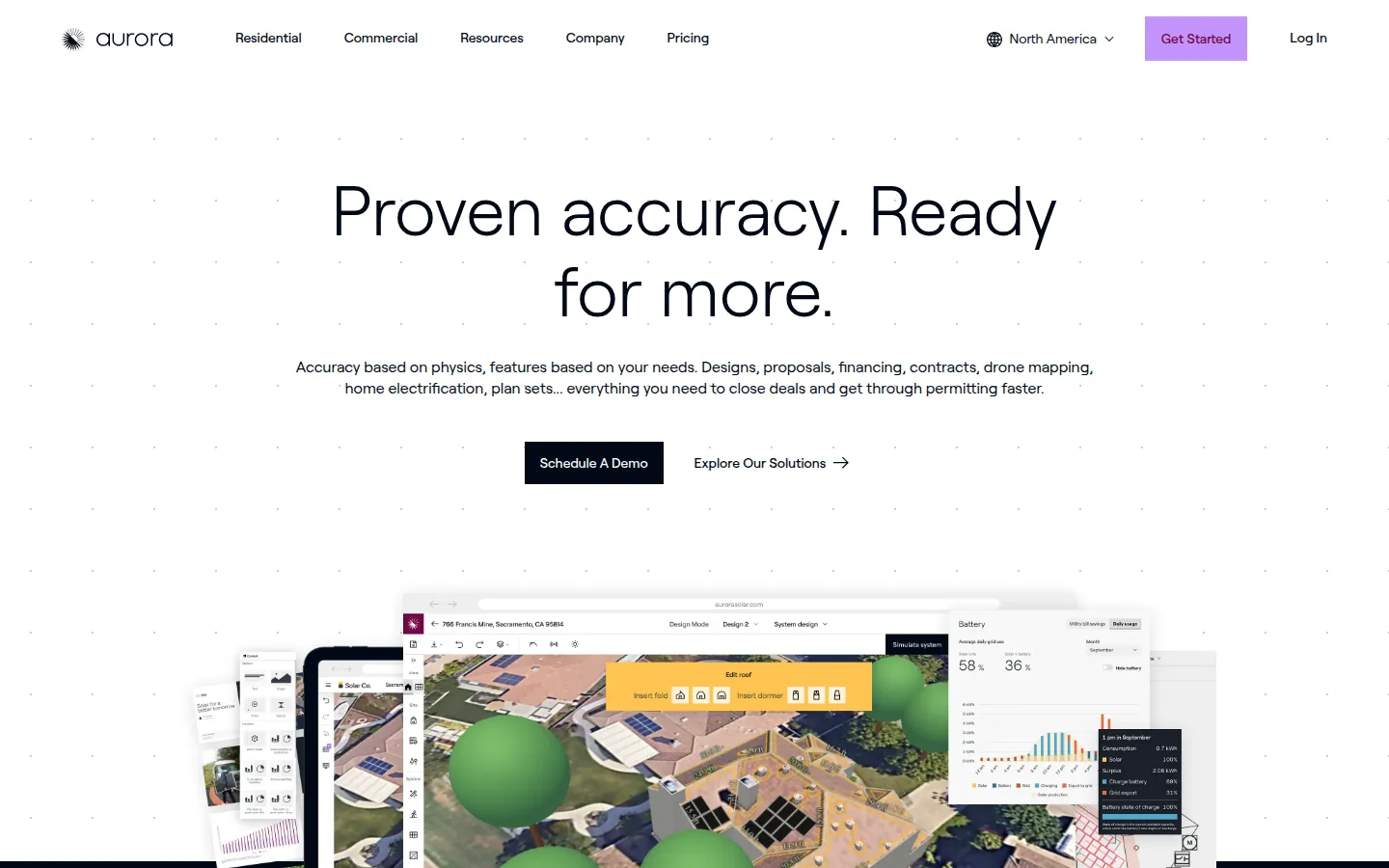
Residential tools are built for speed from address to proposal, and for selling at the kitchen table. Aurora’s pricing page describes Basic as having “all the essential tools for residential design and sales”, with automated panel placement and Sales Mode proposals.
- Solargraf’s help center describes an Express Editor so a salesperson can change panels, battery, pricing and financing during a homeowner meeting (guide).
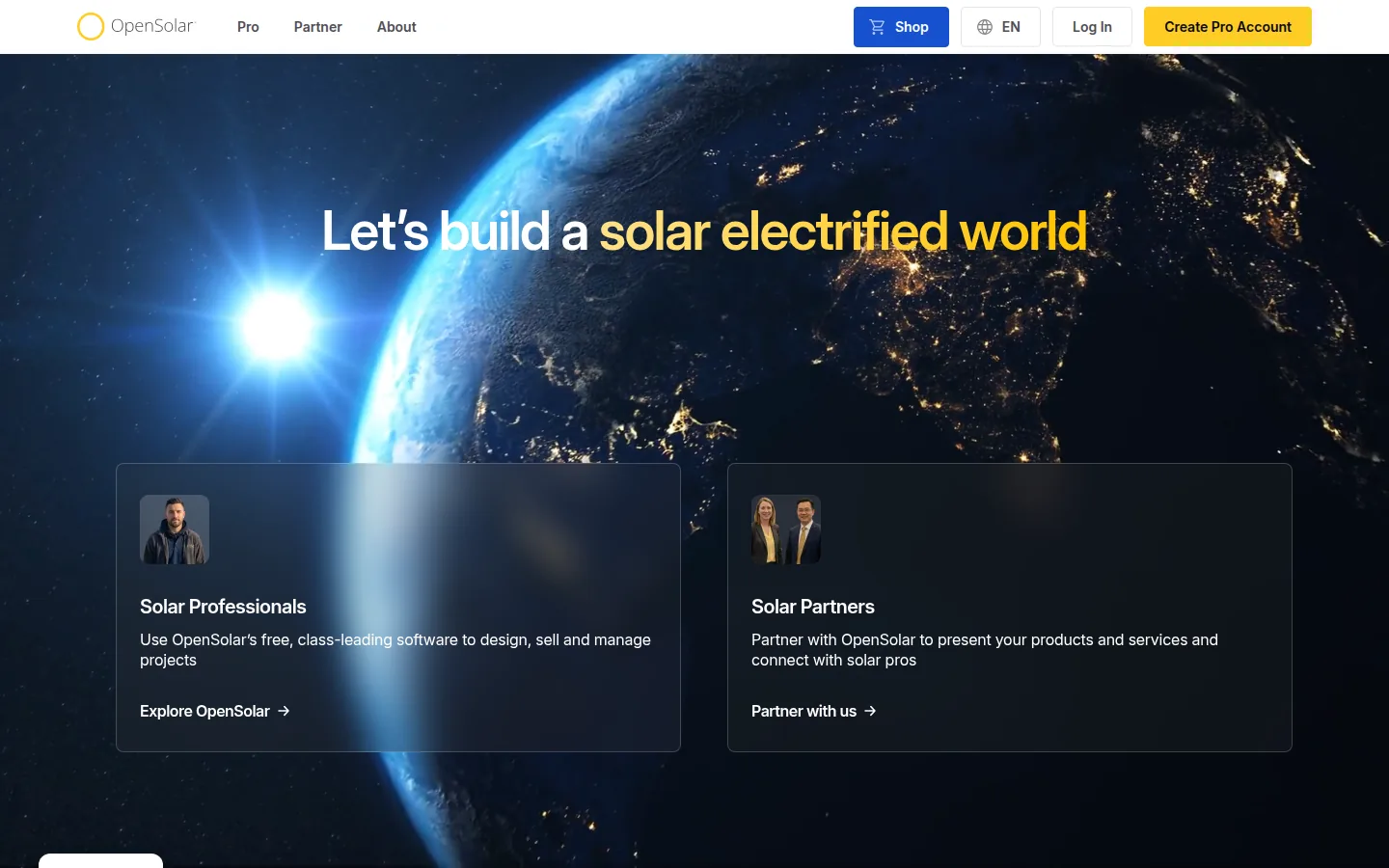
- OpenSolar lists design, proposals, payments and a project tracker, with core software free per the vendor (Free page).
What do commercial solar tools add?
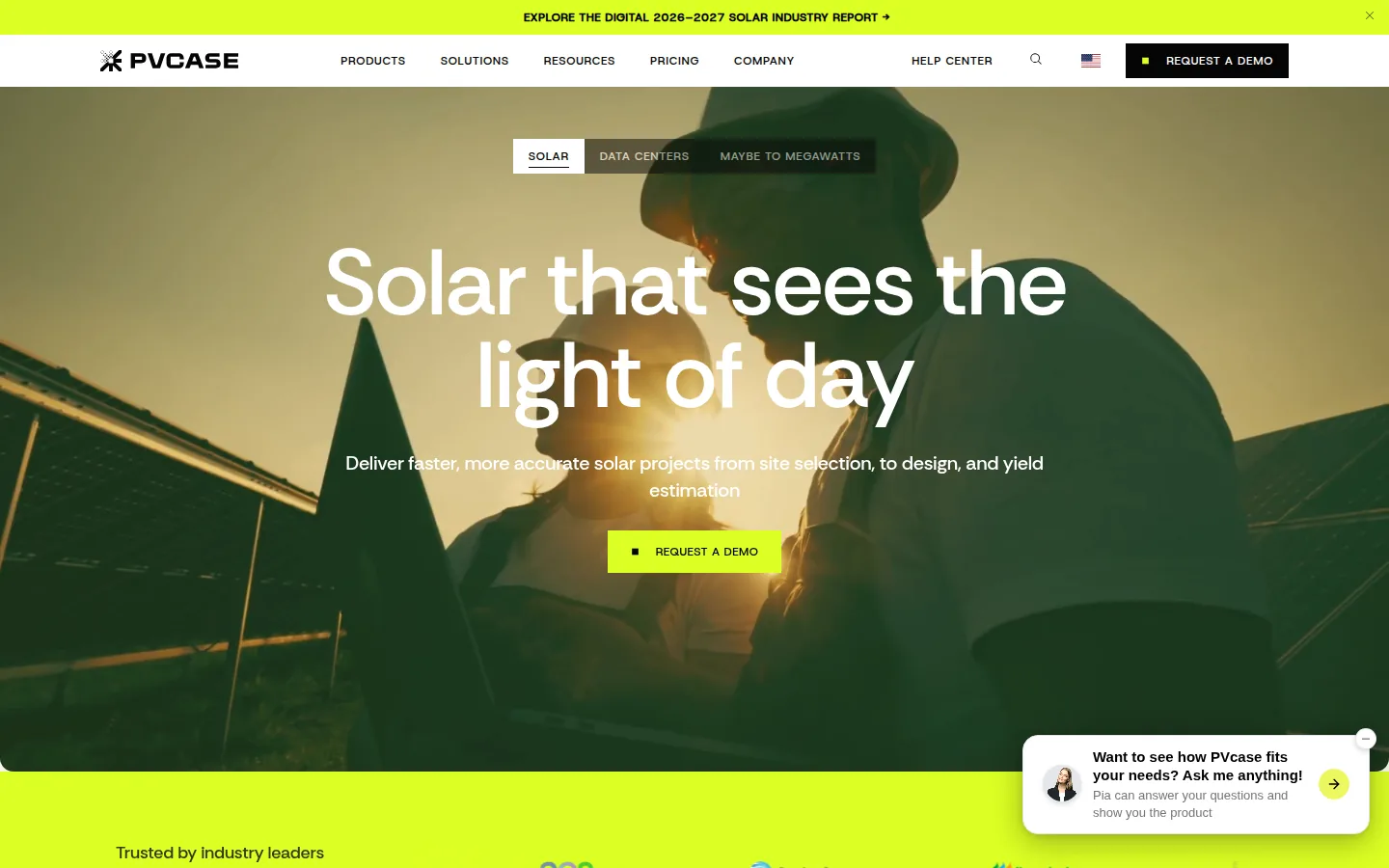
Commercial tools add large-roof rules, electrical engineering, finance and rate modeling. PVcase Roof Mount lists setbacks, parapets, no-go zones, stringing, cable sizing and voltage drop, SLD export and a BOM (Roof Mount plans). Energy Toolbase lists utility rate modeling, demand charge simulation and storage (ETB Developer).
Aurora’s financial analysis help says commercial projects add depreciation (MACRS, straight-line or none) and O&M costs to payback, NPV, IRR and LCOE. Two terms: NPV (net present value) discounts future cash flows to today, and IRR (internal rate of return) is the annual return the project earns.
Where do the tools stop?
Each vendor draws its own line, and the lines do not match. Use the vendor wording below when you shortlist.
| Tool | Stated edge | Source |
|---|---|---|
| OpenSolar | Recommends 3D designs under 500 kW; modeled up to 5 MW by reducing simulation work | OpenSolar help |
| Solargraf | Self-service permit tool excludes ground mount, commercial, carport, three-phase | Permit FAQ |
| Aurora Solar | Instant Plan Sets for US pitched-roof residential; HelioScope listed under Commercial | Instant Plan Sets |
| RatedPower | Utility-scale; rooftop work “better served” by other tools | Software guide |
| PVcase | Utility-scale (Ground Mount) and C&I roofs (Roof Mount); needs AutoCAD | Pricing plans |
| SurgePV | Lists roof modeling, layout, shading, yield, finance, electrical workflow, BOM, proposals; no size limit is published | SurgePV pricing |
Is your project mix in range?
Bring your largest typical commercial project and a standard home to a SurgePV demo, and ask what the scope covers for each.
Book a Free DemoGuided demo. SurgePV does not advertise a self-serve trial. No credit card is needed for the demo.
- Recommended 3D design size500 kW
- Maximum modeled size5,000 kW
Source: OpenSolar help center article on commercial projects, checked November 2026.
How do costs differ?
Published prices do not split by segment, so cost depends on the tool, not the project type. OpenSolar’s core is free per the vendor with paid add-ons, Aurora lists $135 to $220 per user per month billed annually (Basic, Premium), PVcase and RatedPower publish no price, and SurgePV lists $1,899 per user per year for one user, $1,499 per user for 3 seats and $1,299 for 5 seats (all checked October or November 2026).
Who should pick which?
- Residential only: a residential-focused tool; compare Aurora and OpenSolar by plan, and check Solargraf if you want a permit set.
- Mixed pipeline: shortlist tools whose stated limits cover your largest typical job, so you do not run two stacks. Check what each does for electrical drawings and finance.
- Commercial or utility-scale: look at tools named for that work, such as PVcase, RatedPower or Energy Toolbase, and keep a proposal tool if you need one.
Bottom line
Do not assume a tool covers both segments; read where it says it stops. For a mixed pipeline, book a SurgePV demo and bring your largest typical commercial job, or review pricing. For deeper lists, see commercial solar design software and residential solar software.
Sources
Pages read on 28 October 2026. SurgePV facts from its pricing page, checked November 2026.
- Aurora pricing and financial analysis: Basic scope, commercial finance.
- OpenSolar commercial help: 500 kW guidance.
- Solargraf permit FAQ: supported systems.
- PVcase Roof Mount: C&I features.
- RatedPower software guide: utility-scale fit.
- ETB Developer: rate and demand charge modeling.
- SurgePV: pricing.
Frequently asked questions
Do I need different solar software for residential and commercial projects?
Often, but it depends on each tool’s stated limits. OpenSolar recommends 3D designs under 500 kW, and Solargraf’s permit tool excludes commercial systems (vendor pages, October 2026). Check where your largest job falls.
What makes commercial solar software different from residential?
Commercial tools add large-roof rules, electrical drawings, rate and demand charge modeling, and finance such as depreciation and O&M costs. Residential tools centre on fast design and proposals (vendor pages, October 2026).
Can OpenSolar handle commercial projects?
With limits. OpenSolar’s help center recommends 3D designs under 500 kW and says users have modeled up to 5 MW by reducing simulation work, with possible slow runs and save errors (OpenSolar, October 2026).
Can Aurora Solar handle commercial projects?
Aurora lists commercial financial inputs such as depreciation and O&M costs, but its site menu lists HelioScope, a separate Aurora product, under Commercial. Instant Plan Sets cover US residential systems (Aurora, October 2026).
Is commercial solar software more expensive?
Not by segment, per published pages. OpenSolar lists free core software, Aurora $135 to $220 per user per month billed annually, SurgePV $1,299 to $1,899 per user per year, while PVcase and RatedPower publish no price (October to November 2026).
What is NPV and IRR in solar proposals?
NPV is net present value, which discounts future cash flows to today. IRR is internal rate of return, the annual return a project earns. Aurora’s financial analysis help lists both with payback and LCOE (Aurora, October 2026).
