


This page is for designers and installers sizing stand-alone and hybrid solar systems. Short answer: HOMER Pro to optimize an off-grid or microgrid system, and PVsyst for a loss-of-load result on a stand-alone PV system.
Look at HOMER Pro to optimize a stand-alone or microgrid system hour by hour. Stand-alone means off-grid, not connected to the utility grid. Look at PVsyst for a loss-of-load probability on a stand-alone PV system. PVsyst defines this as “the probability that the user’s needs cannot be met”. Look at PV*SOL for off-grid energy management in a Windows program. It handles a backup generator and load shedding (switching off less important loads when energy runs short).
SMA Sunny Design lists off-grid design in its free registered tier. BlueSol lists days of autonomy. It also lists an automatic single-line diagram (a simple drawing of how the system is wired). PVsyst defines autonomy as “the period during which the load can be met by the battery alone, without any solar input”. SurgePV’s published scope covers roof modeling, layout, shading, yield, financial modeling and proposals. It does not list battery autonomy, so pair it with a simulator.
This is a desk comparison of what each vendor publishes, checked October 2026. We have not run side-by-side tests. SurgePV publishes this page and is one of the 9 tools on it.
Criteria used: stand-alone support the vendor documents, battery and generator modeling, loss-of-load or autonomy output, and published price and trial access. The last criterion is delivery (browser or Windows install).
This list covers 9 tools. Grid-tied (connected to the utility grid) design tools such as Aurora Solar and HelioScope are not compared here. For those, see our solar design software list. Where a vendor page we read does not describe a stand-alone feature, we say “not described on the pages read”. The feature may still exist.
Designing the roof side of an off-grid project?
Book a guided demo and bring a site with its roof layout and load details. SurgePV covers roof modeling, layout, shading, yield and proposals; ask about battery autonomy.
Book a Free DemoChecking cost first? See the SurgePV pricing page.
Best-For Picks by Use Case
- Optimizing an off-grid or microgrid system across solar, batteries and generators: HOMER Pro. Its page says it simulates a hybrid microgrid for a year in time steps from one minute to one hour. It also has an optimizer and sensitivity analysis.
- Stand-alone and pumping systems with a loss-of-load result, on Windows: PVsyst. Its product page lists stand-alone and pumping systems. Its documentation defines the loss-of-load probability for stand-alone systems.
- Off-grid with a backup generator, load shedding and 3D shading: PV*SOL. Its help documents off-grid energy management between PV, battery and an auxiliary generator. Its product page documents shading from 3D objects.
- Free web planning of off-grid and hybrid systems: SMA Sunny Design. The vendor says it is free of charge. The registered tier lists “Design of off-grid & PV hybrid systems”.
- Off-grid design with electrical documentation: BlueSol. Its feature list includes “Stand-Alone systems” and “Days of autonomy for stand-alone system”. It also lists automatic single-line diagrams.
Comparison Table
Listed alphabetically. This is not a ranking; pick by the situation above.
| Tool | Best for | Price (checked October 2026) | Free or paid | Off-grid scope fact |
|---|---|---|---|---|
| BlueSol | Stand-alone design with schematics | 590,00 EUR, price excluding tax, download only (cadwareshop.com) | 15-day free trial with all features, then paid | Lists “Stand-Alone systems” and “Days of autonomy for stand-alone system”; Windows |
| HOMER Pro | Optimizing off-grid and microgrid systems | Single-user license: Base $187.50 per month or $1,575 billed annually; Professional $373.50 per month or $3,100 billed annually; Expert $568.50 per month or $4,650 billed annually (homerenergy.com) | Free trial offered (“Try It Free”), then paid | Simulates a year in time steps of one minute to one hour; solar, batteries, diesel generators in the base license |
| OpenSolar | Design and proposals that include batteries | Core app “100% Free of charge”; API Access and connectors charged from 16 April 2026 (opensolar.com) | Core app free | Help article on off-grid design (export limit 0 kW, off-grid proposal template); autonomy simulation not described on the pages read |
| Photonik | Free early-stage load table and sizing | Pro: “$0 (FREE designs - pay for solar leads on demand)”; pricing page: “currently free of charge for all users” (photonik.solar) | Free of charge today | Pro lists “Off-grid design”; the site has an off-grid load table; autonomy simulation not described on the pages read |
| PV*SOL | Off-grid with generator, load shedding, 3D shading | 845.00 EUR plus VAT per named-user license for 1 year, PV*SOL premium (valentin-software.com) | 30-day free trial (no report printing or saving), then paid | Help documents off-grid systems with battery, auxiliary generator and load shedding; Windows 10 or 11 |
| PVsyst | Stand-alone and pumping with loss of load | CHF 700 per year, PVsyst 8 Professional (pvsyst.com) | One-month free trial, then paid | “Standalone systems” and “Pumping systems” listed; loss-of-load probability defined; Windows only |
| SAM | Free study of grid-connected PV with a battery | Free; a free software key is sent by email (sam.nlr.gov) | Free of charge | PV-battery model “couples a grid-connected photovoltaic system to a battery bank” |
| SMA Sunny Design | Free web planning of off-grid and hybrid systems | “You can use Sunny Design free of charge”; Sunny Design PRO 600 EUR per year, net (sma.de) | Free; PRO has a month-long free trial | “Design of off-grid & PV hybrid systems” in the registered and PRO tiers |
| SurgePV | Roof layout, shading, yield and proposals | $1,899 per user per year (1 user); see /pricing | Paid; guided demo, no self-serve trial | Published scope does not list battery autonomy or off-grid sizing |
Every price above was read on the vendor’s own page in October 2026. Taxes, discounts and plan limits change. So confirm them with the vendor before you buy.
Tool Entries
Listed alphabetically. This is not a ranking; pick by the situation above.
BlueSol
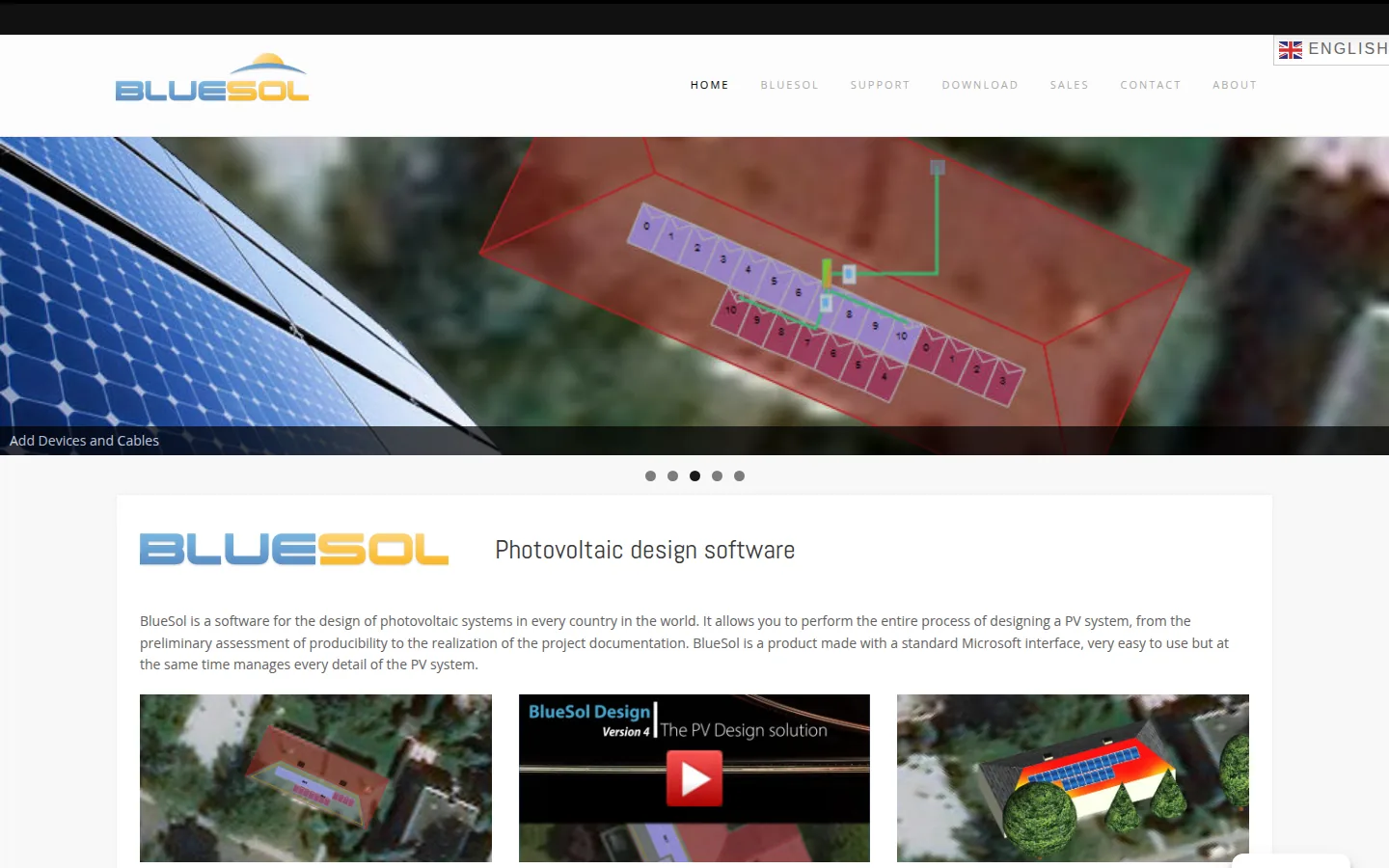
BlueSol Design is a Windows program from CadWare S.r.l.
Best for: designers who want stand-alone system design and the electrical documentation in one desktop program.
Not the right choice if: you work on a Mac or in a browser. The features page lists Windows 7 to Windows 11. It says macOS is supported “through the use of a virtual machine running Windows”.
What the vendor documents: the product page lists stand-alone systems and grid-connected systems with AC-coupled or DC-coupled battery storage. The features page lists libraries (archives) of batteries, inverter-chargers and consumption profiles. An inverter changes direct current (DC) to alternating current (AC). The page lists checks on the coupling between the battery bank and the inverter-charger. It also lists far and near shading loss calculation and “Days of autonomy for stand-alone system” in the results. It lists automatic single-line electrical schemes with DWG and DXF export (file formats for drawing programs). Reports are editable Word documents.
Price (checked October 2026): 590,00 EUR, “price excluding tax”. It is sold as a download with an activation code. The download page offers a 15-day trial with all features and no restrictions.
Limitations: the pages we read do not describe generator modeling. The software is offered in English, Italian, Polish and Portuguese.
Vendor link: bluesolpv.com.
HOMER Pro
HOMER Pro is microgrid software from UL Solutions. It was originally developed at the National Renewable Energy Laboratory.
Best for: engineers and consultants who need to compare many combinations of solar, batteries and generators. The projects are off-grid, island or microgrid.
Not the right choice if: you want roof layout or a client proposal. Also skip it if you want a low entry price. The product page describes simulation, optimization and sensitivity analysis. It does not list layout or proposals. The Base plan starts at $187.50 per month or $1,575 billed annually.
What the vendor documents: “HOMER simulates the operation of a hybrid microgrid for an entire year, in time steps from one minute to one hour”. It may simulate “hundreds or even thousands of systems”. The base license covers “solar PV, wind, batteries, diesel generators, and even simple grid connections”. The HOMER Pro help says it determines whether a configuration is feasible. Feasible means “whether it can meet the electric demand under the conditions that you specify”. Add-on modules include Advanced Load, for AC and DC loads and deferrable loads, such as pumping. They also include Advanced Storage, which unlocks a kinetic battery model with temperature and degradation effects.
Price (checked October 2026): single-user license. Base: $187.50 per month, or $1,575 billed annually; no modules included. Professional: $373.50 per month, or $3,100 billed annually; any 4 modules and 6-hour instructor-led training. Expert: $568.50 per month, or $4,650 billed annually; all modules. Source: HOMER Pro pricing. The page also shows a “Try It Free” button. Volume discounts of 25% off 4+ licenses are by contact.
Limitations: the operating system is not stated on the pages we read. AC and DC loads, deferrable loads and the kinetic battery model are add-on modules. They are not part of the Base plan.
Vendor link: homerenergy.com.
OpenSolar
OpenSolar is a design and sales platform for solar professionals.
Best for: installers who sell solar with a battery. They want a web design and proposal tool whose core app the vendor describes as free.
Not the right choice if: you need a year-long autonomy or loss-of-load result for a stand-alone system. OpenSolar’s help centre has a how-to article on designing off-grid systems (export limit of 0 kW and an off-grid proposal template). It also has a Battery Design Assistant that includes backup requirements. The pages we read do not describe an autonomy simulation or a loss-of-load output.
What the vendor documents: the Pro page describes proposals. It says they can show “a powerful view of your customer’s home, before and after solar electrification, including solar, batteries, battery retrofits, EVs and heat pumps”. In plain words, a proposal can show the home before and after solar. EVs means electric vehicles. Auto Design lists automatic shading calculation and an energy model based on the System Advisor Model (see SAM below).
Price (checked October 2026): the home page says “100% Free of charge” for the core app. The “Is OpenSolar really free?” page says partners pay to be on the platform. From 16 April 2026 the vendor charges for API Access (a way for other software to connect) and supported connectors. API Access is a per-project fee, and connectors are a monthly fee per organization. The per-project API fee is on OpenSolar’s API page. Both link OpenSolar to other software, such as a CRM (customer database). The 16 February 2026 post says accounting connectors are billed as a monthly fee per organization. Optional paid Enterprise Services include Support at US$500 per month and Customize at US$1,350 per month. Enterprise is custom priced. Premium imagery is paid per image, and the app shows the price.
Limitations: Auto Design is labeled beta on its page.
Vendor link: opensolar.com.
Photonik
Photonik is a design tool from the team behind Clean Energy Reviews.
Best for: homeowners, DIY designers and small installers. They want a free load table and a first sizing pass.
Not the right choice if: you need a year-long battery simulation. The pages we read describe an off-grid load table and an “Off-grid design” item in Pro. They do not describe a simulation of autonomy or loss of load.
What the vendor documents: the off-grid load table page explains a load table. The table lists appliances, wattage and daily run time, with separate summer and winter values. The page says the table enables the battery system “to be correctly sized to cover periods of bad weather”. It also enables the inverter to be sized from the maximum demand. Photonik Pro lists “Off-grid design”. It also lists battery product selection and configuration, and a string voltage calculator.
Price (checked October 2026): the home page shows Lite $0 and Pro $0 (“FREE designs - pay for solar leads on demand”). The pricing page says Photonik is “currently free of charge for all users”. It also says “We plan to always keep Photonik very affordable”. No currency is named. The home page FAQ also says Photonik Pro is “free for solar professionals with an active business”.
Limitations: the pages we read do not describe how the off-grid design option calculates battery autonomy.
Vendor link: photonik.solar.

PV*SOL
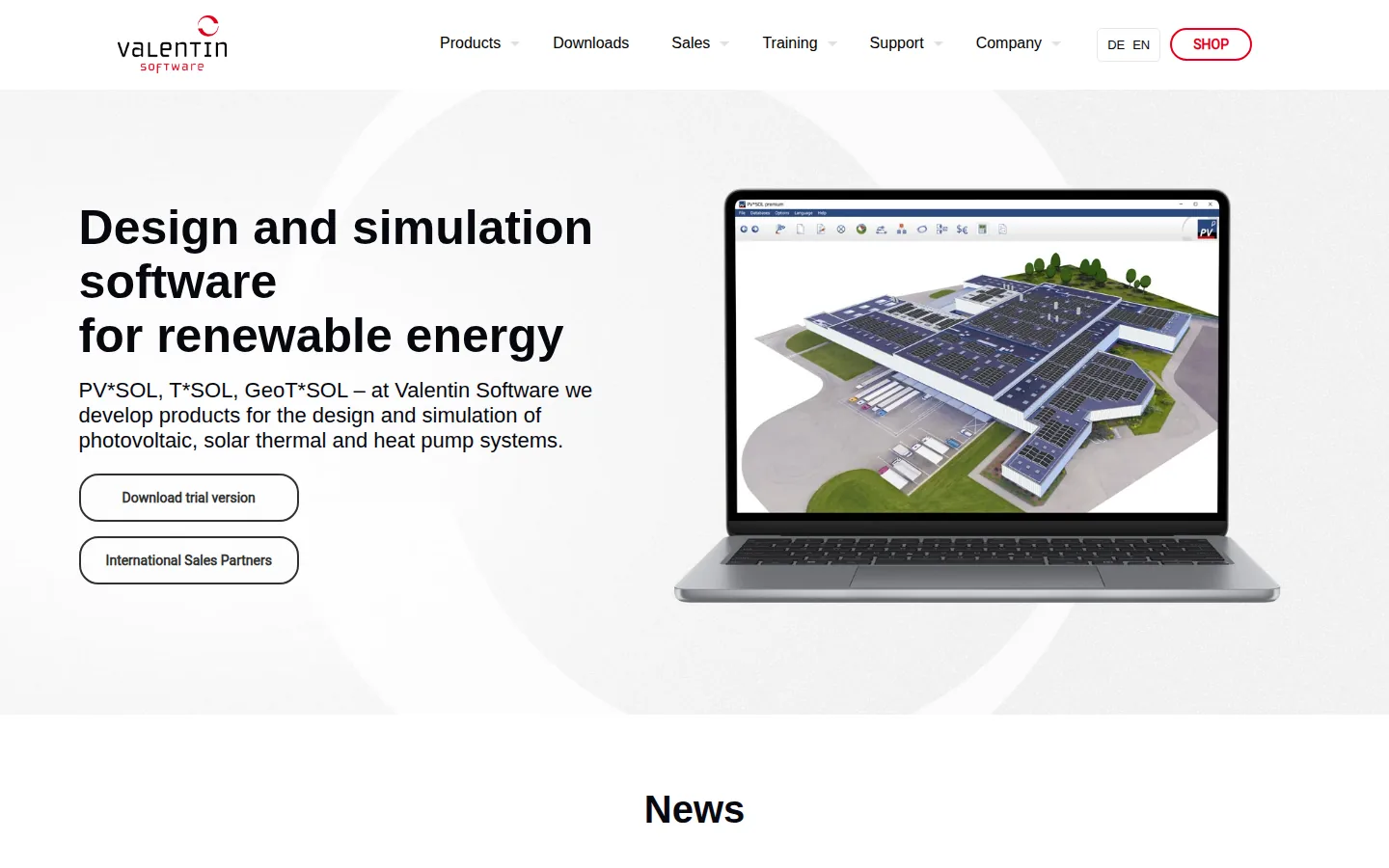
PV*SOL premium is a Windows program from Valentin Software.
Best for: designers who want an off-grid simulation with a backup generator and load shedding. They also want a 3D scene and shading calculation.
Not the right choice if: you need a browser tool. It runs on Windows 10 or 11 (64 bit). The pages we read do not describe optimization across many system combinations.
What the vendor documents: the off-grid help page says “the PV system, battery system and - if available - the auxiliary generator must take over” the consumption. It describes direct consumption and battery discharge to a minimum state of charge (how full the battery is). It describes a generator that “jumps in” and maintenance charging from the generator. It also describes load shedding in groups. The help describes throttling of the PV system when the loads and batteries cannot absorb its output. The product page lists shading “based on 3D objects”. Its release notes list fixes under “Off-grid systems”.
Price (checked October 2026): 845.00 EUR plus VAT for a named-user license for 1 year (PV*SOL premium). The 30-day free trial has all features except report printing and saving, per pvsol.software. The pages we read do not say whether the off-grid system type is in every edition.
Limitations: Windows only. The off-grid help page does not name a loss-of-load figure. It says the results show the difference between the stated and the actually covered consumption.
Vendor link: valentin-software.com.
PVsyst
PVsyst is a Windows desktop program from PVsyst SA in Satigny, Switzerland.
Best for: engineers who need a stand-alone or pumping system simulated for a year. They want a loss-of-load result.
Not the right choice if: you work in a browser or want proposals. The product page lists simulation and economic assessment. PVsyst installs on the computer where it is used, with one license per computer. It runs on Windows only.
What the vendor documents: the product page lists two system types. One is “Standalone systems: Evaluate the efficiency of your off-grid installations with energy storage, focusing on defining user electrical needs”. The other is “Pumping systems”. The documentation defines the loss-of-load probability as “the probability that the user’s needs cannot be met”. Its autonomy and battery sizing page notes that a very long autonomy period can pick the minimum PV size. That size just meets the required loss of load. It can leave the battery at a low state of charge for long periods. Its component database also documents a back-up generator. It recharges the batteries when solar energy is insufficient.
Price (checked October 2026): CHF 700 per year for PVsyst 8 Professional. The shop describes the licence as “Full features without any restrictions”. Source: PVsyst shop. The one-month free trial of PVsyst 8 is described on the product page. The 30-day trial on the shop is for PVsystBasic.
Limitations: the pages we read do not describe microgrid optimization. They do not describe generation from more than one technology, such as wind.
Vendor link: pvsyst.com.
SAM
SAM is the System Advisor Model. It is a desktop application from the National Laboratory of the Rockies (NLR, formerly NREL).
Best for: analysts and researchers who want free hourly modeling of grid-connected PV with a battery.
Not the right choice if: you need to design an islanded (off-grid) system. The technology options page says the detailed PV-battery model “couples a grid-connected photovoltaic system to a battery bank”. It says its “standalone battery” model “is for a battery bank connected to the grid”. Off-grid system design is not described on the pages we read.
What the vendor documents: battery types of lead-acid, lithium-ion, vanadium redox flow and all iron flow. It also lists “detailed voltage, temperature, and degradation models” for batteries. This is per its battery storage documentation. The technology options page lists behind-the-meter (customer side) and front-of-meter (grid side) applications. The welcome page describes “techno-economic analysis of energy technologies” for engineers, analysts and researchers.
Price (checked October 2026): free. On first run you register an email address to receive a free software key. SAM 2026.7.3 runs on Windows 11 or 10 (64-bit), macOS 12 or later and Linux. This is per the download page.
Limitations: the legal notice says the model is provided “as is”.
Vendor link: sam.nlr.gov.

SMA Sunny Design
Sunny Design is a planning tool from the inverter manufacturer SMA.
Best for: installers who want to plan an off-grid or hybrid system in a free web tool.
Not the right choice if: you need extended project documentation or tariff management. Also skip it if you need consumption and load profile analysis or time-series export. The feature table marks those for Sunny Design PRO only.
What the vendor documents: the product page says you can plan “an off-grid island or hybrid system”. It says you can open the tool “in your web browser or on your iPad or Android tablet”. The feature table lists “Design of off-grid & PV hybrid systems” and “Own PV modules, locations and load profiles”. It lists them in the registered and PRO tiers, but not in the anonymous tier.
Price (checked October 2026): “You can use Sunny Design free of charge.” Sunny Design PRO is 600 EUR per year (net), with “a month-long free trial”.
Limitations: the page we read does not describe battery autonomy or loss-of-load output. It does not describe which non-SMA components the planner supports.
Vendor link: sma.de.
SurgePV
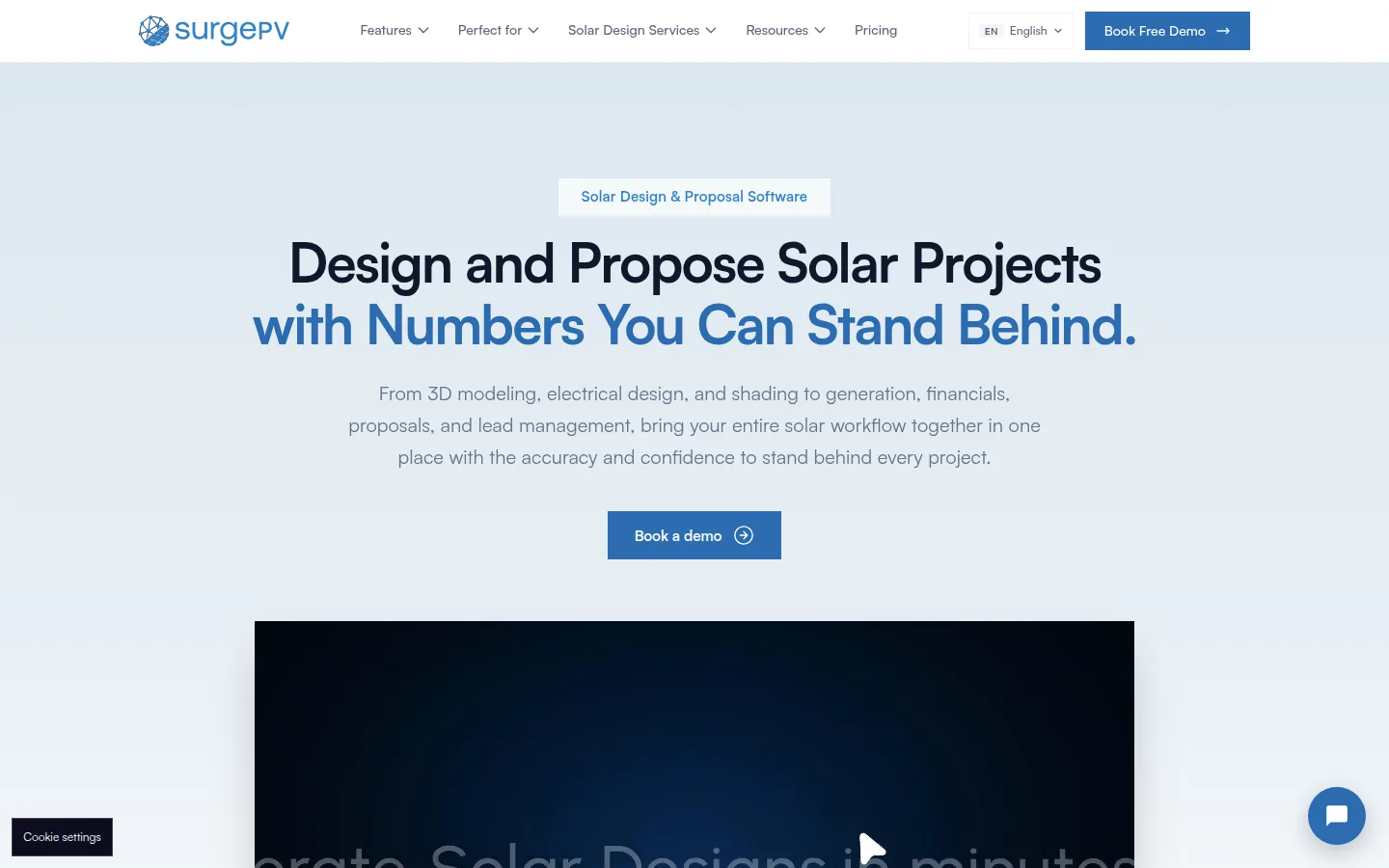
SurgePV is our product. We publish this list and sell this software.
Best for: teams that need 3D roof modeling, array layout, shading analysis, yield and financial modeling, and proposals. They need these for the roof side of a project. They will size storage in another tool.
Not the right choice if:
- you need battery autonomy or loss-of-load results. SurgePV’s pricing page and published product scope do not list them. HOMER Pro, PVsyst and BlueSol document autonomy, loss-of-load or feasibility checks. So ask SurgePV in a demo about your off-grid case before you rely on it for battery sizing.
- you need a self-serve trial. SurgePV offers a guided demo and does not advertise one.
- you need approval from a lender, authority or engineer. SurgePV outputs support design and documentation, but they do not replace that approval.
- you need a full CRM (customer database), monitoring or ERP (business management) product. SurgePV’s published product scope does not list a CRM. Monitoring and ERP are outside its published scope.
What the vendor documents: SurgePV’s published scope is 3D roof modeling, solar array layout, shading analysis and energy-yield modeling. It also covers financial modeling, electrical workflow support, bill-of-materials output and proposal generation. See SurgePV solar designing.
Price (checked October 2026): $1,899 per user per year for one user. It is $1,499 per user per year for 3 seats and $1,299 per user per year for 5 seats. See the pricing page. Access starts with a guided demo.
Limitations: results depend on the source data, assumptions and equipment models you use.
Vendor link: SurgePV solar designing.
See SurgePV roof layout and proposals for your off-grid project
Book a guided demo and bring a site with its roof layout and load details.
Book a Free DemoWhat to Ask an Off-Grid Tool to Show You
Off-grid projects fail on the worst month, not the average one. So ask each tool for the outputs below before you commit. The list comes from the vendor pages above, not from a test of the tools.
- A full-year simulation. HOMER simulates a year in steps from one minute to one hour. Check that your tool does more than monthly averages.
- A loss-of-load or autonomy result. PVsyst defines the loss-of-load probability as the probability that the user’s needs cannot be met. BlueSol lists days of autonomy. A load table alone, as on Photonik’s page, is the first step and not a simulation.
- The load model. Photonik’s load table separates summer and winter loads. It also finds the maximum demand, defined on its page as the highest average load over 30 minutes. HOMER’s Advanced Load module covers AC and DC loads and deferrable loads such as pumping.
- Generator and load shedding. PV*SOL documents an auxiliary generator and load shedding groups. HOMER lists diesel generators in its base license.
- The deliverable. BlueSol generates single-line diagrams and Word reports, and PV*SOL produces project reports. Match the output to whoever reads it.
For free early-stage work, our free shadow analysis software list covers tools to check the roof or array site. If the project includes batteries on a grid-tied site, see best energy management software. For the energy and payback numbers after sizing, see solar calculation software. For deeper reading, see the guides on off-grid system sizing and microgrid design for solar and storage.
How We Ordered These Tools
The tools are listed alphabetically. The table records what each vendor documents, not what we saw in use. “Not described on the pages read” means the pages we read did not say. The feature may still exist.
Stand-alone support documented. It matters because many design tools are built for grid-tied sales. We did not run a stand-alone project through any tool.
Battery and generator modeling. It matters because off-grid systems depend on storage and often a generator. We did not compare battery models or check any vendor’s database counts.
Loss-of-load or autonomy output. It matters because it is the number that says whether the lights stay on. We did not compare outputs across tools or check any result against a real site.
Price and trial access. It matters because prices run from free to thousands of dollars a year. We left out taxes, discounts, add-ons and academic plans. We did not confirm free access continues past October 2026.
Delivery. It matters because a browser tool works on a site visit and a Windows install does not. We did not test performance or offline use.
SurgePV sits in the alphabetical list like the other eight. It is not a best-for pick on this list. Its published scope does not list the autonomy or loss-of-load outputs that the picks above are chosen for.
Sources and Dates
Vendor pages were read in October 2026. BlueSol (product page, features page, download page, bluesolpv.com). HOMER Pro (HOMER Pro help, HOMER Pro pricing, homerenergy.com). OpenSolar (how-to article on designing off-grid systems, Battery Design Assistant, Pro page, “Is OpenSolar really free?” page, OpenSolar’s API page, 16 February 2026 post, Enterprise Services, opensolar.com). Photonik (off-grid load table page, photonik.solar). PVsyst (product page, loss-of-load probability, autonomy and battery sizing page, back-up generator, PVsyst shop). SAM (technology options page, battery storage documentation, download page, sam.nlr.gov). SMA Sunny Design (product page). Other sources: cadwareshop.com, photonik.solar, valentin-software.com, sam.nlr.gov, off-grid help page, pvsol.software. SurgePV pricing is on the SurgePV pricing page.
Frequently Asked Questions
What is the best off-grid solar design software?
It depends on the job. HOMER Pro documents hourly simulation and optimization of off-grid and microgrid systems. PVsyst documents stand-alone systems with a loss-of-load probability. PV*SOL documents off-grid energy management with a generator and load shedding. SMA Sunny Design lists off-grid design in its free registered tier. BlueSol lists days of autonomy for stand-alone systems. Match the tool to your project type using the comparison table.
Is there free off-grid solar design software?
SMA Sunny Design says you can use it free of charge. Its feature table lists off-grid and PV hybrid design in the registered tier. Photonik is currently free of charge and lists off-grid design in its Pro plan. SAM is free, but its documented PV-battery model couples a grid-connected PV system to a battery bank. BlueSol (15 days), PV*SOL (30 days), PVsyst (one month) and HOMER Pro offer free trials.
What does an off-grid solar system simulator do?
It runs the system through a full year. It checks whether the batteries and array meet the load. HOMER simulates a year in time steps from one minute to one hour. PVsyst defines its loss-of-load probability for stand-alone systems as the probability that the user’s needs cannot be met. Ask any tool you consider for that kind of output.
Which software designs microgrids?
HOMER Pro describes itself as microgrid optimization software. It lists remote power systems, microgrids and islanded utilities. It simulates solar PV, wind, batteries and diesel generators in its base license. Other components are add-on modules. PVsyst and PV*SOL document stand-alone systems. They do not describe microgrid optimization on the pages we read.
How do you size an off-grid solar system?
Start with a load table. It lists appliances, their wattage and daily run time, with separate summer and winter values. Photonik’s off-grid load table page describes this. Also find the maximum demand. Photonik defines it as the highest average load over 30 minutes. It sets the inverter size. Then use a simulator. It should check battery autonomy and loss of load before you fix the array and battery size.
Can I download off-grid solar design software for free?
SAM can be downloaded free for Windows, macOS and Linux. You first register an email address for a free key. BlueSol offers a 15-day trial with all features. PV*SOL offers a 30-day trial that disables report printing and saving. Check that a free download covers stand-alone systems before you rely on it. SAM’s documented PV-battery model is grid-connected.
Related lists
For related comparisons, see best solar design software, best solar simulation software and best free solar design software. For the product behind the SurgePV entry, see solar designing.
