


For commercial solar and storage, look at Energy Toolbase or HOMER Grid. Payback there depends on utility rates and demand charges. A demand charge is a monthly fee based on your highest power use. For microgrids and off-grid hybrids, look at HOMER Pro. A microgrid is a small local power system that can run on its own. For storage inside an engineering yield simulation on Windows, look at PVsyst or PV*SOL. For residential battery proposals, Aurora Solar, OpenSolar and SolarPlus put storage modeling into the sales workflow. SAM is the free option for analysts.
This is a desk comparison of what each vendor publishes, checked October 2026. We have not run side-by-side tests.
Criteria used: storage and battery modeling, tariff handling, on-site battery control, published price. A tariff is the utility’s rate plan for power. On-site battery control means software that runs a battery at the site.
This list covers design and economics tools. For live plant monitoring, see our solar monitoring software list. It does not cover home energy management hardware platforms. Solargraf is not compared, because solargraf.com returned HTTP 403 to automated reads, including a headless browser, read October 2026. If you work with it, see our Solargraf alternatives list.
Disclosure and methodology: SurgePV publishes this page and sells solar design software, but it is not one of the ranked tools. Methodology: this is a desk comparison of what each vendor publishes on its own public pages, checked October 2026. See How We Ordered These Tools and Sources and Dates below.
Want to see SurgePV before you model storage?
Book a guided demo and bring a real site. We walk through design, yield, finance and the proposal in one platform.
Book a Free DemoChecking cost first? See the SurgePV pricing page.
Best-For Picks by Use Case
- Commercial solar and storage economics with a matching battery controller: Energy Toolbase. Its site lists a rate database, storage simulation, demand response and value stacking. It also lists a separate EMS product, ETB Controller. EMS means energy management system, the software that runs a site’s energy use. Value stacking means earning from several uses of one battery.
- Microgrids, off-grid hybrids and behind-the-meter C&I optimization: HOMER. HOMER Pro simulates a hybrid microgrid for a year in time steps from one minute to one hour. HOMER Grid lists a tariff builder, demand charge reduction and EV charging. C&I means commercial and industrial. Behind-the-meter means the system’s power cuts the customer’s own bill.
- Storage and self-consumption inside an engineering yield simulation: PVsyst or PV*SOL. Both are Windows programs. PV*SOL’s 2026 release notes list a system type that combines appliances, thermal systems and battery systems. They also list tariffs assigned per consumer.
- Residential battery proposals: Aurora Solar (battery modeling is listed on Premium), OpenSolar and SolarPlus (hot water, EV and load shifting).
- Free modeling: SAM for analysts, or OpenSolar’s core app for installers who stay inside it. The vendor describes that app as free. It charges for API Access and connectors from 16 April 2026. API Access and connectors link OpenSolar to other software.
Solar Energy Management Software Comparison Table
Listed alphabetically. This is not a ranking. Pick by the situation above. Prices were checked October 2026 on each vendor’s own site.
| Tool | Best for | Price (checked October 2026) | Free or paid | Decisive scope fact |
|---|---|---|---|---|
| Aurora Solar | Residential sales teams adding batteries | Basic $135, Premium $220 per user per month billed annually | Paid | Battery modeling is listed on Premium, not Basic |
| Enact | Installers wanting solar and storage design with asset management | Design and proposals: $279 per month billed annually | Paid | Solar and storage design plus fleet monitoring on one platform |
| Energy Toolbase | C&I solar and storage developers | ETB Developer: pricing given on a demo call | Paid | Storage simulation and a separate EMS, ETB Controller |
| HOMER | Microgrids, off-grid and C&I behind the meter | HOMER Pro from $1,575 billed annually; HOMER Grid $4,200 per year | Paid; free trial | Hybrid system optimization over a full year |
| OpenSolar | Installers wanting a free workflow | Core app free; API Access and connectors charged from 16 April 2026 | Free core app | Battery design and tariff selection inside design and proposals |
| PV*SOL | Self-consumption with batteries, EVs and thermal systems | 845.00 EUR plus VAT per named user per year | Paid; trial version | Windows program with 20-year financial analysis |
| PVsyst | Storage inside an engineering yield study | CHF 700 per year, PVsyst 8 Professional | Paid; one-month trial | Grid storage and self-consumption strategies; Windows only |
| SAM | Analysts and researchers | $0, free key on registration | Free | Battery models behind and in front of the meter |
| SolarPlus | Residential and commercial sales with electrification | Starter $135, Pro $260, Complete $450 per month on annual pre-pay | Paid | Hot water, EV and load-shifting simulation; 5-minute meter data |
Criteria Matrix
“Documented” means the vendor’s own page says so. “Partly” means the page says it for a narrow case. “Not stated” means the pages we read do not say it. “Not published” means the vendor lists no price.
| Tool | Battery or storage modeling | Tariff handling | On-site battery control | Price published |
|---|---|---|---|---|
| Aurora Solar | Documented (Premium) | Documented (utility rate database) | Not stated | Documented |
| Enact | Documented | Partly (“Complex rates demystified”) | Not stated | Documented |
| Energy Toolbase | Documented | Documented | Documented (ETB Controller) | Not published (ETB Developer) |
| HOMER | Documented | Documented (HOMER Grid) | Not stated | Documented |
| OpenSolar | Documented | Documented | Not stated | Documented |
| PV*SOL | Documented | Documented (per-consumer tariffs) | Not stated | Documented |
| PVsyst | Documented | Documented (feed-in tariff and self-consumption economics) | Not stated | Documented |
| SAM | Documented | Documented | Not stated | Documented ($0) |
| SolarPlus | Documented | Documented | Not stated | Documented |
A cell reads “Not stated” when the pages we read do not mention the feature. It does not mean the tool lacks it. “On-site battery control” counts only a product that controls a battery on site. Energy Toolbase’s own site separates modeling (ETB Developer) from control (ETB Controller). The pages we read for the other eight describe modeling. Some of them describe charging or dispatch strategies inside the simulation. Dispatch means deciding when a battery charges and discharges. SAM lists automatic and manual dispatch options. That is modeling, not control.
Tool-by-Tool Comparison
Listed alphabetically. This is not a ranking. Pick by the situation above.
Aurora Solar
Best for: residential and small commercial sales teams. It suits you if you want battery modeling inside the design and proposal workflow.
Not the right choice if: you want battery modeling on the entry plan. Aurora’s pricing page lists “Battery modeling: backup, self-consumption, and arbitrage” under Premium and not Basic.
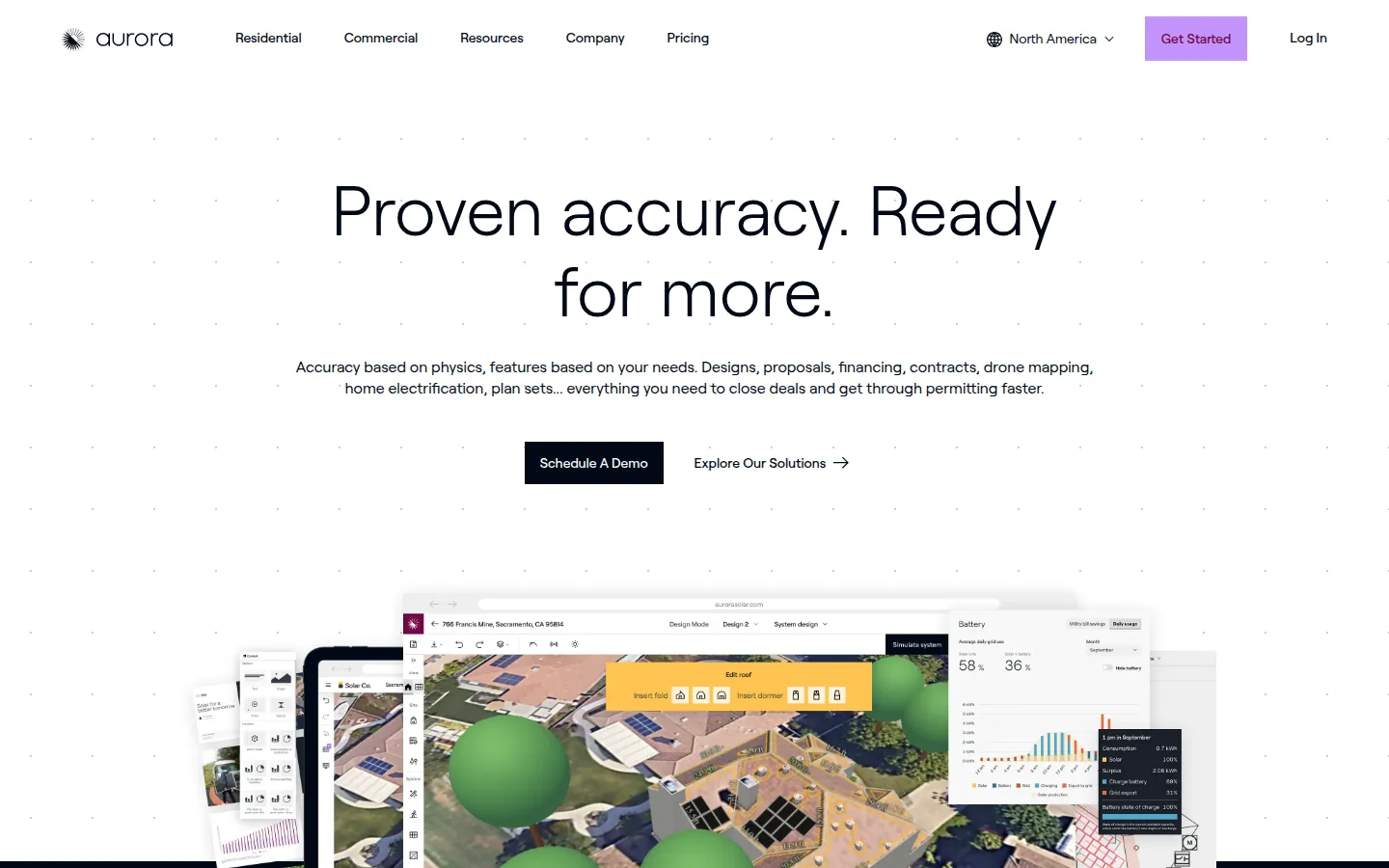
What the vendor documents: Basic lists tablet-friendly sales proposals and design accuracy. It also lists HD imagery and on-demand site models. Premium adds LIDAR-assisted modeling, bankable shade reports and the battery modeling above. LIDAR uses laser scans to measure roof shapes. Enterprise adds unlimited users, APIs and integrations. It also adds drone mapping and dealer configurations.
Price (checked October 2026): Basic $159 per user per month billed monthly, or $135 per user per month billed annually ($1,620 per year). Premium $259 per user per month billed monthly, or $220 per user per month billed annually ($2,640 per year). Enterprise is custom per project. Source: Aurora pricing.
Limitations: Basic and Premium each list 1 user and 50 projects per month. Aurora’s pricing page lists a “Utility rate database: Custom and integrated”. Its help centre describes setting a compensation policy for each design. The policy can be net billing or a feed-in tariff. The pages we read do not describe battery dispatch.
Vendor link: aurorasolar.com
Enact
Best for: installers that want solar and storage design and proposals. It adds an asset-management layer on the same platform.
Not the right choice if: you need to see how tariffs and battery dispatch are modeled before you buy. Enact’s pages list “Complex rates demystified” and “Design Solar & Battery Solutions on One Platform”. They do not describe the method.
What the vendor documents: the Design and proposals plan lists solar and storage design and custom proposals. It also lists pricing and bill of materials, and API integration support. Enact’s technology page lists AI-enabled layout images and fleet monitoring with a single view of projects. It also lists a mobile app for customers.
Price (checked October 2026): the Design and proposals plan reads “$279 / month billed annually - save $240/yr (Or $299/month – 2 users)”. The vendor labels the $299 option “2 users”. The page does not explain it further, so ask Enact what each price covers. The plan lists unlimited residential projects and proposals and 10 new commercial projects per month. Asset-management pricing is by contact. Source: Enact pricing.
Limitations: the PVCAD engineering plug-ins are priced separately. The pages we read do not describe tariff or dispatch methods.
Vendor link: enact.solar

Energy Toolbase
Best for: C&I developers, EPCs (engineering, procurement and construction firms) and asset owners who model solar and storage economics. The same vendor offers an optional battery controller.
Not the right choice if: you want a published ETB Developer price. The pricing page says to book a 30-minute demo to get pricing for your team size.
What the vendor documents: ETB Developer is a web-based modeling and proposal product. Its page lists a rate database (“120,000+ verified rates” in the comparison table and “more than 110,000 real utility rate structures” in the FAQ on the same page). It also lists time-of-use and net-metering modeling and energy storage simulation. It lists demand response, value stacking and unlimited proposals. The page does not list an in-app layout tool. It lists PV design partnerships with design software tools. ETB Controller is a separate EMS. It lists manual dispatch, demand charge management, PV self-consumption, time-of-use arbitrage and demand response. It creates new dispatch forecasts every 15 minutes. ETB Monitor lists actual versus expected solar generation and real-time alerts.
Price (checked October 2026): ETB Developer pricing is given on a demo call. The pricing page shows “as low as” hardware-and-subscription packages for ETB Controller and ETB Monitor. We have not repeated them. Ask Energy Toolbase for a quote for your system size. Source: Energy Toolbase pricing.
Limitations: Energy Toolbase’s own site gives two different rate counts, so ask which database covers your utility. ETB Controller is described as a turnkey enclosure that holds the energy management hardware. So you buy control as a hardware package.
Vendor link: energytoolbase.com

HOMER
Best for: engineers and consultants who size microgrids and off-grid hybrids (HOMER Pro). It also suits C&I teams that optimize behind-the-meter solar and storage (HOMER Grid).
Not the right choice if: you want a single product price. HOMER sells Pro, Grid and Front separately. The Base tier of HOMER Pro lists “No modules included”.
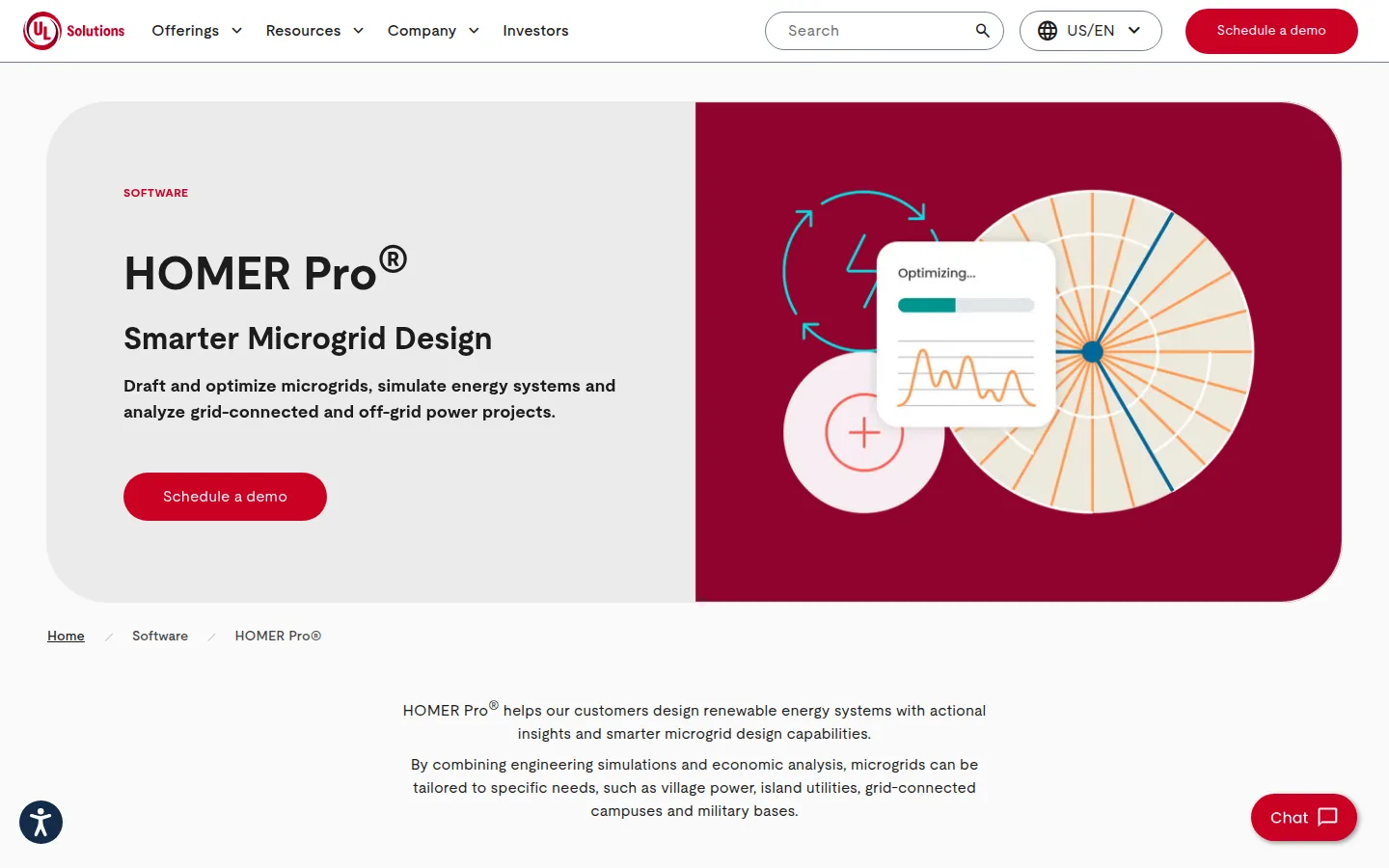
What the vendor documents: HOMER Pro, from UL Solutions, simulates a hybrid microgrid for an entire year in time steps from one minute to one hour. It tries many equipment combinations. HOMER Grid lists a tariff database and builder. This includes time-of-use, seasonal, tiered and contracted-demand rates. HOMER Grid also lists demand charge reduction, value stacking and EV charging analysis. It can import PV production data from HelioScope or PVsyst. HOMER Grid says it has tariff structures for more than 90% of zip codes in the U.S., Canada and Mexico.
Price (checked October 2026), single user license: HOMER Pro Base $187.50 per month or $1,575 billed annually. Professional $373.50 per month or $3,100 billed annually. Expert $568.50 per month or $4,650 billed annually. HOMER Grid $665 per month ($7,980 per year) or $350 per month ($4,200 per year); both auto-renew. Sources: HOMER Pro pricing and HOMER Grid pricing.
Limitations: the pages we read do not state the operating system. We did not read HOMER Front (utility-scale).
Vendor link: homerenergy.com
OpenSolar
Best for: installers that want design, battery scenarios and proposals in one core app. The vendor describes that app as free.
Not the right choice if: you connect OpenSolar to other systems. OpenSolar says API Access and supported connectors are charged from 16 April 2026.
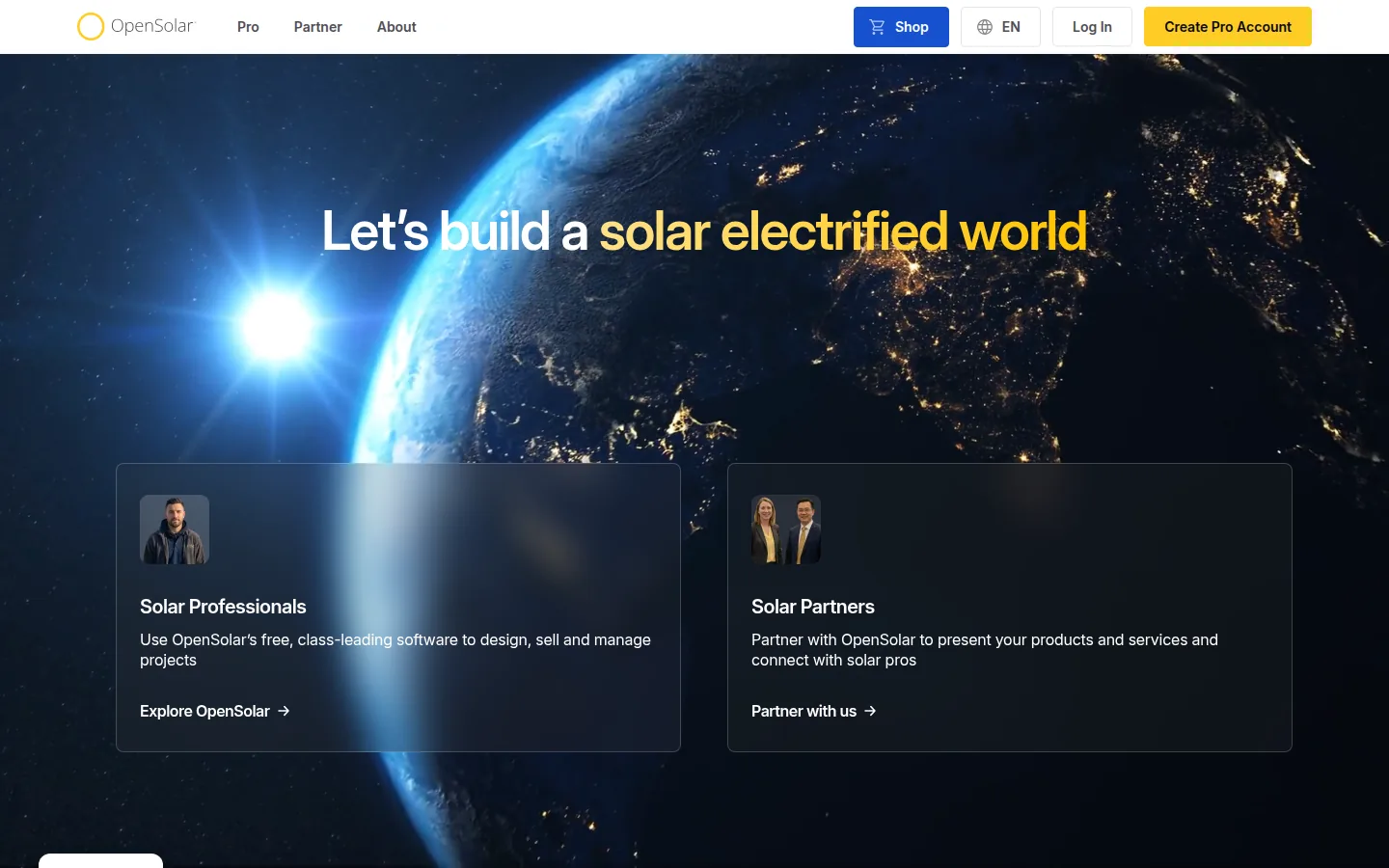
What the vendor documents: its help center describes a utility tariff database applied by ZIP code and custom tariffs. It also describes battery-only proposals with a Battery Design Assistant (listed for the UK, Australia and the US). Its proposal page says proposals can include batteries, EV charging and heat pumps. They can compare current and electrified energy and costs.
Price (checked October 2026): the vendor says the core app is free of charge for solar professionals. From 16 April 2026 the vendor charges for API Access and supported connectors. API Access is a per-project fee. The per-project API fee is on OpenSolar’s API page. Connectors are a monthly fee per organization. Both link OpenSolar to other software, such as a CRM (customer database). The 16 February 2026 post says accounting connectors are billed as a monthly fee per organization. Optional paid Enterprise Services include Support at US$500 per month and Customize at US$1,350 per month. Enterprise is custom priced. Sources: OpenSolar pricing post and Why is OpenSolar free.
Limitations: its help article says custom tariffs can include demand charges. The pages we read do not describe battery dispatch control or demand charge optimization.
Vendor link: opensolar.com
PV*SOL
Best for: engineers and installers who model self-consumption for sites with batteries, EVs and thermal systems. Self-consumption means using your own solar power on site.
Not the right choice if: you work on macOS or in a browser. PV*SOL premium lists Windows 10 and 11 (64 bit).
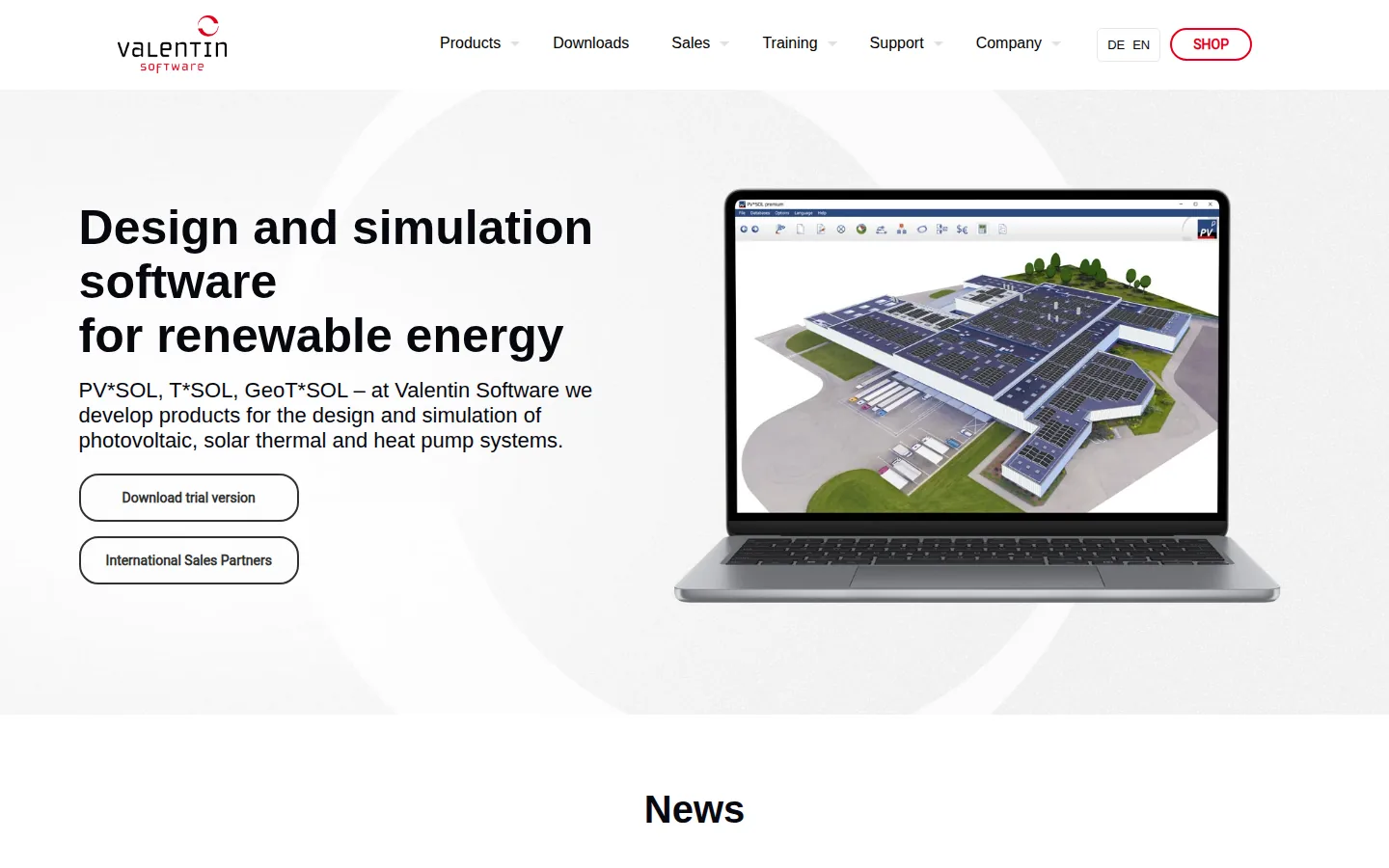
What the vendor documents: a 3D design and simulation program. It lists shading analysis, battery system design and electric vehicle simulation. It also lists automatic circuit diagrams and a 20-year financial analysis. The 2026 release notes list a new system type for grid-connected PV with appliances, thermal systems and battery systems. They also list multiple from-grid tariffs that can be assigned to different consumers. A trial version is offered. It runs 30 days, with report printing and saving disabled (pvsol.software).
Price (checked October 2026): 845.00 EUR plus VAT, named user license for 1 year. Source: PV*SOL premium.
Limitations: per the system requirements, it needs an internet connection and a Windows PC. Valentin’s page lists the database size twice with different counts, so we have not repeated either.
Vendor link: valentin-software.com
PVsyst
Best for: engineers who model grid storage or self-consumption inside a detailed yield and loss study.
Not the right choice if: you need a Mac, browser or shared-license setup. PVsyst says it only runs on Windows and needs one license per computer.
What the vendor documents: PVsyst 8 lists a choice of grid storage and self-consumption strategies and stand-alone systems with energy storage. It lists an economic assessment with NPV, LCOE and ROI. These are net present value, levelized cost of energy and return on investment. It also lists multi-year batch simulation with module ageing and a component database that includes batteries. Its help page covers a fixed feed-in tariff, hourly feed-in, and self-consumption economics. A feed-in tariff is the rate paid for power you send to the grid. The page also covers a consumption tariff and an overproduction tariff.
Price (checked October 2026): PVsyst 8 Professional is CHF 700 per year. The vendor’s product page offers a one-month free trial of PVsyst 8. Source: PVsyst shop.
Limitations: the pages we read do not describe battery dispatch control. It is a desktop engineering tool, not a sales-proposal product.
Vendor link: pvsyst.com
SAM
Best for: analysts, researchers and developers who want a free techno-economic model. A techno-economic model tests both the technology and the money side of a project.
Not the right choice if: you need customer proposals. SAM’s home page describes a desktop application for techno-economic analysis. It lists no proposal features on the pages we read.
What the vendor documents: SAM models battery storage with lithium ion, lead acid or flow batteries, front of the meter or behind the meter. Front of the meter means the power is sold. Its financial models cover residential, commercial, power purchase agreement and third-party ownership projects. Its residential and commercial financial model page lists time-of-use energy charges, monthly demand charges and tiered rates. Its battery storage page lists automatic dispatch options for peak shaving or price response. It also lists manual dispatch schedules. Peak shaving means cutting the highest power draw. The current version is listed for Windows, Mac and Linux.
Price (checked October 2026): free. You register your email to receive a free software key. Source: SAM download. The site now sits under the National Laboratory of the Rockies (formerly NREL).
Limitations: the dispatch options above run inside the simulation. The pages we read do not describe live on-site control or a hosted service.
Vendor link: sam.nlr.gov

SolarPlus
Best for: solar and battery sales teams that also sell hot water, EV charging and load shifting, especially in Australia. Load shifting means moving power use to cheaper times.
Not the right choice if: you want a flat per-user price. SolarPlus sets plans by quote volume in kW over a three-month average.
What the vendor documents: its Smart Energy Simulator models EV smart charging, load shifting and hot water diverters hour by hour. The battery page lists time-of-use tariffs, demand charges, and tiered and premium feed-in tariffs. It also lists 5-minute meter data for peak shaving, state-of-charge setpoints and export controls. The plans include customer management, scheduling and sales reporting.
Price (checked October 2026), USD per month as the page prints it: annual pre-pay Starter $135, Pro $260, Complete $450; monthly Starter $150, Pro $300, Complete $520. For Australian clients the quoted costs exclude GST. Enterprise is by enquiry. Source: SolarPlus plans and pricing.
Limitations: the battery page mentions an Australian battery rebate program. We did not read tariff coverage outside Australia.
Vendor link: solarplus.co

Which Tool Fits Your Work
- C&I developer modeling storage savings: Energy Toolbase, or HOMER Grid if you want its tariff builder and EV charging analysis.
- Microgrid, off-grid or hybrid project: HOMER Pro.
- Storage inside an engineering yield study: PVsyst or PV*SOL, then a proposal tool for presentation.
- Electrified home with a battery, EV and thermal system: PV*SOL for a desktop study, SolarPlus for a sales workflow.
- Residential sales team adding batteries: Aurora Solar Premium, OpenSolar or SolarPlus.
- Analyst or new installer on a budget: SAM for analysis, OpenSolar for proposals.
Modeling and control are different jobs. A pre-sale model estimates what a battery would do. A control system decides what it does second by second. Energy Toolbase lists both as separate products, so confirm which one a quote covers. For tariff-heavy projects, ask each vendor how often it updates its rate data. Also ask which tariffs cover your utility. Our guides to solar calculation software and the EPC software stack show where these tools fit in a wider workflow. The off-grid design list covers standalone systems.
How We Ordered These Tools
- Storage and battery modeling: matters because it decides whether the savings figure holds. We did not test any vendor’s battery model or compare outputs.
- Tariff handling: matters because time-of-use and demand charges drive storage payback. We did not check how often any vendor updates rates.
- On-site battery control: matters if the project needs on-site control rather than a model. We did not assess hardware compatibility.
- Published price: matters because you can compare cost before a sales call. We did not request quotes or read taxes beyond what each pricing page lists.
We did not research home energy management hardware or utility-scale control systems. We also did not assess data-access terms or integrations.
Where SurgePV Fits
SurgePV is our product. It is solar design and proposal software, not an energy management, battery modeling or dispatch product, so it is not ranked on this list. It covers 3D roof modeling, array layout, shading analysis, energy-yield modeling and financial modeling. It also covers electrical workflow support, bill-of-materials output and proposal generation. See solar design software. Results depend on source data and assumptions. Outputs support but do not replace engineer, authority or lender approval. Access is a guided demo, not a self-serve trial. Book a Free Demo or see the pricing page.
See SurgePV on a solar and storage project
Book a guided demo and bring a recent project with a battery to see where design and proposals fit next to your energy modeling tool.
Book a Free DemoSources and Dates
Vendor pages were read in October 2026. Tool facts come from each vendor’s own public pages, linked here by tool. Aurora Solar (Aurora pricing, help centre). Enact (Enact pricing, enact.solar). Energy Toolbase (Energy Toolbase pricing, energytoolbase.com). HOMER (HOMER Pro pricing, HOMER Grid pricing, homerenergy.com). OpenSolar (utility tariff database applied by ZIP code and custom tariffs, battery-only proposals, proposal page, OpenSolar’s API page, Enterprise Services, OpenSolar pricing post, Why is OpenSolar free, opensolar.com). PV*SOL (pvsol.software, PV*SOL premium). PVsyst (help page, product page, PVsyst shop). SAM (residential and commercial financial model page, battery storage page, SAM download, sam.nlr.gov). SolarPlus (Smart Energy Simulator, battery page, SolarPlus plans and pricing, solarplus.co).
Frequently Asked Questions
What is solar energy management software?
It models, and in some products controls, how solar power, batteries and grid energy interact. Modeling tools size batteries, apply tariffs, and estimate self-consumption and savings before a project is built. Control software, such as Energy Toolbase’s ETB Controller, dispatches a battery on site. Dispatch means deciding when the battery charges and discharges.
Which vendor offers the best energy monitoring solution for C&I solar installations?
This list covers modeling and control, not monitoring. For C&I monitoring platforms see our solar monitoring software list. Among the tools here, Energy Toolbase lists ETB Monitor for comparing expected and actual solar output, and ETB Controller for battery dispatch.
What is the best solar energy management software?
It depends on the project. Energy Toolbase lists commercial solar-and-storage rate analysis with a matching battery controller. HOMER lists microgrid and behind-the-meter optimization. PVsyst and PV*SOL document storage inside a Windows yield simulation. Aurora Solar, OpenSolar and SolarPlus put battery modeling into residential sales proposals.
Is there free solar energy management software?
Yes. The System Advisor Model (SAM), from the National Laboratory of the Rockies (formerly NREL), is a free desktop application with battery storage and financial models. You register for a free key. OpenSolar says its core app is free. It charges for API Access and connectors from 16 April 2026. HOMER and PVsyst offer free trials.
How much does solar energy management software cost?
Published prices checked October 2026 include PVsyst at CHF 700 per year and PV*SOL premium at 845.00 EUR plus VAT per year. They also include HOMER Pro from $1,575 billed annually. Aurora lists $135 or $220 per user per month billed annually. Energy Toolbase gives ETB Developer pricing on a demo call.
What is the difference between modeling and control software for batteries?
Modeling software estimates what a battery would do before the sale. A control system decides what a battery does on site. Energy Toolbase sells both as separate products. ETB Developer is for modeling and ETB Controller is for control. Check which one a quote covers.
