Pros
Cons
Solar Design Tool built its reputation on one promise: a complete residential permit package in 15 minutes. For a decade, that promise held — over 700,000 designs processed across 186 countries. In 2026, the platform sits at a transition point, with its founder having moved on to build Lyra Solar as a successor. Whether you’re evaluating the original platform or deciding between it and Lyra, this review covers what Solar Design Tool is, what it costs, where it excels, and where it falls short.
Platform Status Note
Solar Design Tool has largely transitioned to Lyra Solar. If you’re evaluating new software, consider reviewing both platforms. This review covers the original Solar Design Tool based on verified research data.
Who This Review Is For
This review is for:
- Residential solar installers looking for a fast, affordable permit generation tool
- Small solar companies that need volume permit output without a high subscription cost
- DIY homeowners designing their own solar systems before hiring an installer
- Teams evaluating Lyra Solar who want to understand how the predecessor compared
If you run commercial EPC projects, need CRM integrations, or require API access, Solar Design Tool is not the right fit.
What Is Solar Design Tool?
Solar Design Tool is a web-based solar design and permitting platform developed by Verdiseno Inc., founded in 2009 in Westlake Village, California. The core product is a SolarCAD tool that lets installers define installation areas, configure setbacks and obstructions, and generate permit-ready documentation — all in about 15 minutes per project.
The platform targets residential installers, small-to-medium solar companies, and DIY users who need fast, affordable permit packages without the overhead of enterprise-grade tools.
Key facts:
- 700,000+ designs created
- 13,000+ customers across 186 countries
- Freemium pricing model (design free, pay to export)
- Founded 2009; successor platform is Lyra Solar (same founder)
How the 15-Minute Workflow Works
- Import aerial imagery or upload a 3D model from EagleView or RoofOrders
- Define the installation area, obstructions, setbacks, and orientation in SolarCAD
- Run the automated panel layout engine to maximize solar potential
- Review the generated design with shading and production analysis
- Export the permit package with one click
Users report going from 1-2 designs per day to 10+ per day after switching — a 5-10x productivity gain that directly affects installation capacity.
Solar Design Tool Pricing & Cost
| Plan | Cost | What’s Included |
|---|---|---|
| Free Design | $0 | Create and view residential designs; no export |
| Per-Permit Export | $49/permit | Single permit package export |
| Subscription | $50/user/month | Unlimited designs and permit exports |
For low-to-medium volume teams, the subscription is strong value. At $50/month per user with unlimited exports, teams producing 2+ permits per month beat the $49 per-permit rate immediately.
Hidden Costs to Consider
- No integrations means manual data transfer between Solar Design Tool and any CRM or proposal software — real staff time
- Satellite imagery dependency means you may need EagleView or RoofOrders reports separately in areas with poor coverage
- Teams that outgrow residential will eventually need a second tool
Pro Tip
If you produce fewer than 2 permits per month, the $49 per-permit option is cheaper. At 2 or more permits per month, the $50/month subscription pays for itself immediately.
Is Solar Design Tool Free? Free Trial
The freemium model works as follows:
- Free design creation: Build and visualize residential systems with no payment
- Free trial: Available before committing to a subscription
- Pay-to-export: The $49 per-permit cost only applies when you need the actual permit package
This makes Solar Design Tool one of the more accessible entry points in solar design software. New installers can learn the workflow, run real project designs, and only pay when they need official permit documentation.
Core Features
SolarCAD Design Engine
- Define roof faces and ground areas using aerial imagery
- Set obstructions (chimneys, vents, skylights) with accurate dimensions
- Configure setbacks, row spacing, and panel orientation
- Automated layout engine places panels for maximum solar potential
- Shading and production analysis included
The automation is real. The layout engine handles panel placement without manual drag-and-drop, which is the primary driver of the 15-minute design time.
Permit Package Generation
A single export includes:
- Project summary
- Site plan
- Single-line diagram (SLD)
- PV safety labels
- Attachment plans
- Attachment details for supported racking systems
- Fire safety plan
- Equipment datasheets
- Certifications
Most residential AHJs accept this package directly. For installers whose bottleneck is permit documentation throughput, this one-click output is the core value.
Shading and Production Analysis
Basic shading analysis and building energy performance evaluation are included. For detailed simulation (P50/P90 analysis, hourly irradiance data), PVsyst or HelioScope provide more depth — but for standard residential permitting, Solar Design Tool’s analysis is sufficient.
Electrical Design
- Component sizing and wiring calculations
- Load calculations
- Single-line diagram generation
For standard residential grid-tied systems, this covers what most AHJs require. Complex commercial systems with battery storage or utility interconnection studies need additional engineering tools.
3D Model Import
EagleView and RoofOrders 3D model imports enable more accurate roof geometry than aerial imagery alone. These are file imports, not live API connections.
User Reviews & Feedback
Solar Design Tool has limited public review coverage on G2 and Capterra, partly due to the transition to Lyra Solar. Available feedback highlights:
Positive:
- “Good bang-for-the-buck” for ground mount and residential projects
- Speed is consistently mentioned — the productivity multiplier is real
- Accessible for DIY homeowners, not just professionals
- Low price point works for small teams and solo installers
Critical:
- Satellite imagery dependency is a blocker in rural or low-coverage areas
- No integrations limit workflow automation for growing teams
- Platform transition uncertainty creates concern about long-term support
The 700,000+ designs and 13,000+ customers confirm real adoption. The platform solved a genuine problem at an accessible price point.
Pros & Cons
Pros:
- 15-minute design-to-permit workflow proven at scale
- Freemium entry point lowers the barrier to start
- Comprehensive permit package contents cover most AHJ requirements
- 5-10x productivity gain reported vs. manual design methods
- Works for DIY homeowners, not just professionals
- 186-country coverage
Cons:
- Platform has largely transitioned to Lyra Solar — future availability uncertain
- No CRM, API, or third-party integrations
- Residential-only scope
- Satellite imagery required — no offline or imagery-free mode
- Per-permit export fee adds up at high volume without subscription
- No EV savings analysis
Solar Design Tool vs SurgePV
| Feature | Solar Design Tool | SurgePV |
|---|---|---|
| Design speed | 15 min (residential) | 10-15 min (residential or commercial) |
| Permit packages | Yes — comprehensive | Yes — full NEC-compliant documentation |
| Electrical engineering | Basic SLD | Complete SLD, wire sizing, conduit, load calcs |
| Commercial structures | No | Yes — carports, trackers, East-West racking |
| Integrations | None | CRM, proposals, financial modeling |
| Pricing | Freemium / $50/mo | Subscription-based |
| Platform status | Transitioning to Lyra | Active development |
For residential-only teams focused on permit throughput, Solar Design Tool’s freemium model is hard to beat on price. For teams that need commercial capabilities, integrations, or complete electrical engineering, solar software like SurgePV covers the full project lifecycle.
From Design to Permit in One Platform
SurgePV handles residential and commercial design, complete electrical engineering, and permit-ready documentation — without switching tools.
Book a DemoNo commitment required · 20 minutes · Live project walkthrough
Solar Design Tool Alternatives
Lyra Solar — Direct successor platform built by the same founder. If Solar Design Tool’s workflow appeals to you, Lyra Solar is the natural upgrade path with active development.
OpenSolar — Free tier with proposal templates and CRM. Good for startups and small teams that need more than permit generation.
Aurora Solar — Industry standard for residential and commercial. Higher price but stronger sales integration and proposal features.
SurgePV — Full-stack PV design software covering residential, commercial, carports, and trackers with complete electrical engineering. Best for EPCs and growing installers.
HelioScope — Commercial and utility-scale specialist with high-accuracy energy simulations.
Who Should Use Solar Design Tool?
Good fit:
- Small residential installers needing fast permit packages without large monthly commitment
- DIY homeowners designing systems before hiring a contractor
- Teams producing 5-20 permits per month who want a simple, proven tool
- Installers already using Solar Design Tool who are satisfied with the workflow
Not a good fit:
- Commercial EPCs needing carports, trackers, or advanced electrical documentation
- Teams needing CRM integration or automated proposal workflows
- Organizations planning API-based workflow automation
- New teams evaluating long-term platforms — Lyra Solar is a better long-term investment
Frequently Asked Questions
What is Solar Design Tool? A web-based residential solar design and permitting platform by Verdiseno Inc. It generates permit-ready documentation in 15 minutes. The platform has processed 700,000+ designs across 186 countries and has largely transitioned to Lyra Solar as its successor.
How much does Solar Design Tool cost? Designing is free. Permit exports cost $49 each, or unlimited on the $50/user/month subscription.
Is Solar Design Tool still available? The original platform may have limited availability following the transition to Lyra Solar. New teams should evaluate both Solar Design Tool and Lyra Solar before committing.
What does the permit package include? Site plan, single-line diagram, fire safety plan, PV safety labels, attachment plans, attachment details, equipment datasheets, and certifications.
Does Solar Design Tool work for commercial projects? Primarily residential. Basic large commercial electrical support exists, but it lacks commercial structures, trackers, and advanced engineering tools.
What replaced Solar Design Tool? Lyra Solar — built by the same founder (Derek Mitchell) as a modern successor with enhanced features and active development.
Final Verdict
Solar Design Tool earned its 700,000-design track record by solving a real problem: residential permit generation was slow and expensive, and it made it fast and affordable. The 15-minute workflow, comprehensive permit packages, and freemium pricing remain genuine advantages in 2026.
The main caveat is platform uncertainty. With the transition to Lyra Solar underway, teams evaluating new software should factor long-term support into their decision. For installers already using Solar Design Tool who are satisfied with the workflow, it continues to work. For new evaluators, Lyra Solar or a full-stack platform like SurgePV offers more certainty alongside greater capability.
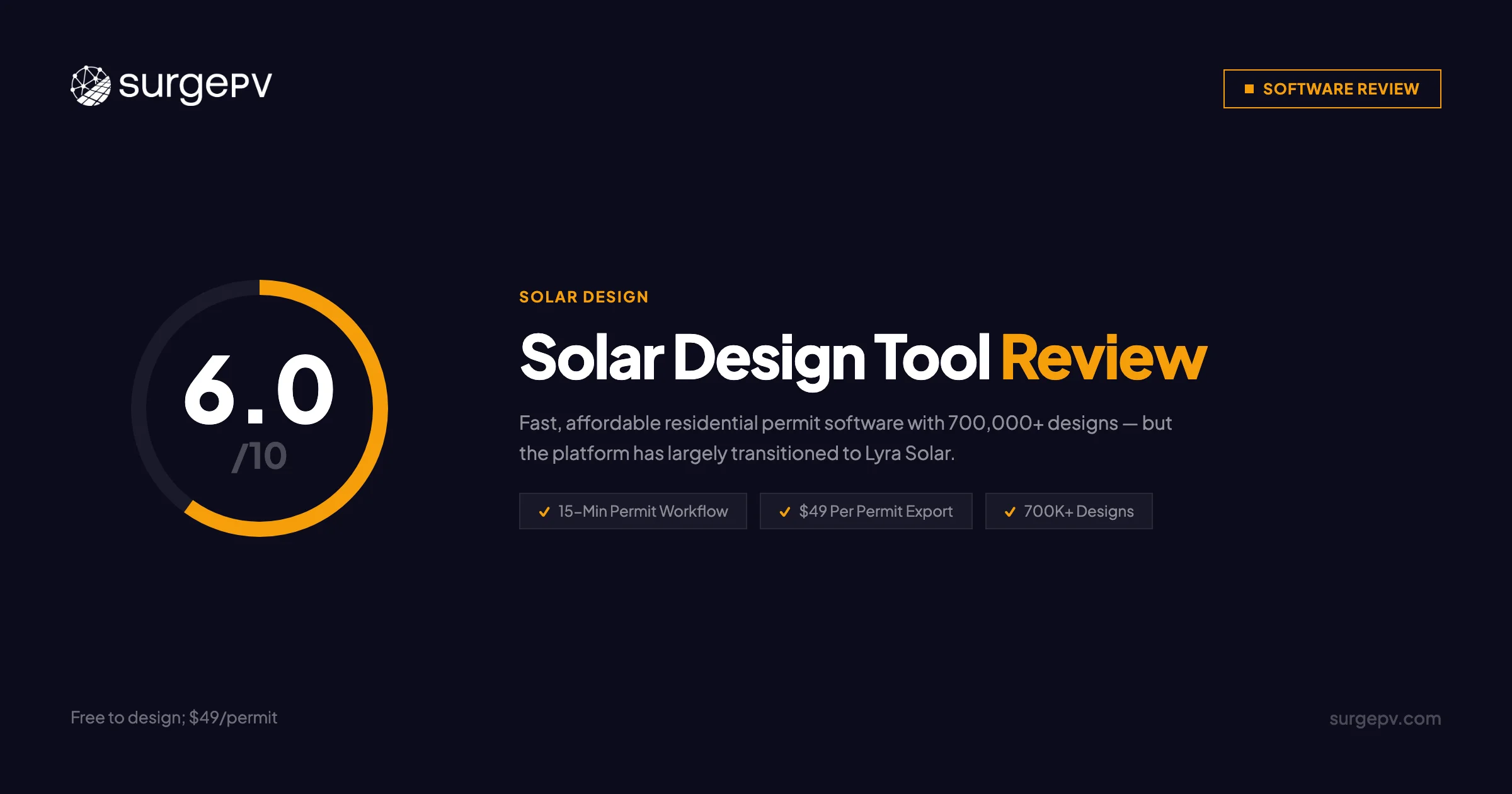
Rating: 6/10 — Proven for residential permit throughput; limited by scope and platform transition uncertainty.
Take the Next Step
If Solar Design Tool’s permit speed appeals to you but you need more — commercial structures, integrations, or complete electrical engineering — SurgePV covers the full project lifecycle in one platform.
See SurgePV in Action
Design residential and commercial solar projects, generate permit packages, and close proposals — all in one platform.
Book a Free DemoNo commitment required · 20 minutes · Live project walkthrough
Related Resources
- Lyra Solar Review — The direct successor to Solar Design Tool
- Aurora Solar Review — Industry standard for residential sales teams
- OpenSolar Review — Free tier with CRM and proposal tools
- HelioScope Review — Commercial and utility-scale energy simulation
- Best Solar Design Software Guide
About the Contributors

Solar-industry contributor
Nimesh Katariya contributes to SurgePV content concerning solar project workflows. This profile intentionally does not assert certifications, project totals, seminar counts, or technical-review authority without retained verification evidence.

Editorial contributor · SurgePV
Rainer Neumann is credited as an editorial contributor on SurgePV content. This profile does not assert engineering credentials, project totals, software-testing experience, education, speaking engagements, or media citations because independent verification evidence is not retained in the publication record.
