

Quick answer
SolarEdge Designer is free, with no license or subscription fees, and checks designs against SolarEdge rules. SurgePV is paid, from $1,899 per user per year for one user, and adds yield, financial modeling and proposals in one web platform (both checked November 2026). Choose SolarEdge Designer for SolarEdge-only jobs and SurgePV for a full workflow.
Comparing SolarEdge Designer with SurgePV?
Bring a real roof to a guided demo and see layout, yield and proposal in one workflow.
Book a Free DemoChecking cost first? See the SurgePV pricing page.
SurgePV publishes this page and is one of the two products compared. The facts come from the vendors’ public pages, checked November 2026.
SurgePV vs SolarEdge Designer: price and plans
SolarEdge Designer is free to use; SurgePV is paid. SolarEdge’s page says “free automatic upgrades with no license or subscription fees”, and SurgePV lists per-user annual pricing.
- SolarEdge Designer$0 no license or subscription fee
- SurgePV, 5 seats$1,299
- SurgePV, 3 seats$1,499
- SurgePV, 1 user$1,899
Source: SolarEdge Designer page and SurgePV pricing page, before 18% GST, checked November 2026.
| SolarEdge Designer | SurgePV | |
|---|---|---|
| Price | No license or subscription fees, per its product page | $1,899 per user per year (1 user); $1,499 per user (3 seats, $4,497 total); $1,299 per user (5 seats, $6,495 total); billed annually before 18% GST, per pricing |
| Access | Web tool from SolarEdge | Web platform; guided demo, no self-serve trial advertised |
| Design | HD satellite imagery, AI-assisted 3D modeling, roof detection, automatic panel placement | 3D roof modeling and solar array layout |
| Shading | Irradiance map and shading analysis | Shading analysis |
| Electrical | Stringing, DC cabling, battery and backup loads | Electrical workflow support, bill of materials |
| Sales output | Energy simulation, financial analysis, ROI forecasts | Energy-yield modeling, financial modeling, proposal generation |
| Hardware | Checks designs against SolarEdge design rules; page names SolarEdge systems | Equipment-brand scope: not stated on the pages read |
| Integrations | AutoCAD, PVsyst, SolarEdge Monitoring Platform | Not listed on the pricing page |

What does SolarEdge Designer do?
SolarEdge Designer is the manufacturer’s own design tool. It builds a rooftop model from satellite imagery, places panels using an irradiance map, calculates stringing and DC cabling and supports battery and backup-load planning. It validates designs against current SolarEdge design rules. Read more in our SolarEdge review.
Pros: free; built by the inverter and optimizer maker; links to PVsyst and AutoCAD.
Cons: tied to SolarEdge systems on the page read; no proposal CRM or project management described.
What does SurgePV do?
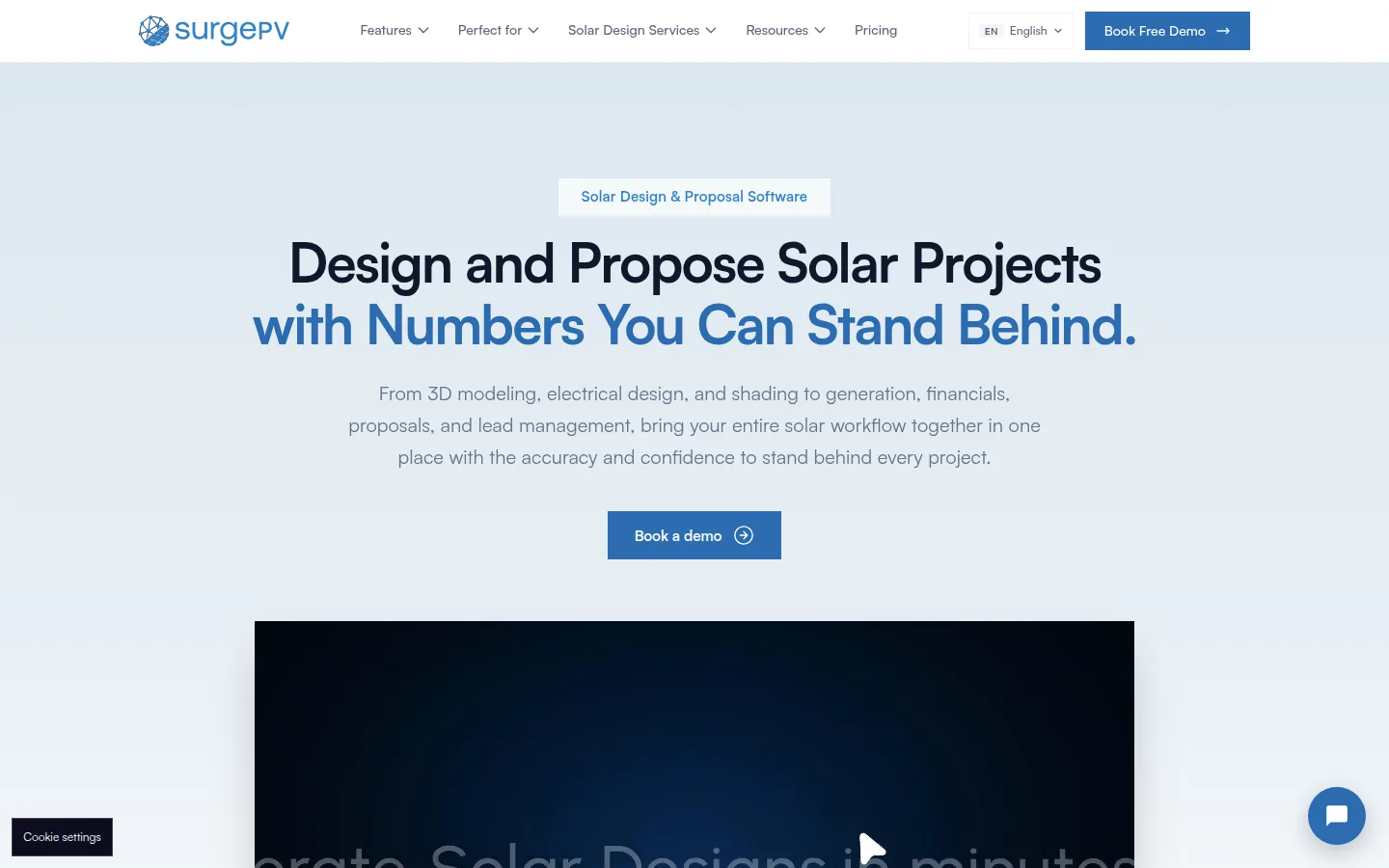
SurgePV is a web platform for 3D roof modeling, array layout, shading analysis, energy-yield modeling, financial modeling, electrical workflow support, bill of materials and proposals. Every plan includes all features and free onboarding, with Individual-only lead management and structure editing, per the pricing page.
Pros: design to proposal in one login; seat discounts to $1,299 per user.
Cons: a license fee; guided demo rather than a trial; outputs support, but do not replace, engineer or utility sign-off.
Is free design enough for your jobs?
If proposals, finance and a bill of materials are slowing you down, see them in SurgePV on your own project.
Book a Free DemoChecking cost first? See the SurgePV pricing page.
Who should pick which?
- Pick SolarEdge Designer if you install SolarEdge systems and want a free, rule-checked design.
- Pick SurgePV if you need proposals, financial modeling and a bill of materials in the same workflow, and you accept a license fee.
- Use both if SolarEdge rule checks matter: design there, then present in your proposal tool.
Related: OpenSolar vs SurgePV and the free solar design software list.
Bottom line
SolarEdge Designer wins on price and on SolarEdge rule checks. SurgePV wins when you want one paid platform for design, yield, finance and proposals. To see it on your own site, book a demo or review pricing.
Frequently Asked Questions
Is SolarEdge Designer free?
Yes, SolarEdge’s page says upgrades are free with no license or subscription fees (checked November 2026). SurgePV charges $1,899 per user per year for one user.
Is SurgePV better than SolarEdge Designer?
It depends on scope: SolarEdge Designer is free and checks SolarEdge design rules, while SurgePV adds proposals and project workflow for a fee. SurgePV lists 3D modeling, layout, yield, finance and proposals in one platform.
How much does SurgePV cost compared with SolarEdge Designer?
SurgePV is $1,899 per user per year for one user, $1,499 for three seats and $1,299 for five, billed annually before 18% GST. SolarEdge Designer has no license fee.
Does SolarEdge Designer work with non-SolarEdge equipment?
The page read names SolarEdge systems and SolarEdge design rules, and lists no other hardware. Ask SolarEdge before using it for other brands.
Does SolarEdge Designer export to PVsyst or AutoCAD?
SolarEdge’s page lists integrations with AutoCAD, PVsyst and the SolarEdge Monitoring Platform (checked November 2026).
Can I try SurgePV before buying?
SurgePV offers a guided demo, not a self-serve trial, and a demo does not need a credit card (pricing page, checked November 2026).
Sources
- SolarEdge Designer product page: free, no license or subscription fees; features and integrations. Checked November 2026.
- SurgePV pricing page: plans, per-user prices, GST note. Checked November 2026.
- PVsyst product page: PVsyst is one of the tools SolarEdge Designer lists an integration with. Checked November 2026.
Last checked: 4 November 2026.
