


If your work is utility-scale PV and storage, compare PVcase, HelioScope Enterprise and PVsyst with RatedPower first. If your work is rooftop, a rooftop tool such as OpenSolar, Aurora Solar or SurgePV fits better, because RatedPower says it is built for utility-scale projects. SurgePV is not a utility-scale tool.
This is a desk comparison of what each vendor publishes, checked October 2026. We have not run side-by-side tests. SurgePV publishes this page and sells one of the tools on it.
Criteria used: project size and type, published price, free or trial access, P50 and P90 values, and design inside the tool.
Want to see SurgePV on your own utility-scale or rooftop project?
Book a guided demo and bring a real site. We walk through design, yield, finance and the proposal in one platform.
Book a Free DemoChecking cost first? See the SurgePV pricing page.
What RatedPower Says It Is
RatedPower’s home page calls it “AI-powered design and engineering for utility-scale PV, storage and hybrid”. It says one pass takes a site to layout, yield, electrical design, CAPEX (build cost) and 400+ editable pages of documents. The pricing page lists three plans, Basic, Advanced and Enterprise, all with “Talk to sales” and no price. It says “You subscribe to Enverus RatedPower per company, not per seat”, with unlimited users, projects and designs on every plan.
The pricing page lists these items:
- Basic: PV design layout, modeling and 3D energy yield estimates, hybrid and standalone storage, and interconnection design.
- Advanced: detailed PV engineering and layout editability.
- Enterprise: site analysis and prospecting in selected geographies, team management and SSO.
- Add-ons: 3D energy yield packages and the Power Analyst AI agent.
The same page says it does not publish list prices, and that contracts usually run multi-year, with annual available. Its home page says you can export a layout as a .dwg file and import the edited file, and it adds that the round trip “is not lossless in every case”. The pricing page offers “Request a live demo” and “Take a free product tour”. It does not state a free trial.
Best-For Picks by Use Case
- Ground-mount layout inside AutoCAD: PVcase. Ground Mount is built on AutoCAD and lists grading, stringing, cable sizing, battery storage, single line diagram export and bill of materials export.
- Commercial designs up to 30 MW (DC) in a browser tool: HelioScope. That size is listed on Enterprise. Pro is up to 5 MW (DC).
- P50 and P90 yield results from a standalone program: PVsyst. It runs on Windows only and costs CHF 700 per year.
- A free tool for techno-economic analysis: SAM. It is free, but it is not a layout tool.
- Rooftop work: OpenSolar has a free core app, Aurora Solar lists residential design and sales, and SurgePV lists roof modeling, yield, financial modeling and proposals.
Comparison Table
Listed alphabetically. This is not a ranking; pick by the situation above.
| Tool | Best for | Price (checked October 2026) | Free or paid | Project size or scope fact |
|---|---|---|---|---|
| Aurora Solar | Residential design and sales | Basic $159 per user per month billed monthly, $135 billed annually (aurorasolar.com) | Paid; trial not stated on the pricing page | Commercial design points to HelioScope in its menu |
| HelioScope | Commercial design, up to 30 MW (DC) | Basic $159 per license per month; Pro $259 per month; Enterprise custom (helioscope.aurorasolar.com) | Paid; 14-day free trial | 1.25 MW (Basic), 5 MW (Pro), 30 MW (Enterprise), all DC |
| OpenSolar | A free core app for rooftop work | Core app free; API Access and connectors charged (opensolar.com) | Free core app, paid extras | Design and sell commercial systems; size limit not stated |
| PVcase | Ground-mount layout in AutoCAD | Not published; contact sales (pvcase.com) | Paid | Ground Mount built on AutoCAD; Yield lists P50 and P90 |
| PVsyst | P50 and P90 yield results | CHF 700 per year, PVsyst 8 Professional (pvsyst.com) | Paid; one-month free trial | Windows only; one license per computer |
| SAM | Free techno-economic analysis | Free (sam.nlr.gov) | Free | PV from residential rooftop to utility-scale |
| SurgePV | Rooftop design, yield, finance and proposals | $1,899 per user per year (1 user); see pricing | Paid; guided demo | Roof modeling and array layout |
Every price above was read on the vendor’s own page in October 2026. Taxes, discounts and plan limits change, so confirm them with the vendor before you buy. Solargraf is not compared on this page. Its site (solargraf.com) returned HTTP 403 to automated reads, including a headless browser, in October 2026.
What Does P90 Mean?
PVsyst’s documentation says annual production has a 90% probability of exceeding the P90 value. In plain words, you expect to meet or beat a P90 yield in 9 years out of 10. A P50 yield is the middle value, so it is exceeded in half of the years.
Tool Entries
Listed alphabetically. This is not a ranking; pick by the situation above.
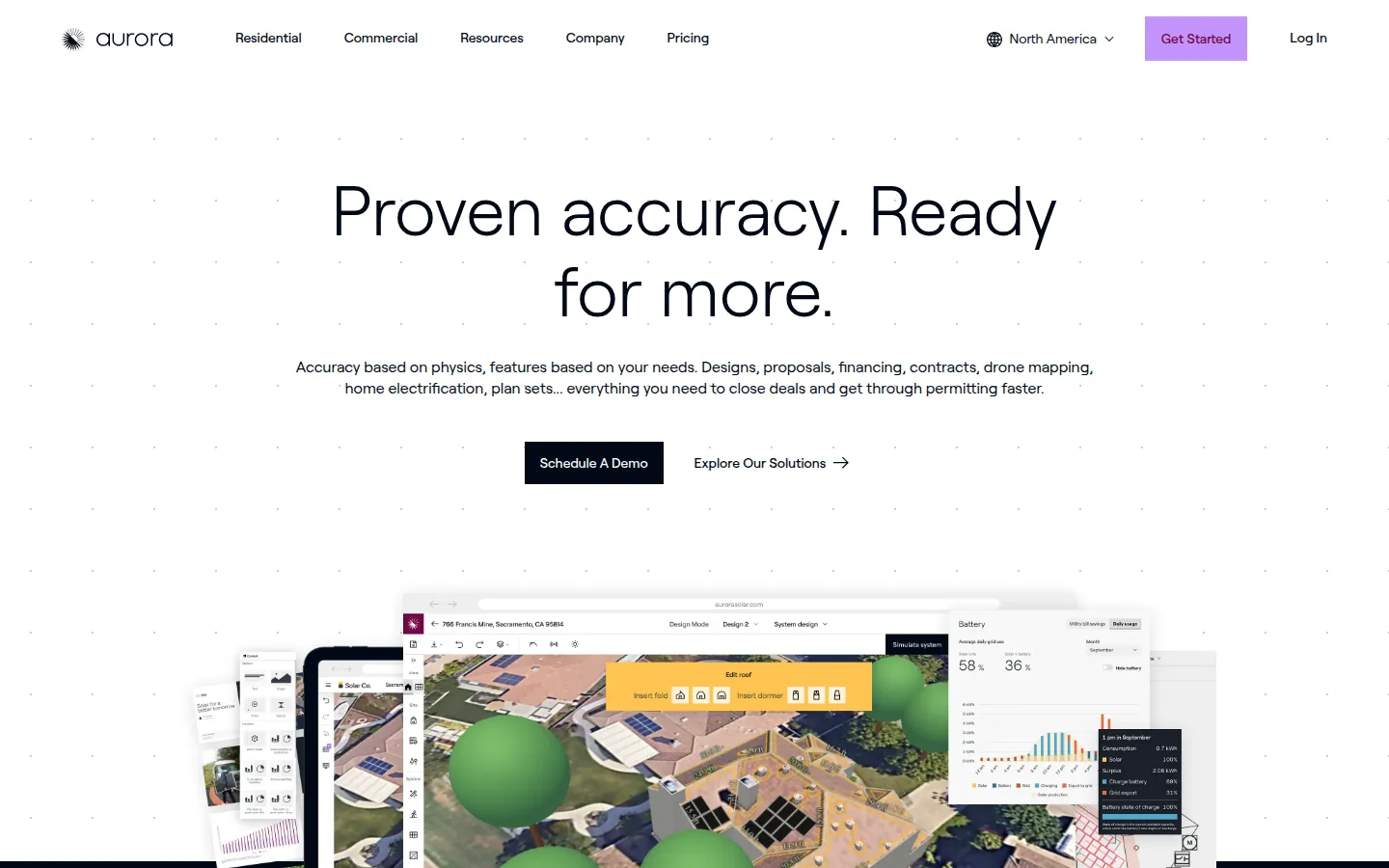
Aurora Solar
Best for: residential sales teams that want design, proposals and financing in one product.
Not the right choice if: your work is utility-scale. The pricing page says Basic gives “all the essential tools for residential design and sales”, and Aurora’s menu lists HelioScope under Commercial. You also need to look elsewhere for P90 yield values. Aurora’s help article says it “does not natively output P90 for solar energy production”, and its estimates are P50.
What the vendor documents: the pricing page lists 3D roof modeling and trees, ground mounts, automated panel placement, web and PDF proposals, integrated financing and a utility rate database. Premium adds LIDAR-assisted modeling, what Aurora calls bankable shade reports, and battery modeling. Enterprise adds unlimited users, APIs and drone mapping.
Price (checked October 2026, North America tab): Basic is $159 per user per month billed monthly, or $135 per user per month billed annually ($1,620 a year). Premium is $259 per user per month billed monthly, or $220 per user per month billed annually ($2,640 a year). Enterprise is custom per project. Basic and Premium each include 1 user and 50 projects per month.
Limitations: the pricing page does not state a free trial. Source for P50 and P90: Aurora help article.
Vendor link: aurorasolar.com.
HelioScope
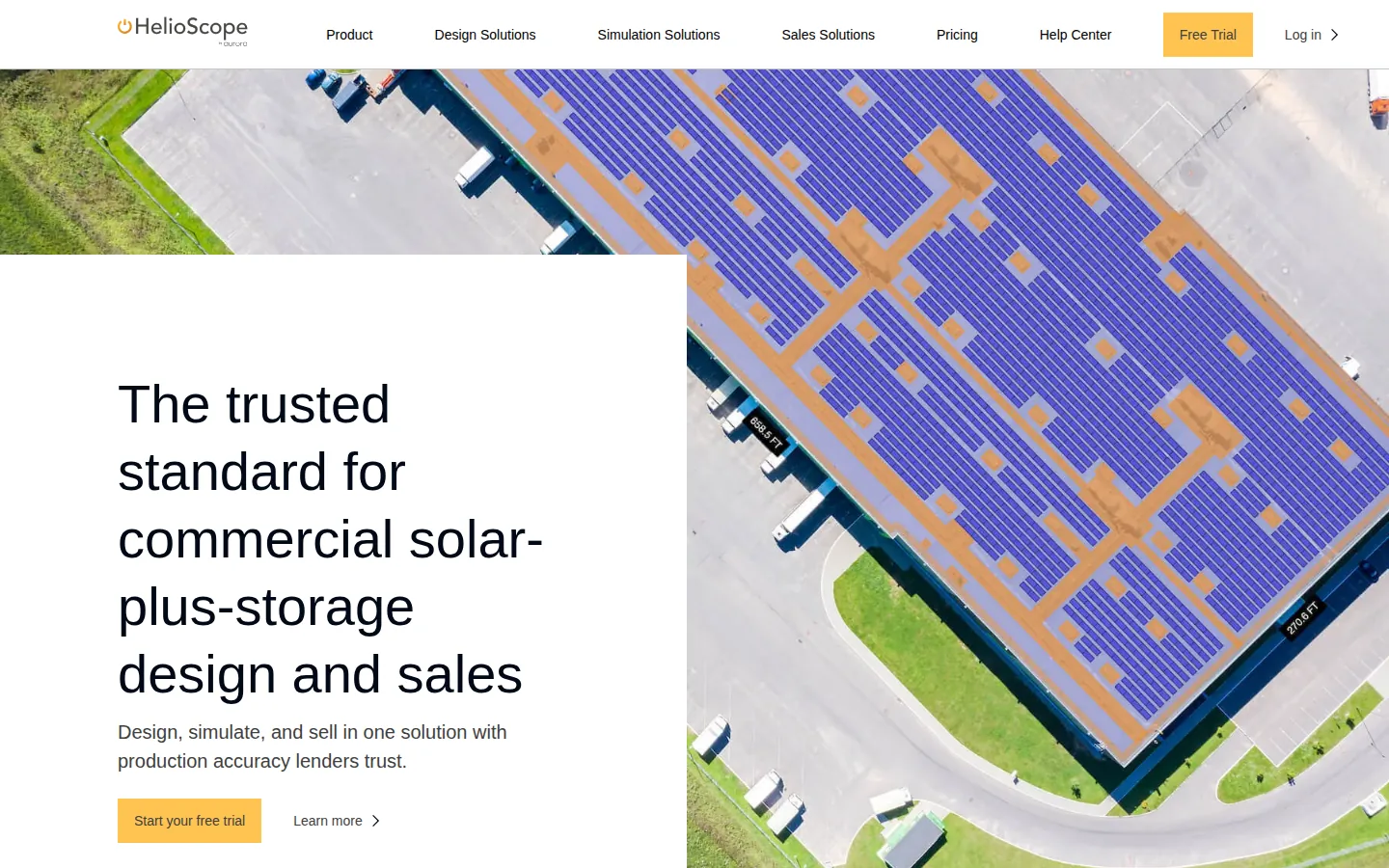
HelioScope is part of Aurora Inc.; its footer reads “an Aurora Inc. Company”.
Best for: commercial designers who want P90 values, storage design and proposals in one browser tool, at sizes up to 30 MW (DC) on Enterprise.
Not the right choice if: you need P90 values or proposals on Basic, because they are listed on Pro and Enterprise only. Size limits also apply. Basic covers designs up to 1.25 MW (DC), Pro up to 5 MW (DC) and Enterprise up to 30 MW (DC). Single-axis trackers and export to PVsyst are listed on Enterprise only.
What the vendor documents: the pricing page lists rooftop, carport and ground mount design and storage design on all plans, plus single-line diagrams and CAD export. Pro adds LIDAR-assisted modeling, storage modeling, financial modeling and sales proposals, and P90, P95 and P99 values. Enterprise adds unlimited users, single-axis trackers, export to PVsyst, API access and SSO. Its simulation page says production estimates are “validated to be within 1% of PVsyst by third parties”.
Price (checked October 2026): Basic is $159 USD per license per month or $1,620 USD per license per year. Pro is $259 USD per month or $2,640 USD per year. Enterprise is custom per-project pricing. Each Basic and Pro license includes 1 user and 10 projects per month.
Limitations: the free trial is 14 days and limited to one per customer.
Vendor link: helioscope.aurorasolar.com.
OpenSolar
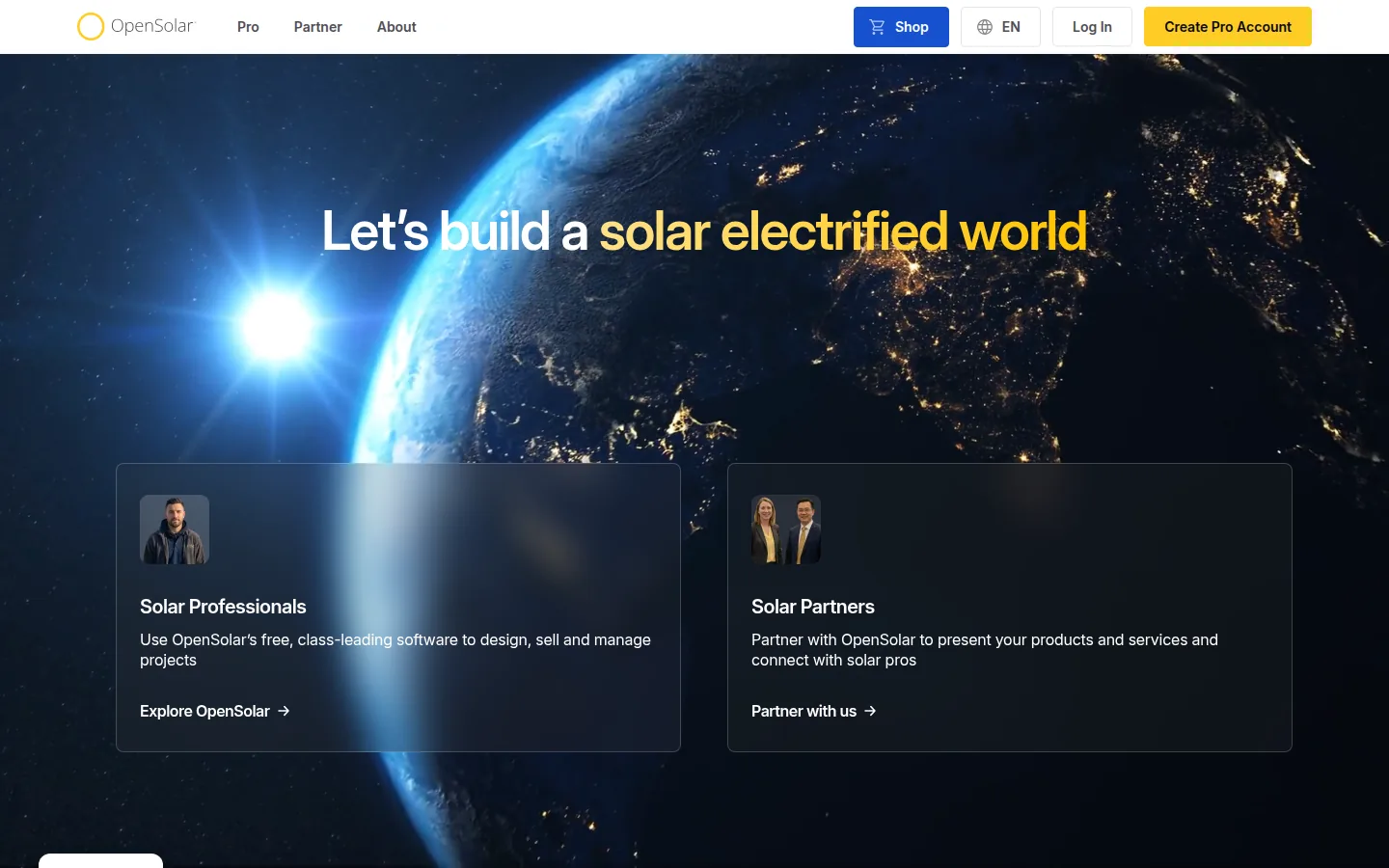
Best for: small rooftop installers who want design, proposals and a project tool without a monthly fee for the core app.
Not the right choice if: you connect OpenSolar to other tools. Its post of 16 February 2026 says API Access and supported connectors are charged from 16 April 2026. The core app stays free. It is also not described as a utility-scale tool on the pages we read.
What the vendor documents: the Auto Design page lists automated 3D designs, an automatic bill of materials, shading heatmaps and shade reports, and the ability to design and sell commercial systems. It says Auto Design is in beta. The site menu lists single-line diagrams, e-signature, integrated finance and a project management CRM.
Price (checked October 2026): the Enterprise Services page says OpenSolar “is free to design, sell, and manage solar projects”. Paid plans are optional: Support is US$500 per month, and Customize is US$1,350 per month. Enterprise is custom.
Limitations: the pages we read do not state a project size limit.
Vendor link: opensolar.com.
PVcase
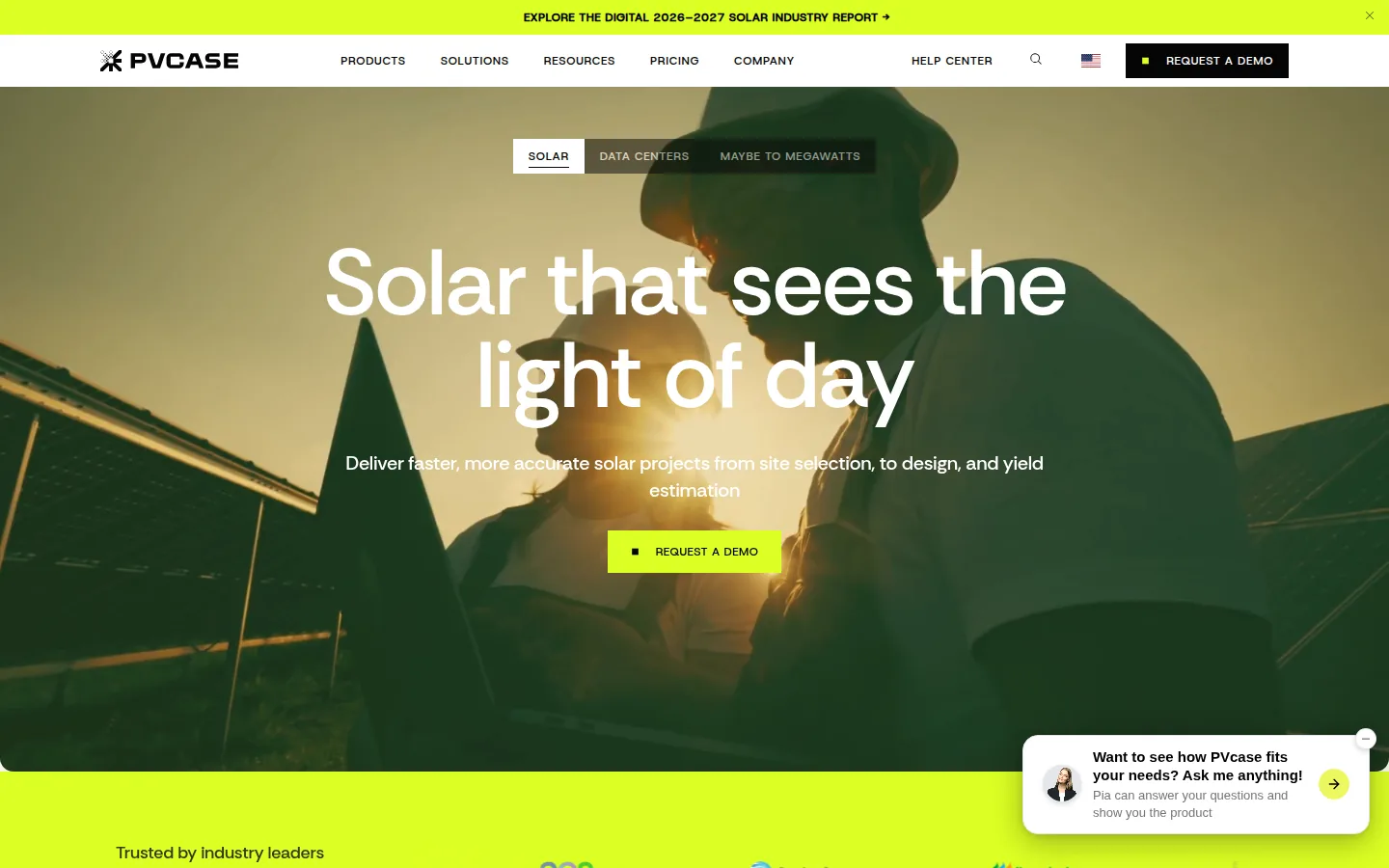
PVcase sells separate products for site selection, ground-mount and rooftop design, and yield. This entry covers Ground Mount and Yield.
Best for: teams that design ground-mount plants in AutoCAD and want a yield model on the same layout.
Not the right choice if: you want a published price. PVcase’s FAQ says “We don’t offer a complete price list online because we offer customized packages”. You may also want another tool if you do not work in AutoCAD, because Ground Mount is built on it.
What the vendor documents: the Ground Mount plan page lists slope and collision analysis, grading and grading heatmaps, piling analysis, stringing, cable sizing and voltage drop, single line diagram export, battery storage (AC and DC coupled, for hybrid or standalone designs), bill of materials export, and export to PVcase Yield and PVsyst. The Yield plan page lists “built-in probability scenarios (P50, P90)”, bifacial modeling, complex terrain modeling, 15-minute intervals, and PDF and time-series export. The Yield page says simulations use cloud computing.
Price (checked October 2026): not published. The plan pages list no price and ask you to talk to sales or request pricing.
Limitations: the plan pages we read do not state a free trial.
Vendor link: pvcase.com.
PVsyst
PVsyst is a Windows desktop program from PVsyst SA in Switzerland.
Best for: engineers who want P50 and P90 yield results with documented uncertainty inputs.
Not the right choice if: you want layouts, customer proposals or a browser tool in the same product. The product page says PVsyst only runs on Windows, with one license per computer. The help search index lists no customer proposal or quotation feature (searched October 2026).
What the vendor documents: simulation with near shadings from a 3D scene, an economic assessment, and options for grid storage, self-consumption and standalone systems with storage. The P50-P90 page defines the values described above. A single line diagram tool exists for grid-connected systems. The help page says it excludes storage systems and is “still work in progress”.
Price (checked October 2026): CHF 700 per year for PVsyst 8 Professional (Swiss francs, no conversion). Source: PVsyst shop. The product page lists a one-month free trial of PVsyst 8 and does not state the trial’s limits.
Limitations: Remote Desktop, Citrix and server installs are listed as unsupported.
Vendor link: pvsyst.com.
SAM
The System Advisor Model (SAM) is a free desktop application from the National Laboratory of the Rockies (NLR), formerly NREL.
Best for: analysts and developers who want a free tool for techno-economic analysis, including P50/P90 runs and several financial models.
Not the right choice if: you want layouts, drawings or proposals. SAM’s home page describes it as a tool for techno-economic analysis.
What the vendor documents: the home page lists photovoltaic systems “from small residential rooftop to large utility-scale systems”, battery storage, and financial models for residential and commercial, power purchase agreement (PPA) and third party ownership projects. The simulation options page lists P50/P90 simulations.
Price (checked October 2026): free. You register for a free software key. Source: SAM download page.
Limitations: the validation page hosts reports dated mostly 2012 to 2015. The newest item is a 2023 paper.
Vendor link: sam.nlr.gov.

SurgePV
SurgePV is our product. We publish this page and sell this software.
Best for: installers and EPC teams that want roof modeling, array layout, shading, energy-yield modeling, financial modeling and proposals in one web application.
Not the right choice if:
- your work is ground-mount or utility-scale. SurgePV’s published scope lists roof modeling and array layout. It does not list ground-mount layout, terrain, trackers or substation design.
- you need a self-serve trial. SurgePV offers a guided demo and does not advertise one.
- you want a free core app. OpenSolar says its core app is free of charge.
- you need a full CRM. SurgePV’s published product scope does not list a CRM.
- you need approval from an engineer, authority or lender. SurgePV outputs support design and documentation but do not replace that approval.
What the vendor documents: 3D roof modeling, solar array layout, shading analysis, energy-yield modeling, financial modeling, electrical workflow support, bill-of-materials output and proposal generation. See solar design software and solar proposals.
Price (checked October 2026): $1,899 per user per year for 1 user, $1,499 per user per year for 3 seats, and $1,299 per user per year for 5 seats. Access starts with a guided demo. See pricing.
Limitations: results depend on the source data, assumptions and equipment models you use. SurgePV’s published scope does not name P50 or P90 values.
Vendor link: SurgePV solar design software.
Ask how SurgePV fits your rooftop projects
Book a guided demo and bring a recent project.
Book a Free Demo
Questions to Settle Before You Switch
- What is the largest project you design? HelioScope lists size limits by plan. The rooftop tools on this page do not state utility-scale scope.
- Does your lender or engineer name a program? If so, use that program. Ask what it accepts before you design.
- Do you work in AutoCAD? PVcase Ground Mount is built on it, and RatedPower says you can export and import a .dwg file.
- How is the price set? RatedPower and PVcase publish no price. Others charge per user, per license or per year.
This page compares seven tools. It does not cover Solargraf, Scanifly, Arka360, Energy Toolbase or other design tools. For wider lists, see best utility-scale solar design software, best ground-mount solar design software, best bankable solar simulation software, PVcase alternatives and Solargraf alternatives.
How We Ordered These Tools
The tools are listed alphabetically. The table records what each vendor publishes, not what we saw in use. “Not stated” means the pages we read did not say. The feature may still exist.
| Tool | Project size or type | Price published | Free or trial access | P50 and P90 values | Design inside the tool |
|---|---|---|---|---|---|
| Aurora Solar | Residential; commercial points to HelioScope | Yes, USD per user per month | Not stated on pricing page | P50 only; no native P90 | Yes |
| HelioScope | Up to 30 MW (DC) on Enterprise | Yes, USD per license; Enterprise custom | 14-day free trial | P90, P95, P99 (Pro) | Yes |
| OpenSolar | Commercial systems listed; limit not stated | Core app free | Core app free | Not stated | Yes |
| PVcase | Ground Mount for utility-scale | No | Not stated on plan pages | P50, P90 (Yield) | Yes, in AutoCAD |
| PVsyst | Not stated by size | Yes, CHF per year | One-month free trial | P50-P90 tool | Simulation with a 3D scene |
| SAM | PV from residential to utility-scale | Free | Free | P50/P90 simulations | No layout tool listed |
| SurgePV | Rooftop scope | Yes, USD per user per year | Guided demo | Not named in published scope | Roof modeling and array layout |
Project size or type. It matters because a tool built for rooftops will not suit a 100 MW plant, and the reverse. We did not test any tool at the limits it lists.
Published price. It matters because a number lets you plan a budget. We did not request quotes, and we left out add-ons, taxes and volume discounts.
Free or trial access. It matters if you want to try a tool before you pay. We did not sign up for any trial.
P50 and P90 values. They matter if a lender or engineer asks for them. We did not check which value any lender uses.
Design inside the tool. It matters if you want one product instead of several exports. We did not test exports or handoffs between tools.
SurgePV sits in the alphabetical list like the other six. It is the stated pick only for rooftop work, and a competitor is the stated pick for every utility-scale use case on this page.
Sources and Dates
Vendor pages were read in October 2026. The pages used for each tool are linked in its entry above. Screenshots are public website captures from 29 October 2026. SurgePV publishes this page and is a vendor on the list. Methodology: tools are listed alphabetically and are not ranked, as described in How We Ordered These Tools.
Frequently Asked Questions
What is RatedPower?
RatedPower is a design and engineering platform that its vendor describes as AI-powered software for utility-scale PV, storage and hybrid projects. It is part of Enverus. Its pricing page says it is sold as a per-company subscription with unlimited users and projects, and it does not publish list prices.
Why look for a RatedPower alternative?
Common reasons are price, project type and workflow. RatedPower does not publish list prices, and its pricing page says contracts usually run multi-year, although annual is available. If your work is rooftop or small commercial, a tool built for that work may fit better. If you work inside AutoCAD, PVcase Ground Mount is built on it.
What is a free alternative to RatedPower?
SAM, from the National Laboratory of the Rockies (formerly NREL), is a free desktop application for techno-economic analysis. It is not a layout tool. OpenSolar says its core app is free of charge, and it is aimed at design and proposals, not utility-scale layout.
Is SurgePV an alternative to RatedPower?
Only for rooftop work. SurgePV’s published scope covers roof modeling, array layout, shading, yield and financial modeling, bill of materials output and proposals. It does not list ground-mount, terrain or substation design, which are the main uses of RatedPower.
Which RatedPower alternatives list P90 values?
HelioScope lists P90, P95 and P99 values on Pro. PVcase Yield lists P50 and P90 scenarios. PVsyst has a P50-P90 tool, and SAM lists P50/P90 simulations. Aurora Solar says its solar production estimates are P50 and it does not natively output P90.
What size of project can HelioScope design?
HelioScope lists designs up to 1.25 MW (DC) on Basic, up to 5 MW (DC) on Pro and up to 30 MW (DC) on Enterprise. Enterprise pricing is custom per project.
Related lists
For related comparisons, see Aurora Solar alternatives and free solar design software.
