

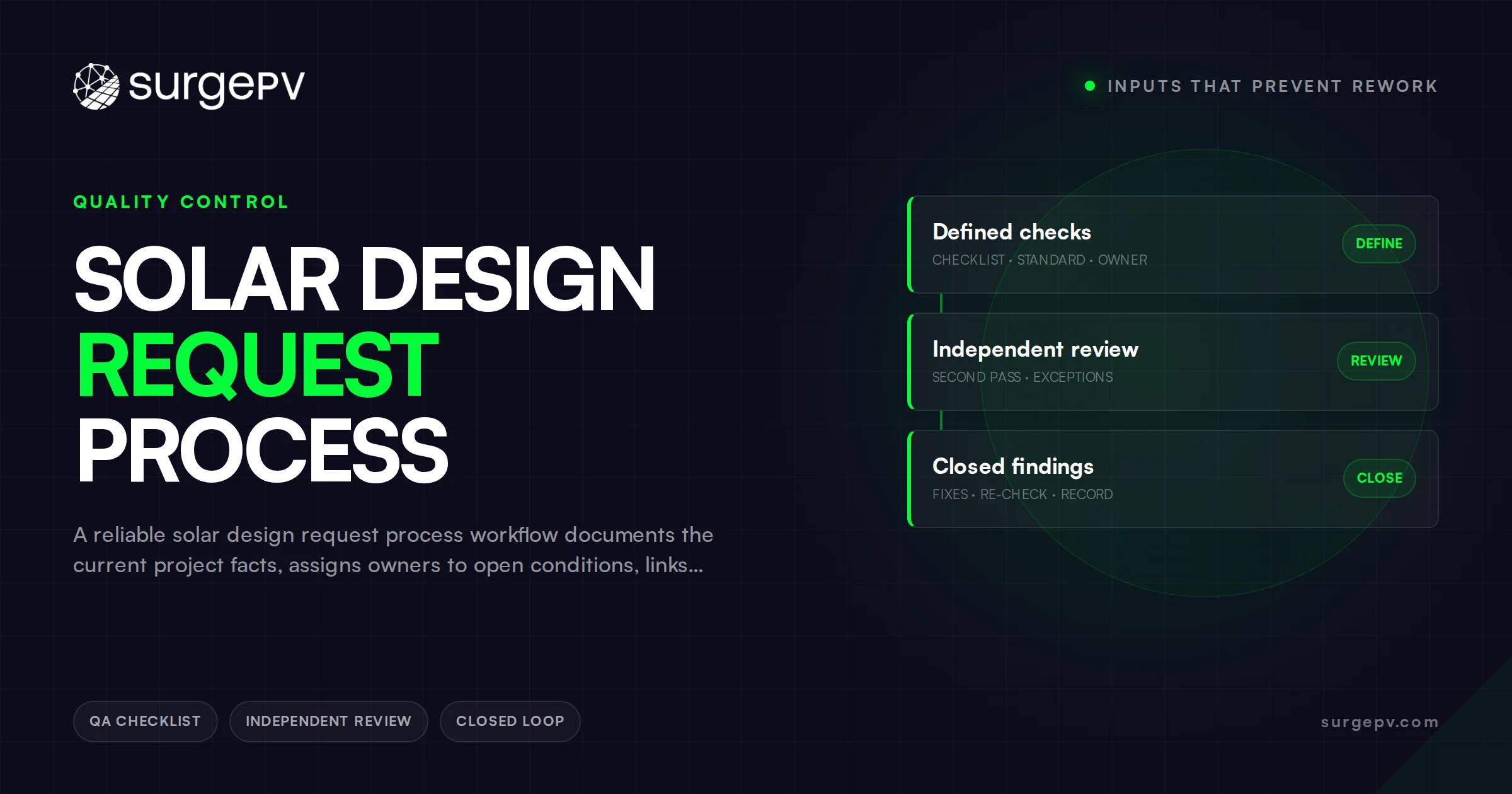
Answer
A solar design request process is a written path from sales request to released design: one intake form, a triage step that accepts, holds or returns the request, a named owner, numbered revisions and a review before release. It stops rework because the designer never starts from guesses and every change is logged.
Most design rework starts before the designer opens a project. A request arrives by chat with a half-readable bill and no roof photos, the designer guesses, and the guess surfaces later as a revised quote. A written request process prevents that by deciding, in advance, what a request must contain and who acts at each stage.
This guide sets out a six-step solar design request process for installers and EPCs, with a status table you can copy and a short list of what to measure.
Last updated: November 2026
Direct Answer
Use one intake form, a triage step that accepts, holds or returns each request, a named owner with a due date, numbered revisions and a review before anything reaches the customer. The process works when the designer never starts from guesses.
Want Requests, Designs and Proposals in One Place?
See how a connected workflow keeps each design revision tied to the proposal built from it.
Book a DemoChecking cost first? See the SurgePV pricing page · 20 minutes · Live project walkthrough
What Is a Solar Design Request Process?
A solar design request process is the written sequence a project follows from the first sales request to a released design. It names the inputs required, who decides whether the request is ready, who owns the work and how changes are recorded. It is an operating control, not engineering approval, and it does not replace site verification, code review or utility requirements.
A request process is most useful where several people touch the same job: a salesperson, a designer, an estimator and a project manager. Each handoff can change a number or an assumption, and the process makes those changes visible.
The Six Steps
- Submit. Sales completes one intake form, not a chat message.
- Triage. A designer accepts, holds or returns the request within a set time.
- Assign. One named owner takes the work with a due date.
- Design. The designer works in a numbered revision and labels assumptions.
- Review. A second person checks the design against the request before release.
- Close the loop. The released revision, its reviewer and open items are logged, and any later change creates a new revision.
Step 1: Submit One Intake Form
Use one form so every request has the same fields. Our guide to the 9 fields every sales-to-design request should include lists the fields in detail. At minimum, ask for the address, usage data, roof photos, roof age, the customer’s goal and the deliverable.
DOE’s homeowner guidance is a useful reminder of why those fields matter. It says roofs perform best when south-facing with a slope between 15 and 40 degrees, though other roofs may work, that heavy tree shade can make a roof a poor fit, and that roof age matters because replacing a roof later means removing the array (U.S. Department of Energy, checked November 2026).
Sources: the DOE homeowner’s guide to solar and its page on permitting and inspection, checked November 2026. The average size is attributed there to NREL.
Step 2: Triage Before Design
Triage is the step that prevents rework. A designer reads the request and takes one of three actions.
| Status | Meaning | Who acts next |
|---|---|---|
| Accepted | Inputs are enough to start | Designer |
| Held | One or two items are missing but the work can begin on labeled assumptions | Sales supplies the items |
| Returned | Core data is missing, such as no usage data or no roof access | Sales fixes the request and resubmits |
Return the request with a specific question, not a general note. “Which meter does this bill belong to?” gets an answer. “Need more info” does not.
Step 3: Assign One Owner
Assign each request to one person with a due date. A request owned by “the design team” waits until someone notices it. If the designer is out, the design lead reassigns it, and the log records the change.
Step 4: Design in a Numbered Revision
Number every revision from the first draft. The designer labels each input as confirmed, estimated, pending or changed, and records the imagery date and shading method. The shadow analysis workflow is one way to document how shading was treated. For a quick baseline estimate, DOE points homeowners to NREL’s PVWatts calculator, which is a starting point, not a final design.
Pro Tip
Write the triage decision and the reason in the request itself. When a designer can see why a request was held last time, the same gap is easier to spot on the next one.
Step 5: Review Before Release
A second person compares the design against the request: module count, equipment, roof planes, shading treatment and any customer constraint. The reviewer is not re-designing. They are checking that the design answers the request. Questions that involve structure, electrical design or code go to the qualified person your company designates.
Step 6: Close the Loop
Once released, store the revision, reviewer, date and open items. When a solar proposal is built from the design, it should cite the revision number. If the layout, equipment or price changes later, the change creates a new revision, and sales is told which customer-facing figures must be re-issued.
What to Track in the Request Queue
Measure whether the process is used, not whether you have met a generic industry target. Useful measures include:
| Measure | What it tells you |
|---|---|
| Requests returned at triage | How often intake is incomplete |
| Requests that needed a second revision | Where first drafts are missing inputs |
| Proposals tied to the current revision | Whether the record is trusted |
| Open items at handoff | Whether exceptions are visible |
Review a small sample of reworked projects each month and ask where an input went wrong. If the same cause appears twice, add a field or a gate. If a field is never used, remove it. Our post on signs your design queue is an intake quality problem shows how to read the patterns.
Key Takeaway
Returned requests are not a failure of the process. They are the process working: the gap is fixed at intake, when it is cheapest to fix.
Handling Urgent Requests
Urgent requests are where the process usually breaks. A salesperson with a customer waiting skips the form, and the designer starts from a message. Keep the process fast instead of optional. Allow a short form for urgent work, accept the request on labeled assumptions, and mark the output as preliminary. Do not let a preliminary design become a customer commitment until the held items are cleared.
Related reading: 6 tasks sales reps can complete before a designer touches the project and 7 ways to prevent designers from chasing missing site information.
Cut Back-and-Forth on Design Requests?
Book a walkthrough to see how design inputs, revisions and proposal outputs stay linked in one project.
Book a DemoSee the SurgePV pricing page for plan details · No commitment required
Evidence and Limits
The National Laboratory of the Rockies (formerly NREL) publishes photovoltaic research resources, and DOE publishes a guide to PV system design basics. They give context for roof, orientation and production inputs. They do not validate a specific job, so keep the project evidence with the request.
A connected tool such as solar design software can hold the request, the design and the outputs in one place. It does not remove the need for site verification, engineering review or local approvals, and results depend on the source data, assumptions and equipment models used.
Conclusion: Make the Request the Single Source of Truth
- Use one intake form and return incomplete requests early.
- Give each request one owner, a due date and a numbered revision.
- Review the design against the request before release, and log every change.
To see how a connected workflow handles this, book a SurgePV demo.
Frequently Asked Questions
What is a solar design request process?
It is the written path a project follows from a sales request to a released design. It usually covers intake, triage, assignment, design, review and revision logging.
What should a solar design request include?
Include the site address, usage or bill data, roof photos and age, the customer goal, known constraints and the deliverable needed. Mark anything that is an estimate so the designer does not treat it as confirmed.
How do you reduce solar design rework?
Return incomplete requests at intake, number every design revision and review the design before it goes to the customer. Most rework comes from missing site data and unlogged changes, both of which these steps catch early.
Who should triage solar design requests?
A designer or design lead should triage, because they can tell quickly whether the inputs are enough to start. Sales should own the missing information when a request is held or returned.
When should a design request be updated after sending?
Update it after any material change to the site, scope, equipment, assumptions or customer commitment. Each update should create a new numbered revision and notify anyone holding the older proposal.
Ready to strengthen your design request process?
Book a personalized SurgePV demo to explore a connected request, design and proposal workflow.
Book a Free DemoSources
Primary research and reference material used for this desk-research article.
Where this fits
This article is part of SurgePV's Solar Business & Operations hub, which works through the topic from first principles to the decisions a project team actually has to make.