
Answer
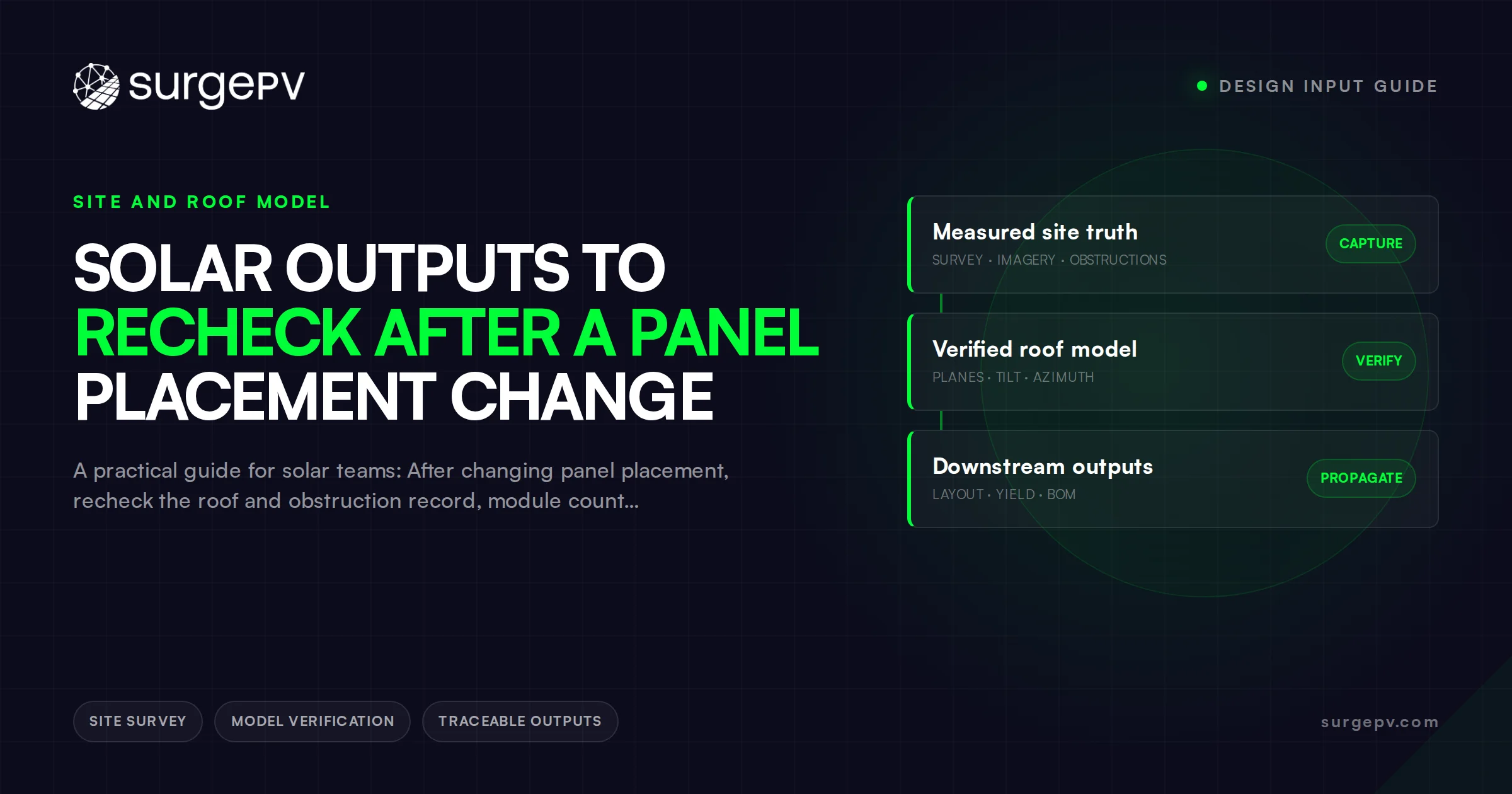
After changing panel placement, recheck the roof and obstruction record, module count, electrical configuration, shading treatment, generation model, bill of materials, drawings, price, and every proposal figure derived from the old layout.
Moving a module is a change to a project configuration, not just to an image. It may affect where the array fits, which modules belong to a string, how shading is represented, which materials are needed and what a customer has already been shown. The consequence depends on the actual change; do not assume every movement requires rebuilding every output.
This is a desk-research impact checklist for installers and EPCs. It does not establish an electrical design, structural assessment, permit requirement or construction authorization. The responsible project roles must make those decisions using the site’s evidence and applicable requirements.
Start with the reason for movement
Record the project, option, original revision, requested change, evidence source and requester. State why the movement is proposed: a new obstruction, roof observation, clearance requirement, equipment substitution, customer preference or a changed objective.
Separate a request from an accepted change. The person collecting it may not be authorized to approve its technical or commercial effects. Name the owner who will decide the disposition and identify any work or customer communication that depends on the prior configuration.
For broader change ownership, use the field-change communication guide. This checklist focuses on the outputs affected by a placement change rather than replacing the project’s change procedure.
Confirm physical geometry
Compare the old and proposed roof planes, module positions and dimensions, boundaries, obstructions, access routes and required clearances. Confirm the source revision used to establish them. A movement on a screen does not prove that the installed arrangement fits or that a clearance remains acceptable.
If the underlying roof geometry is preliminary, keep that status on the revised layout. Record which site verification remains and whether the next proposed activity can use that preliminary information. Do not silently convert an imagery-derived outline into a surveyed dimension.
Vendor behavior varies. Solo’s module-change documentation distinguishes retaining positions from updating fit and rebuilding a layout after a module change. That illustrates why a user must check what the command actually changed; it does not describe SurgePV behavior or grant access to Solo features.
Revisit electrical logic
Ask the responsible electrical reviewer which dependencies changed: module identity and quantity, string membership, inverter allocation, circuit arrangement, cable routes, protection or the single-line record. The physical change may be relevant even when the module count is unchanged.
In an invented example, reducing an array from twenty 400 W modules to eighteen reduces rated DC capacity from 8.0 kW to 7.2 kW, a 10% reduction. It does not establish a 10% reduction in annual AC energy: location, shading, configuration and other model assumptions determine that result. The reviewer must assess the actual electrical arrangement rather than fitting a string count to the new total by intuition.
Document “unaffected” with a reason and reviewer when appropriate. Do not substitute a blanket approval status for a record of what was checked.
Review modeled outputs against the new configuration
Identify whether the movement changes any model input: quantity, orientation, tilt, shading scene, electrical grouping, equipment or losses. Regenerate the outputs affected by that change, or retain a reasoned disposition explaining why a rerun is unnecessary.
PVWatts exposes system-size, orientation, loss and inverter assumptions and warns about prediction uncertainty. Its simplified model does not by itself validate a detailed module-position or string-shading change. Use the model appropriate to the project and retain its version, inputs and output boundary.
Compare annual AC energy with annual AC energy for the same period, not with DC nameplate power. If a financial scenario uses the updated production, also check its load, tariff, export, financing and scope inputs. Do not scale savings mechanically by the change in panel count.
Compare materials, drawings and commercial artifacts
Use a dependency record to identify affected outputs. The following fields are proposed for a team review, not a universal required document set.
| Output | What to compare with the accepted change | Owner’s disposition |
|---|---|---|
| Roof layout | Locations, planes, geometry source and option | Revised, unchanged with reason, or pending |
| Electrical record | Equipment, grouping and affected circuits | Responsible technical review |
| Energy model | Changed inputs, configuration and period | Rerun or documented reason |
| BOM | Modules and any affected mounting or electrical items | Quantity and procurement review |
| Drawings | Layout, electrical and other affected sheets | Current issue and release purpose |
| Price and scope | Changed materials, labor, options and exclusions | Commercial review |
| Customer proposal | Image, equipment, capacity, energy, finances and narrative | Matched current version |
Record the actual revision, reviewer, date and unresolved condition for each affected output. A successful export is not evidence that every dependency updated. Check manually entered quantities, pasted images and narrative values as well as generated fields.
If a quote or purchase order was already issued, route the effect to the responsible procurement and commercial owners. A new layout does not automatically amend an existing order, contract or authority submission.
Release a coherent package and reach prior recipients
Before releasing, check that the layout, equipment schedule, electrical basis, models, price and proposal describe the same accepted option. Identify any pending condition and the activities it prevents. Preserve the earlier issued record and mark its relationship to the replacement according to the team’s records policy.
Use the document-transmittal workflow to identify recipients who may hold the old version, including offline or forwarded copies. Receipt of the update is separate from technical approval. If the buyer’s selection or agreement needs another decision, obtain it through the applicable project process rather than assuming the new PDF settles it.
To evaluate Solar Proposals, ask a presenter to change a representative layout and show which customer-facing fields regenerate, which remain manual and how your team would reconcile them before issue. Confirm the actual product workflow in a guided demo; do not assume automatic synchronization or release authority.
Frequently asked questions
Do all panel placement changes require a new energy model?
Review the model whenever placement changes a relevant input such as module count, plane, orientation, shade treatment, or configuration; document why a rerun was or was not required.
Which customer-facing outputs should be checked after a layout change?
Check the roof image, module count and capacity, equipment and scope tables, production and financial scenarios, pricing, exclusions and any narrative derived from the prior option. Use a dependency record; there is no evidenced universal ranking of the most frequently missed output.
Can sales handle a wording-only layout update?
Use the team’s authorization rules and confirm that the edit changes no geometry, equipment, technical assumption, scope, price or modeled output. If an effect is uncertain, route it to the responsible reviewer before resending. A sales edit does not confer engineering or authority approval.
Sources
Primary research and reference material used for this desk-research article.
Where this fits
This article is part of SurgePV's Solar Design hub, which works through the topic from first principles to the decisions a project team actually has to make.



