


If you design and sell solar in Qatar, pick by the job. OpenSolar’s core app is free. Aurora Solar lists design, financing integrations and proposal tracking. SurgePV lists roof modeling, bill of materials and proposals in one product, priced per user in US dollars. None of the vendor pages we read gives a Qatar-specific tariff or subsidy rule, so test each tool on a real Qatar project.
This is a desk comparison of what each vendor publishes, checked November 2026. We have not run side-by-side tests. SurgePV publishes this page and is a vendor on this list. Tool facts come from each vendor’s own site. Prices are as listed by the vendors in November 2026 and may change. Manual spreadsheets are not compared because they have no vendor page.
Methodology: tools are listed alphabetically and are not ranked. Criteria used: design link, price and what the vendor says it covers. See How We Ordered These Tools.
Want to see SurgePV on your own Qatar project?
Book a guided demo and bring a real site. We walk through design, yield, finance and the proposal in one platform.
Book a Free DemoChecking cost first? See the SurgePV pricing page.
Best-For Picks for Qatar
- Residential design and sales with financing integrations: Aurora Solar. Its pricing page lists tablet-friendly proposals, integrated financing and proposal activity tracking. Contract Manager and e-signature tools are on Enterprise. For a Qatar rooftop, its value is a fast basic design for the Stage 1 request; Kahramaa’s checklist is a separate document.
- Commercial design with a sales proposal on the Pro plan: HelioScope. Pro is $259 per license per month. Designs above 5 MW (DC) need Enterprise. A commercial roof is the case where the feeder’s Grid Impact Assessment is most likely to matter, so size the array before you apply.
- A free core app with proposals, checkout and e-signature: OpenSolar. The core app is free. API Access and connectors are charged from 16 April 2026. A free start suits a consultant who wants to draft Stage 1 basic designs before choosing a paid tool.
- Yield evidence for a lender: PVsyst. Its help documents P50 to P90 evaluations. It runs on Windows only and lists no proposal generation. Use it for the yield evidence a lender wants; it is not described as a Kahramaa submission tool.
- Roof model to proposal in one product, priced per user: SurgePV. It lists 3D roof modeling, shading, yield, financial modeling, bill of materials and proposal generation. Access is a guided demo. One model feeding a bill of materials helps with the equipment list the contractor submits after final approval.
Comparison Table
Listed alphabetically. This is not a ranking; pick by the situation above. Prices checked November 2026 on each vendor’s own page.
| Tool | Best for | Price | Free or paid | Decisive scope fact |
|---|---|---|---|---|
| Aurora Solar | Design and sales proposals, per user | Basic $159 per user per month; $135 per user per month billed annually | Paid | Contract Manager and e-signature tools only on Enterprise |
| HelioScope | Commercial design and simulation | Basic $159 per license per month; Pro $259 | Paid, 14-day trial | Proposals listed on Pro, not Basic |
| OpenSolar | Free core app with proposals | Core app free; API Access and connectors charged from 16 April 2026 | Free core app, paid API and connectors | Proposal formats are for residential workflows |
| PVsyst | Yield simulation and bankable reports | CHF 700 per year (Professional) | Paid | Windows only; no proposal generation listed |
| SurgePV | Roof model to proposal in one product | $1,899 per user per year (1 user) | Paid, guided demo | Proposal built from the design model; no Qatar-specific output stated |
What to Check for Qatar
Before choosing a tool, map your project to Kahramaa’s three stages above. Ask each vendor what it produces for Stage 1 and Stage 2 documents, and in which language and units. Tariff and fee entry is covered on the proposal page.
Tool Entries
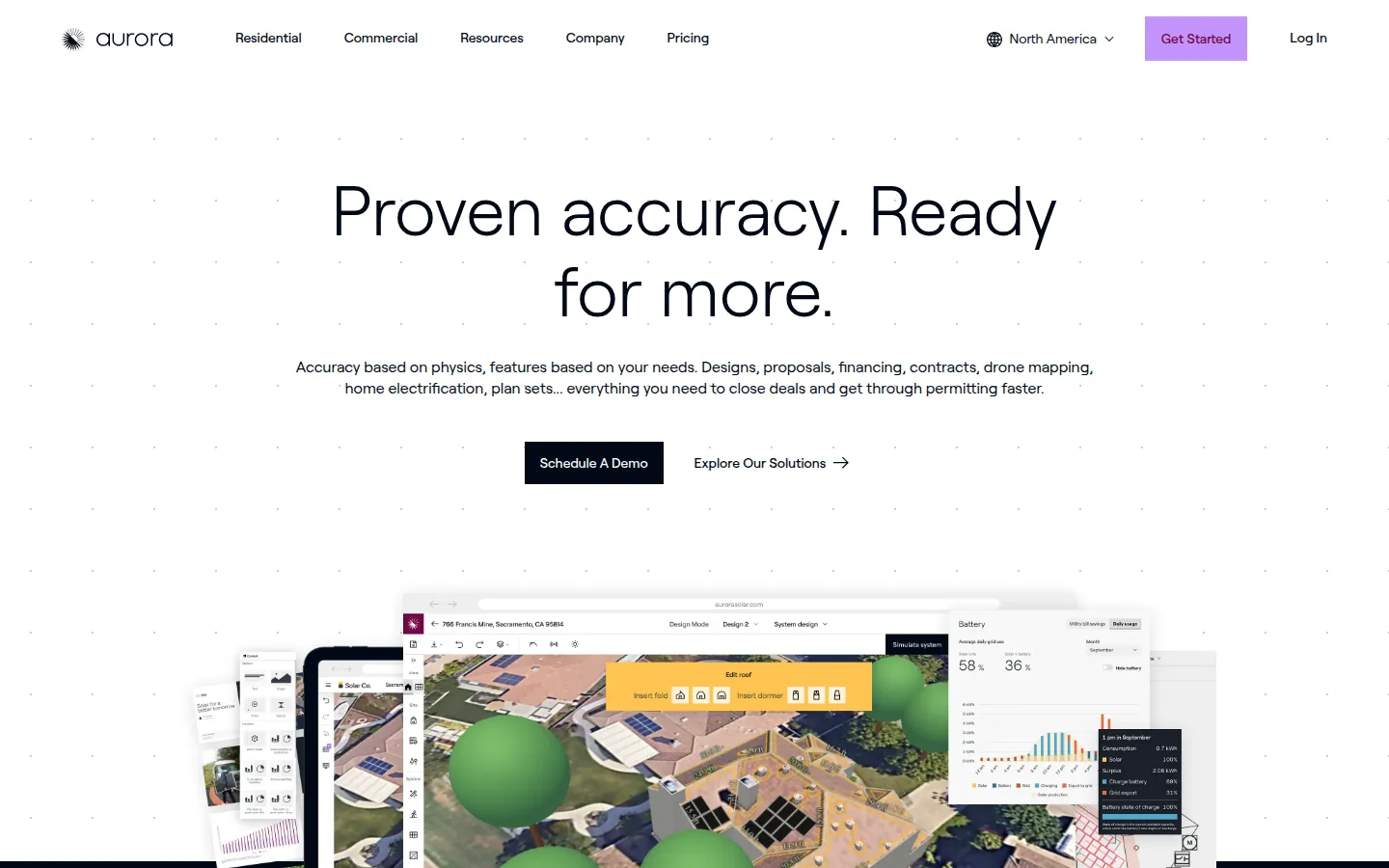
Aurora Solar
Qatar fit: Ask to see a basic design with module count and roof area for one Qatar roof, since that is what a Stage 1 request needs.
Aurora Solar sells a design and sales platform.
Best for: residential installers and sales teams that want design, a tablet-friendly proposal and financing integrations in one tool. Aurora’s pricing page describes Basic as a plan for residential design and sales.
Not the right choice if: you need Contract Manager, e-signature tools or customizable sales agreement templates. The pricing page lists these on Enterprise and not on Basic or Premium. It is also not the right choice if you need more than one user and 50 projects a month on Basic or Premium. Aurora’s FAQ says additional licenses can be bought in the app.
What the vendor documents: customizable proposal templates, custom branding, and custom pricing methods (per watt, per component or flat fee). It also lists adders, discounts and incentives, a utility rate database, and web and PDF proposals. Adders are extra items added to the price. It lists proposal activity tracking and integrated and custom financing (GoodLeap, Dividend, Mosaic and more). It also lists financing and energy bill comparisons. Design features on the same page include 3D roof modeling and trees and performance simulation.
Price (checked October 2026): Basic is $159 per user per month billed monthly, or $135 per user per month billed annually ($1,620 billed annually). Premium is $259 per user per month billed monthly, or $220 per user per month billed annually ($2,640 billed annually). Enterprise is custom per project. Source: Aurora pricing.
Limitations: annual Basic and Premium plans carry a one-year commitment, per Aurora’s pricing FAQ. Basic and Premium list 1 user and 50 projects a month.
Vendor link: aurorasolar.com.
HelioScope
Qatar fit: Ask how a commercial roof design is exported, since Stage 2 needs a full design package.
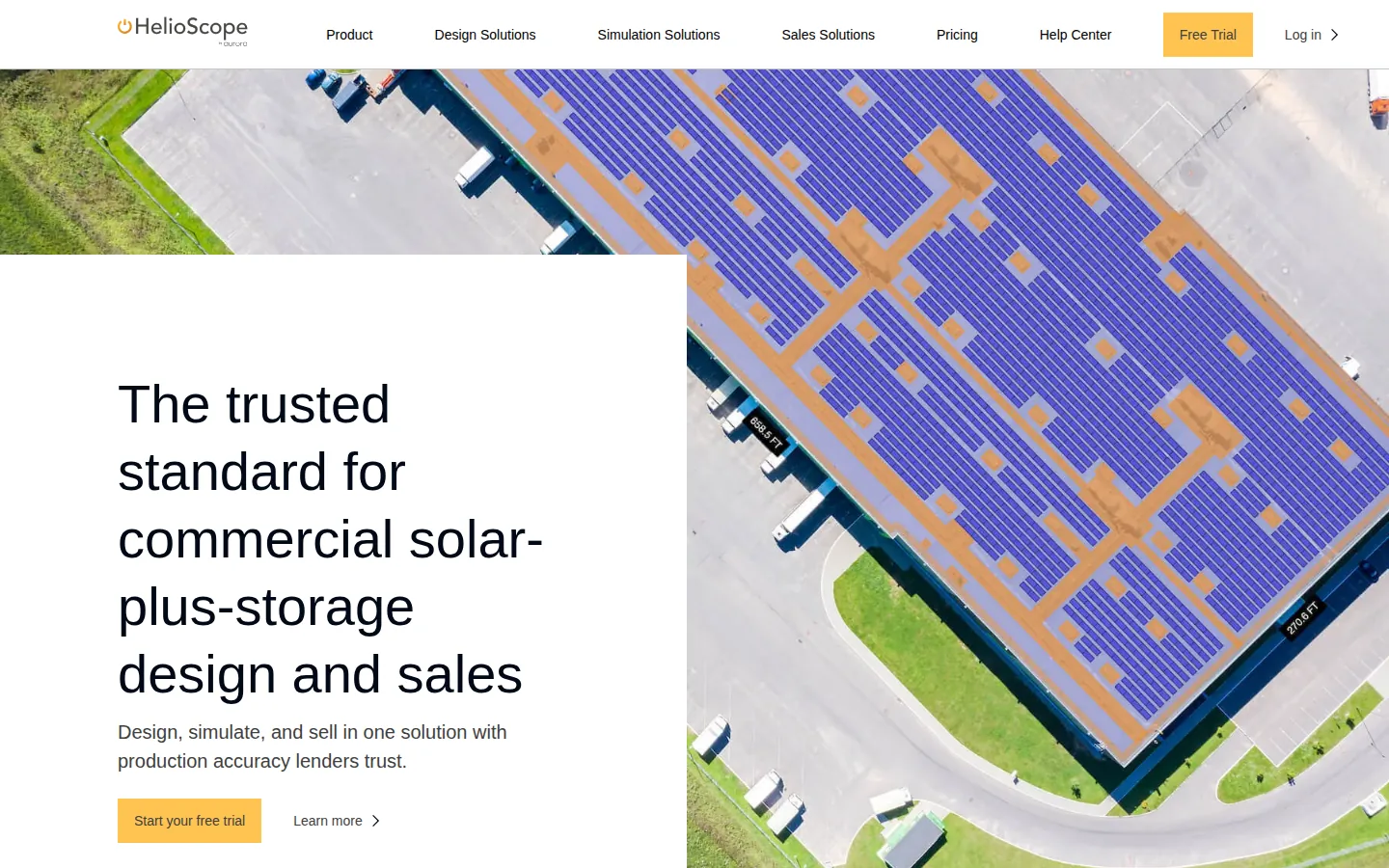
HelioScope is an Aurora Inc. company, per its footer. Its pricing page describes it as a tool for commercial solar-plus-storage design, simulation and sales.
Best for: commercial designers who want design, simulation and a sales proposal in one tool, on the Pro plan.
Not the right choice if: you need proposals on the Basic plan, which does not list them. It is also not the right choice if you design above 5 MW (DC) or need more than one user. DC means direct current. Both need Enterprise. Contract and e-signature tools are not stated on the pricing page.
What the vendor documents: the pricing page lists “Financial modeling and sales proposals” under Pro. It also lists a utility rate editor, financial analysis tools and P90, P95 and P99 values. P90 is a yield level the system is expected to meet or beat in 90% of years. P95 and P99 work the same way for 95% and 99% of years. Design features on all plans include rooftop, carport and ground-mount layout, storage design and single-line diagrams. A single-line diagram is a simple drawing of how the system is wired. Pro designs go up to 5 MW (DC). Enterprise goes to 30 MW (DC).
Price (checked October 2026): Basic is $159 per license per month, or $1,620 per license per year. Pro is $259 per license per month, or $2,640 per license per year. Each license on Basic and Pro includes 1 user and 10 projects per month (120 projects per year on the annual price). Enterprise is custom per-project pricing. Source: HelioScope pricing.
Limitations: the pricing page lists a free trial. The help center’s Free Trial article gives 14 days, one per customer, with Pro-level features. The page does not describe the proposal layout or customer-facing sharing. HelioScope’s Proposals Overview help article says Pro lets you create custom sales documents and reports from your designs using report templates. The help center returns 403 to curl (a command-line tool that fetches pages), so it was read in a browser. Ask for a sample proposal. Enterprise adds unlimited users, single-axis trackers and API access. Single-axis trackers are mounts that turn to follow the sun.
Vendor link: helioscope.aurorasolar.com
OpenSolar
Qatar fit: Ask which design outputs are available on the free core app for a basic Stage 1 design.
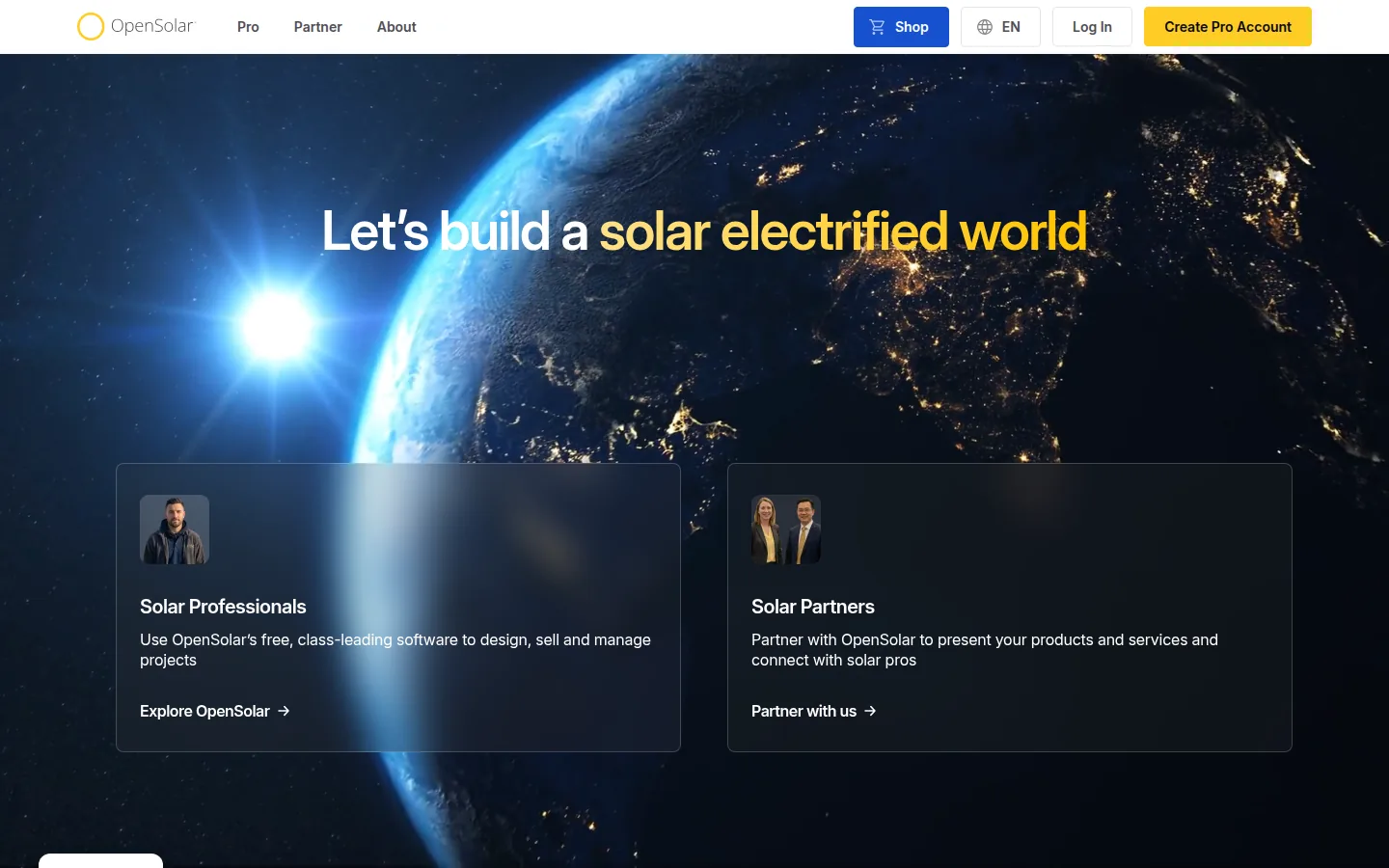
OpenSolar says its core app stays free and that a partner ecosystem helps fund the product (its 16 February 2026 post).
Best for: installers who want design, a proposal, checkout and e-signature in one free core application.
Not the right choice if: you need commercial proposals. OpenSolar’s proposal FAQ says Swipe, Scroll and Bespoke “are for residential proposal workflows”. It is also not for you if you plan to connect many outside systems, because API Access and connectors are charged from 16 April 2026. The proposal page also says availability is “enabled by region”.
What the vendor documents: the Sales Machine Proposal page lists Swipe (slide-based), Scroll (long-form) and Bespoke proposals. It also lists a Quick Quote path, a fast quote and checkout route for simpler service and non-solar jobs. It lists branding controls and a template library. It lists savings views that compare current and electrified energy costs. It also lists deposits through CashFlow. It also lists financing “where available” and acceptance inside the same flow. A WhatsApp share option and section-view tracking “where available” are listed as well. The e-signature page lists a built-in signing workflow, PandaDoc or DocuSign.
Price (checked October 2026): the core app is free of charge for solar professionals, per the vendor (free page). From 16 April 2026 the vendor charges for API Access, a per-project fee. The per-project API fee is on OpenSolar’s API page. It also charges for supported connectors, a monthly fee per organization. The 16 February 2026 post says accounting connectors are billed as a monthly fee per organization. Bespoke proposals are offered through the optional paid Enterprise Services. Support is US$500 per month. Customize is US$1,350 per month (one exclusive proposal template). Enterprise is custom (“fully bespoke proposal”). Premium imagery is pay per image (price shown in the app).
Limitations: the proposal page says Swipe, Scroll and Bespoke support up to six designs per project where design selection applies. The API page prices API Access and connectors by region. We did not compare those regional rates.
Vendor link: opensolar.com
PVsyst
Qatar fit: Ask whether its report can sit alongside the final design package your engineer submits.
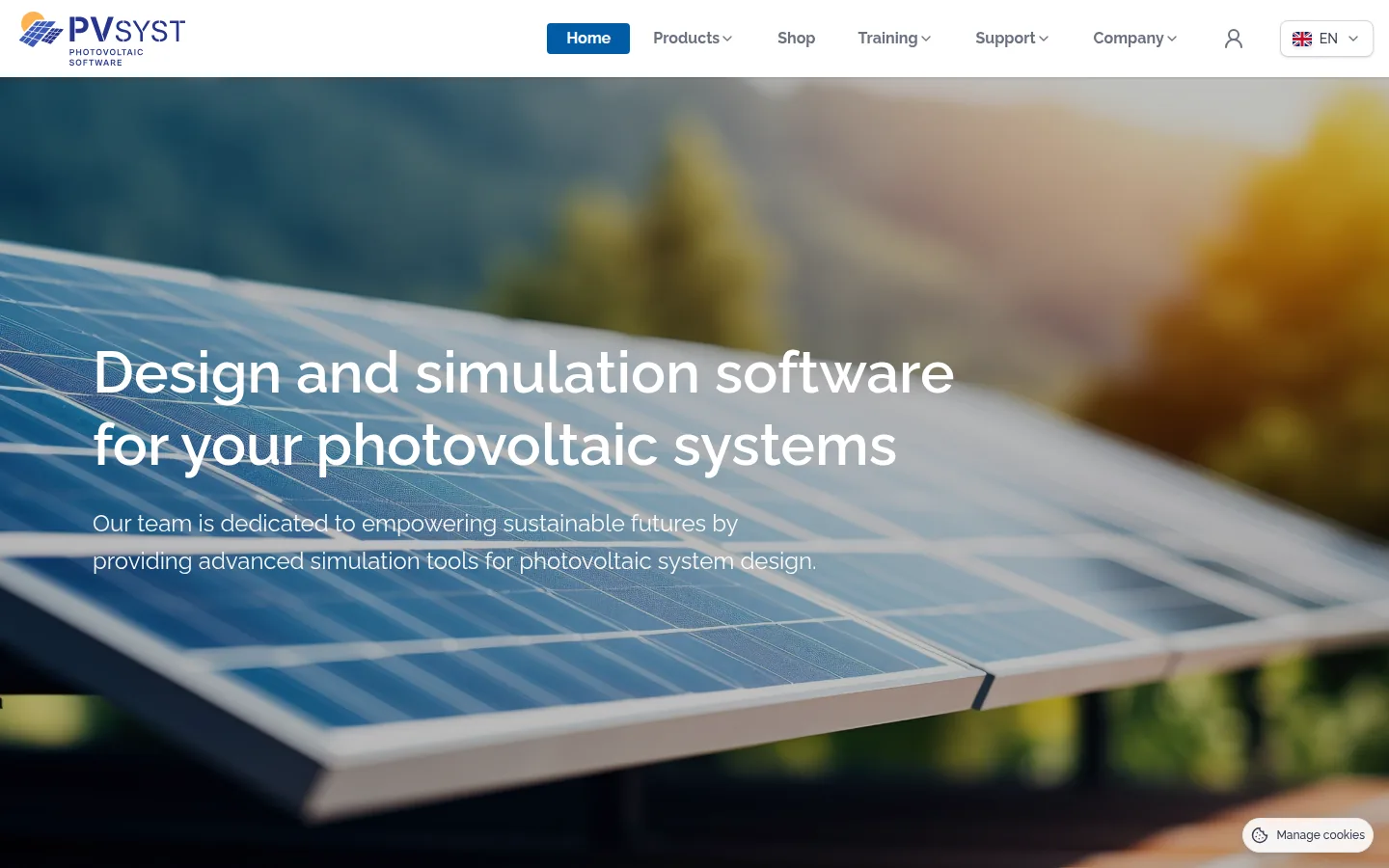
PVsyst is a Windows desktop program from PVsyst SA in Satigny, Switzerland.
Best for: engineers who need the yield report that a financed project’s quote cites.
Not the right choice if: you need a customer-facing quote or proposal. The product page lists simulation, a final report with customizable graphs and an economic assessment. It does not list proposal generation. It runs only on Windows, per the requirements page.
What the vendor documents: hourly and sub-hourly simulation, near shadings from a 3D scene, and a gains and losses report. It also lists an economic assessment of CAPEX (up-front cost), OPEX (running cost) and custom costs. The assessment calculates NPV (net present value), LCOE (cost of each unit of energy over the system’s life) and ROI. Its help also lists a single line diagram editor and viewer for grid-connected systems. Storage is not included, and the page calls it work in progress. The help also has a feed-in tariff and self-consumption page. A feed-in tariff is the rate paid for power you send to the grid.
Price (checked October 2026): CHF 700 per year for PVsyst 8 Professional, with updates included. The one-month free trial of PVsyst 8 is described on the product page. Source: PVsyst shop.
Limitations: it installs on the workstation where it is used, with one license per computer.
Vendor link: pvsyst.com.
SurgePV
Qatar fit: Ask for a bill of materials from one Qatar roof model, as the contractor must list equipment for Kahramaa review.
SurgePV is our product.
Best for: installers and EPC teams (engineering, procurement and construction) that want a proposal generated from the same 3D roof model, array layout and shading analysis, with energy-yield and financial modeling in one web application.
Not the right choice if: you need a self-serve trial (SurgePV offers a guided demo), or financing options, contracts or e-signature inside the proposal flow. The pricing page lists proposal generation and a generation and financial analysis feature, and does not describe those items. SurgePV’s published product scope does not list a CRM (customer tracking tool). Outputs support design and documentation but do not replace approval by the responsible engineer, authority, lender or utility.
What the vendor documents: 3D roof modeling, solar array layout, shading analysis and energy-yield modeling. It also lists financial modeling, electrical workflow support, bill-of-materials output and proposal generation. The pricing page lists unlimited projects, shadow analysis, generation and financial analysis, and proposal generation under “Everything included”. See the solar proposal software page for the product.
Price (checked November 2026): $1,899 per user per year for 1 user, $1,499 per user for 3 seats, $1,299 per user for 5 seats, in US dollars. Access is a guided demo.
Limitations: results depend on source data, assumptions, equipment models and review. The published scope does not state Qatar-specific tariffs, subsidies, language or currency, so ask for them in a demo.
Vendor link: surgepv.com. Book a Free Demo.
See SurgePV on your own Qatar project
Book a guided demo and ask for the Qatari outputs you need.
Book a Free DemoHow a Rooftop Project Reaches Kahramaa’s Grid
This overview follows the process in Kahramaa’s own customer guideline, so you can see which stage each software job belongs to. Detailed layout and yield questions are on the design page. Quote, fee and billing questions are on the proposal page.
Who the rules cover. The guideline defines a Solar PV System as an installation of not more than 25 MW and not less than 1 kW, installed in one premise and connected in parallel to Kahramaa’s distribution network. It describes the low-voltage network as 240/415 V, 3 phase, 4 wire, and the medium-voltage network at 11, 22 and 33 kV. Technical requirements sit in a separate Kahramaa document, EP-EPP-P7/S1. Source: Kahramaa, Solar PV Connection Guidelines for Customers (PW-PWR/G1).
Stage 1, preliminary connection approval. A qualified consultant prepares a basic design. The request is entered through the Municipality’s integrated system (Baladiya), and the guideline says the consultant should obtain the building permit at the same time. Kahramaa then runs a Grid Impact Assessment on the feeder and the stated point of connection, and issues a preliminary approval or a rejection with reasons. The guideline notes that a local feeder can have voltage problems or saturated capacity, so the answer depends on the street, not only on your roof.
Stage 2, final connection approval. The consultant develops a full design that complies with EP-EPP-P7/S1. A Kahramaa document, EP-EPP-P7-G2, guides what the basic and final designs must contain. After approval, a Kahramaa-approved contractor submits a list of materials and equipment for review before construction starts.
Stage 3, inspection, testing and energization. The contractor asks Kahramaa to install the smart meters and carries out commissioning. Kahramaa then issues the Connection Agreement, which the customer signs before generating.
What the customer keeps doing afterwards. The guideline lists duties once the system is connected: keep the generation equipment maintained by someone competent, send periodic information when Kahramaa asks for it, and keep the solar meter connected.
What this means for tool choice. Stage 1 needs a quick basic design with capacity, module count and roof size. Stage 2 needs a complete design package that a consultant can check against Kahramaa’s checklist. Stage 3 is site work and meter coordination that no vendor page on this list claims to cover. A vendor that cannot produce documents for Stages 1 and 2 will leave that work to your engineer. Page-by-page vendor facts are in the tool entries below.
How We Ordered These Tools
We did not rank these tools. They are listed alphabetically, and the best-for picks come from what each vendor publishes.
- Design link: whether the vendor says the proposal is built from the design. We did not assess output quality.
- Price: the price the vendor lists, in the vendor’s own currency. We did not assess discounts or negotiated quotes.
- Scope: what the vendor’s own pages say the tool covers. Where a page is silent, we say so and do not infer.
Go Deeper on a Category
- Solar software in Qatar, proposal list
- Solar design software for Qatar
- Best solar design software, all markets
- SurgePV solar design software
Sources and Dates
Vendor pages were read in October and November 2026. Screenshots are public website captures from 29 October 2026. Sources are the vendor pages linked in each entry: pricing, product and help pages. SurgePV facts come from its pricing page. SurgePV publishes this page and is a vendor on this list.
- km.qa: Kahramaa, Solar PV Connection Guidelines for Customers (PW-PWR/G1) (read November 2026)
Frequently Asked Questions
Who approves a rooftop solar connection in Qatar?
Kahramaa. Its customer guideline describes three stages: preliminary connection approval after a Grid Impact Assessment, final connection approval of the full design, and inspection, testing and energization. Requests go through the Municipality’s integrated system (Baladiya).
What size of system does Kahramaa’s guideline cover?
The guideline defines a Solar PV System as not more than 25 MW and not less than 1 kW, installed in one premise and connected in parallel to Kahramaa’s distribution network, at low voltage or at 11, 22 and 33 kV.
Do I need a consultant or contractor in Qatar?
The guideline says a qualified consultant prepares the basic and final designs and enters the request, and a Kahramaa-approved contractor builds and commissions the system. Software supports their work; it does not replace them.
Which software fits the early stage of a Qatar project?
Stage 1 needs a basic design with system capacity, module count and roof size. Pick a tool that produces those quickly, then check the final-design package against Kahramaa’s EP-EPP-P7-G2 checklist. None of the vendor pages we read states Kahramaa-specific output.
Does SurgePV publish this list?
Yes. SurgePV publishes this page and is a vendor on this list. The tools are listed alphabetically and are not ranked.
