


A solar quote commits scope and price, so the tool behind it should control both. This list compares four tools on what each vendor publishes: where a quote comes from, who can change the price, and what happens when it is revised. OpenSolar says its core app is free. QuickEstimate lists a free plan and a paid plan in rupees, with a subsidy calculation and WhatsApp sharing. SurgePV builds proposals from a reviewed design, priced per user in US dollars. Zoho CRM is a general sales tool that lists quote and approval features on higher plans. No vendor page we read describes margin approval or quote version history in full.
A quote states commercial scope and price. A proposal explains the project, production, savings and next step. One system may produce both.
This is a desk comparison of what each vendor publishes, checked November 2026. We have not run side-by-side trials. SurgePV publishes this page and is one of the four tools on it. SurgePV and QuickEstimate also have a commercial relationship, and the QuickEstimate links on this page are marked sponsored. Tool facts come from each vendor’s own site. See the solar quoting software list and the sales software list for other tools.
Criteria used: quote and proposal output, price list and margin, approvals and versions, subsidy and tax entry, follow-up, price.
Want to see SurgePV on your own quote?
Book a guided demo and bring a real site. We walk through design, yield, finance and the proposal in one platform.
Book a Free DemoChecking cost first? See the SurgePV pricing page.
Best-For Picks
- No software cost for a quote and proposal workflow: OpenSolar. The vendor says the core app is free, and its homepage lists a proposal, e-signature and a CRM. API Access and connectors are charged from 16 April 2026.
- Quotes with an Indian subsidy calculation and WhatsApp sharing: QuickEstimate. Its pricing page lists a free plan with 10 proposals a month and a Pro plan at 6,999 rupees per user per year. Pro adds an admin-set price list with margin.
- A quote built from a reviewed solar design, priced per user: SurgePV. Its proposal page says a proposal is prepared from the reviewed design, equipment list and financial assumptions.
- Approval rules and follow-up on a general sales record: Zoho CRM. Its pricing page lists quote configuration on Professional and an approval process on Enterprise. It has no solar design tools.
Comparison Table
Listed alphabetically. This is not a ranking; pick by the situation above. Prices checked November 2026 on each vendor’s own page.
| Tool | Best for | Price | Free or paid | Decisive scope fact |
|---|---|---|---|---|
| OpenSolar | Free design and proposals | Core app free; API Access and connectors charged from 16 April 2026 | Free core app, paid API and connectors | Homepage lists proposal, e-signature, CRM, Teams |
| QuickEstimate | Indian quotes, subsidy, WhatsApp | Free; Pro 6,999 rupees per user per year, 3-user minimum | Free plan and paid Pro | Pro adds an admin-set price list with margin |
| SurgePV | Quote from a reviewed design | $1,899 per user per year (1 user) | Paid, guided demo | Proposal built from design, equipment list and financial assumptions |
| Zoho CRM | Approvals and follow-up | Free up to 3 users; paid plans per user per month | Free plan and paid plans | Quote configuration on Professional; approvals on Enterprise |
Quotation Criteria Matrix
Each cell is Documented, Partial or Not stated, based on the vendor pages we read in November 2026. They are linked in the entries and under Sources and Dates. Documented means the page states it for this task. Partial means the page lists a related feature. Not stated means the pages we read do not mention it. There are no scores or weights.
| Tool | Quote or proposal output | Price list and margin | Approvals and versions | Subsidy and tax entry | Follow-up | Price currency |
|---|---|---|---|---|---|---|
| OpenSolar | Documented (proposal, e-signature) | Not stated | Partial (Teams with roles and permissions) | Not stated | Partial (Project Management CRM listed) | Partial (core app free) |
| QuickEstimate | Documented (branded proposal PDFs) | Documented (admin-set price list with margin on Pro) | Partial (team member permissions on Pro; approvals and version history not described) | Documented (PM Surya Ghar subsidy in proposals; GST on invoices) | Documented (WhatsApp follow-ups, reminders, CRM) | Documented (rupees) |
| SurgePV | Documented (branded web proposals from a reviewed design) | Not stated | Partial (keeps layout, equipment, savings and scope consistent across revisions) | Not stated | Not stated (no CRM in scope) | Documented (USD) |
| Zoho CRM | Partial (quote configuration on Professional) | Partial (price rules in the quote tool) | Partial (approval process on Enterprise) | Partial (local taxes added to plan prices; quote tax not described) | Documented (workflow automation, follow-up reminders) | Partial (currency selector; prices not read) |
The tools differ most on where the quote data comes from. SurgePV starts from a design, QuickEstimate and Zoho start from a price list or a record.
Tool Entries
OpenSolar
Best for: small installers who want design, proposal and e-signature in one free core app.
Not the right choice if: you need documented margin approval or quote version history. The pages we read describe neither.
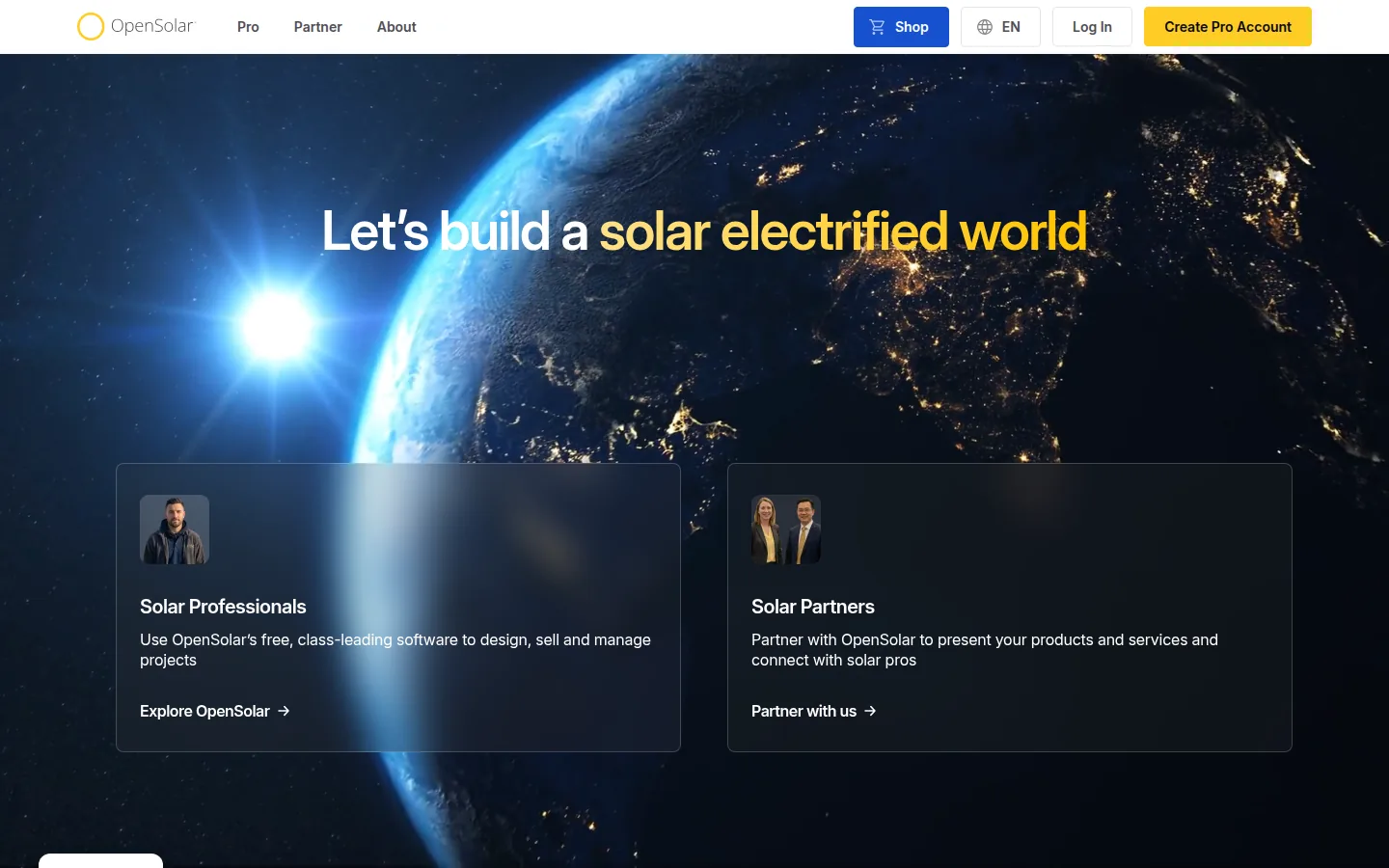
What the vendor documents: the homepage lists Auto Design, Auto BOM, Mounting Designer and Single Line Diagrams under Design, a Sales Machine Proposal and e-signature under Sell, and a Project Management CRM and Teams (roles and permissions) under Manage. It does not describe those features in detail. The free page says the software is free for solar professionals and that partners pay to be on the platform.
Price (checked November 2026): the core app is free of charge for solar professionals, per the vendor. From 16 April 2026 the vendor charges for API Access and supported connectors, per its 16 February 2026 post. The post states no amounts.
Limitations: the pages we read state no price list, margin, approval, tax or subsidy item.
Vendor link: opensolar.com.
QuickEstimate
Best for: Indian installers who want branded quotes with a subsidy calculation, WhatsApp sharing and lead follow-up.
Not the right choice if: you need technical design inputs from a design engine (its homepage lists design as separate services), or you need documented approvals and version history. The pricing page describes neither.
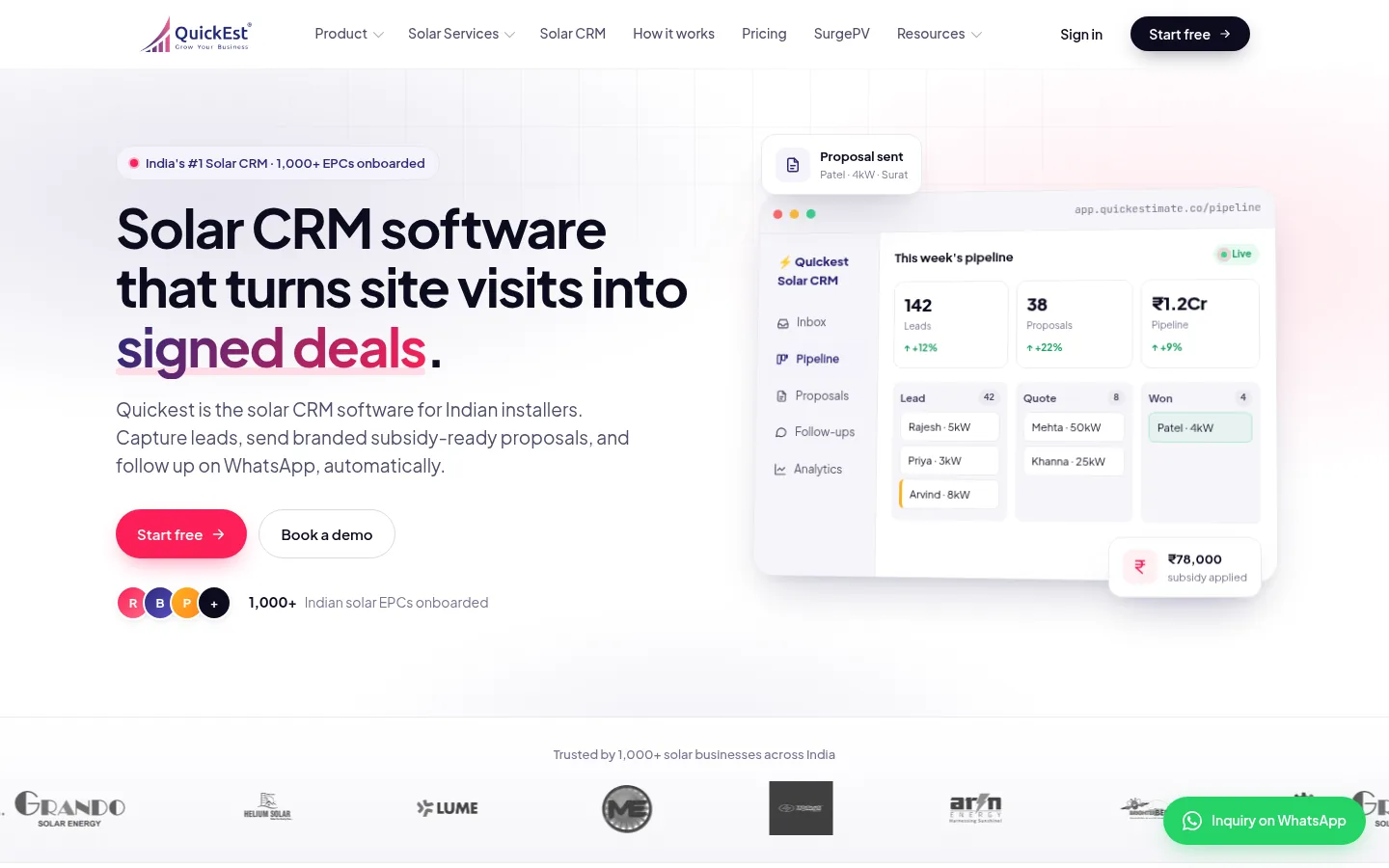
What the vendor documents: the homepage lists branded proposal PDFs with your logo, terms and product photos, and a PM Surya Ghar subsidy calculated in proposals with a stated cap of 78,000 rupees. It lists a tariff library for state DISCOMs, WhatsApp follow-up sequences, iOS and Android apps, and a CRM with a solar pipeline, team roles and lead routing. The pricing page says Pro adds team member permissions, a dashboard, saved message templates with reminders, an admin-set price list with margin and bulk Excel import.
Price (checked November 2026): Free: 0 rupees for 1 user with 10 proposals a month. Pro is 6,999 rupees per user per year with a 3-user minimum (20,997 rupees a year in total). Larger teams get custom pricing. Billing is yearly only, and invoices include GST.
Limitations: SurgePV and QuickEstimate have a commercial relationship. The pages we read do not describe margin approval or version history, and the subsidy and tariff content is for India.
Vendor link: quickestimate.co.
SurgePV
SurgePV is our product.
Best for: teams that want the quote to come from a reviewed design, with yield, financial modeling and a branded proposal in one product, priced per user.
Not the right choice if: you want a self-serve trial (SurgePV offers a guided demo), or you need CRM, lead routing or approval workflows (its published scope lists none). It is also not right if you want a free tool, because OpenSolar’s core app is free. Outputs support design and documentation but do not replace approval by the responsible engineer, authority, lender or utility.
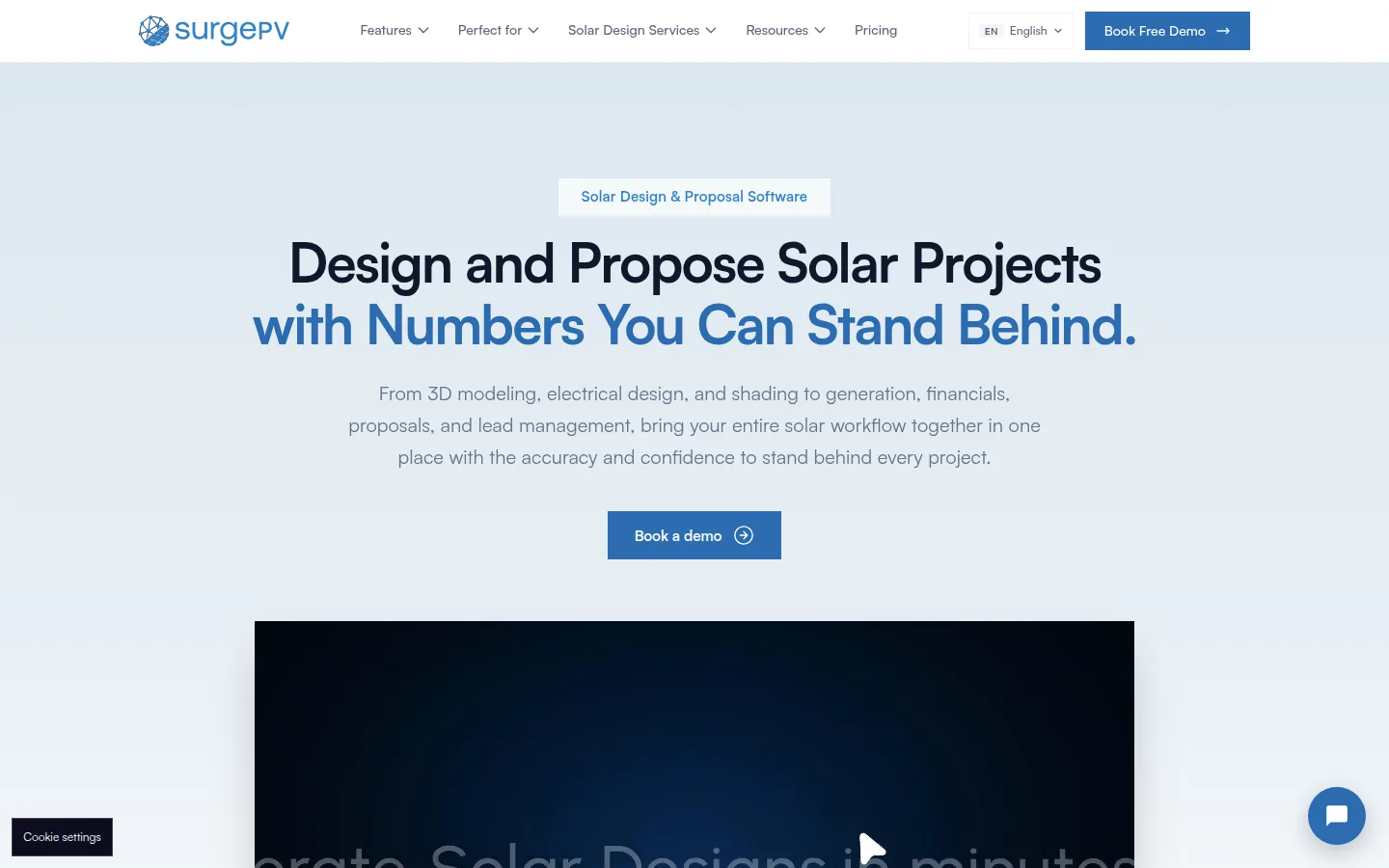
What the vendor documents: the proposal page says you prepare a branded proposal from the reviewed PV design, equipment list and financial assumptions, share it as a web link, and keep layout, equipment, projected savings and scope consistent across revisions. It lists document upload and multilingual options including Spanish. The generation and financial tool lists ROI, IRR, NPV and payback, loan, lease and PPA comparisons, and net metering and feed-in tariff models. Solar design software covers 3D roof modeling and shading review.
Price (checked November 2026): $1,899 per user per year for 1 user, $1,499 per user for 3 seats, $1,299 per user for 5 seats, in US dollars. The pricing page says team rates require the stated number of seats and that taxes and renewal terms are confirmed in your quote.
Limitations: the pages we read do not describe a price list with margin, an approval workflow, quote version history, a subsidy calculation or a CRM.
Vendor link: surgepv.com.
Zoho CRM
Best for: teams that already run sales in a CRM and want quote configuration, approvals and workflow on top of it.
Not the right choice if: you want solar design, a bill of materials or production figures in the quote. Zoho CRM is a general sales tool, and the pages we read describe no solar item.
What the vendor documents: the pricing page lists a free edition for up to 3 users with contact management, follow-up reminders and workflow automation. Professional includes Configure, Price, Quote (CPQ), which matches products to customer needs and applies built-in price rules, and process management. Enterprise includes an approval process that holds deals until the right person signs off.
Price (checked November 2026): Free for up to 3 users. Standard, Professional and Enterprise are charged per user per month, billed annually or monthly. The page has a currency selector and says local taxes such as VAT or GST are added. We could not read the amounts from the page.
Limitations: the pages we read describe no solar-specific feature, so design, equipment and subsidy inputs must be configured or connected.
Vendor link: zoho.com/crm.

What a Solar Quote Should Control
Whatever tool you pick, a solar quote should carry the items a buyer and your finance team will ask about later. These are working notes, not vendor claims.
- Customer, site and project reference.
- The design revision the quantities came from.
- System size, equipment and quantities, with exclusions.
- Price basis, taxes and any subsidy basis.
- Who approved the margin, and when.
- Validity date and the version number.
Check that the tool lets you reproduce an old quote exactly, and withdraw one. The vendor pages we read describe this only in part, so ask in a demo.
What to Ask a Vendor Before Buying
Ask each vendor for one sample quote that you then revise. Then look for these items. First, where the quantities come from. Second, who can change a unit cost or discount, and whether that needs approval. Third, how tax and subsidy are set. Fourth, whether the old version is kept after you revise. Fifth, a price in the currency you will be invoiced in. Where a vendor does not publish a feature on the pages we read, the matrix says so. A demo or trial is the place to check it.
How We Ordered These Tools
We did not rank these tools. They are listed alphabetically, and the best-for picks come from the matrix above.
- Quote or proposal output: we looked at what document each vendor says the tool produces. We did not assess design quality.
- Price list and margin: a quote is only as good as its unit costs. We did not assess how any tool stores them.
- Approvals and versions: a revised quote needs a record. We did not assess whether any workflow works as described.
- Subsidy and tax entry: subsidy and tax rules differ by country. We did not assess whether any calculation is correct, and a subsidy calculation is not proof of customer eligibility.
- Follow-up: a quote needs a next step. We did not assess any CRM in depth.
- Price currency: the currency shows what a buyer will pay. We did not assess discounts or negotiated quotes.
Sources and Dates
Vendor pages were read in November 2026. OpenSolar (homepage, free, pricing post). QuickEstimate (homepage, pricing). SurgePV (solar proposals, generation and financial tool, solar design, pricing). Zoho CRM (pricing).
Homepage captures were taken on 29 October 2026. Vendor prices and features change; check the vendor page before you buy.
See SurgePV on your own quote
Book a guided demo and bring a quote you are building. Ask how pricing controls, margin approval and version history work.
Book a Free DemoGo Deeper
- Solar quoting software list
- Solar quoting tools
- Solar proposal software for India
- Solar sales software
- SurgePV pricing
Frequently Asked Questions
What is the best solar quotation software?
It depends on where your quote errors start. SurgePV builds a proposal from a reviewed design and is priced per user in US dollars. QuickEstimate lists an Indian subsidy calculation, WhatsApp sharing and an admin-set price list with margin on Pro. OpenSolar says its core app is free. Zoho CRM lists quote configuration and approvals on higher plans. SurgePV publishes this page and has a commercial relationship with QuickEstimate.
What should solar quotation software control?
At minimum the design revision, equipment and quantities, unit costs and margin, taxes, any subsidy basis, validity, approvals and the quote version. The vendor pages we read document these only in part, so ask for a sample quote that you then revise.
Is QuickEstimate solar quotation software?
Yes. Its pages list branded proposal PDFs, a PM Surya Ghar subsidy calculation, WhatsApp sharing, mobile apps and a CRM. Its homepage lists design as separate services, and its pricing page does not describe approvals or version history.
What is the difference between a quote and a proposal?
A quote states commercial scope and price. A proposal explains the project, production, savings, equipment and next step. One tool may produce both, but approval rules can differ.
How should an EPC check quotation software?
Ask for a sample quote, then change an equipment item, a quantity, a discount and a tax rate. Check whether the old version is kept, who must approve, whether an expired quote is blocked and whether you can export it.
