

Quick Answer
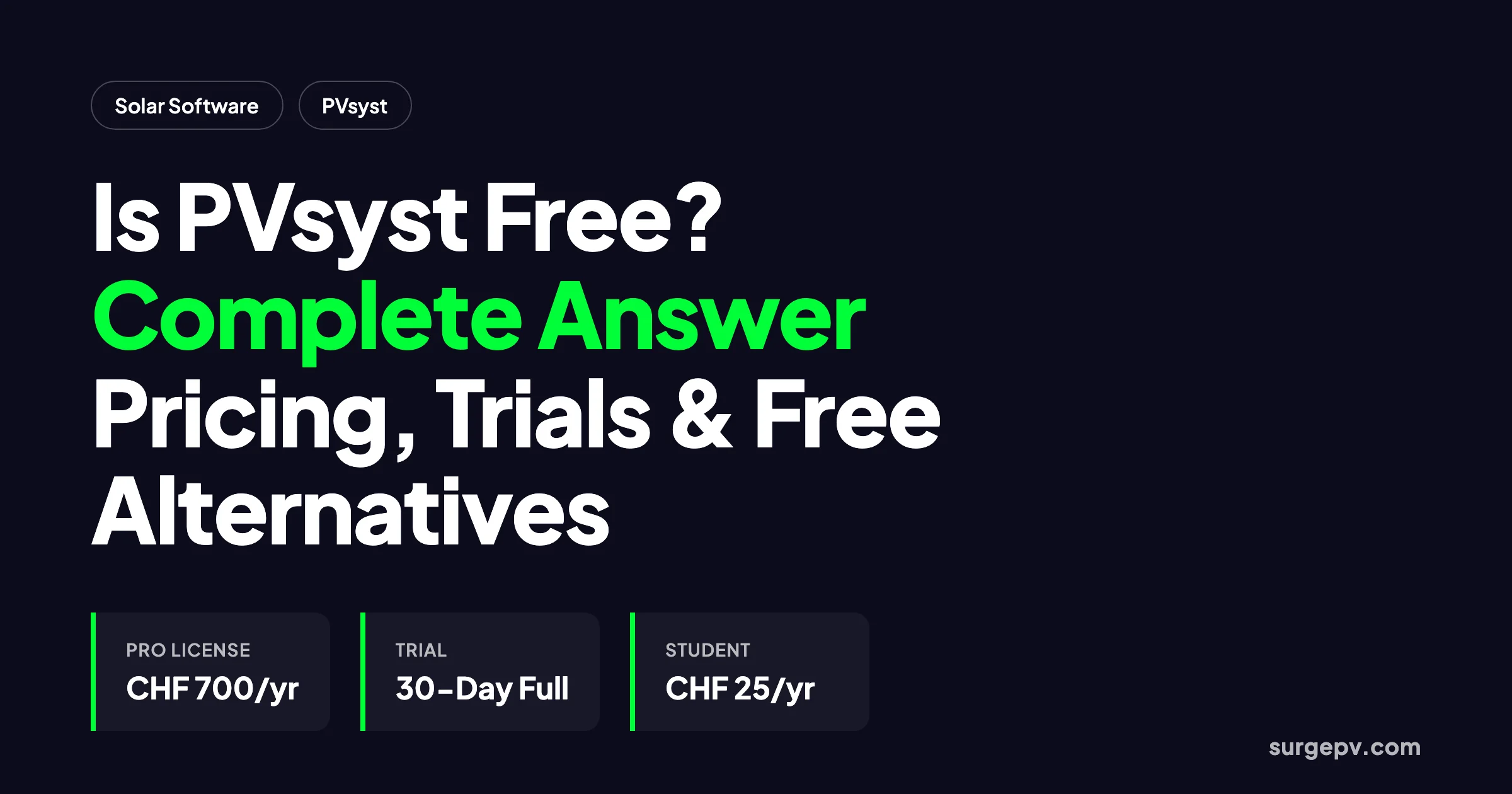
PVsyst is not free for professional use. A 30-day trial unlocks every feature, then the software enters restricted DEMO mode. Paid licenses start at CHF 700 per year, with student and classroom options at CHF 25 per year.
The word “free” means three different things in solar software. It can mean a forever-free product, a time-limited trial, or a discounted academic license. PVsyst uses two of those three, and the difference matters if you are sizing up a real project.
PVsyst is not free for professional use. It does offer a 30-day evaluation trial with full features. After the trial, the software enters DEMO mode with restricted functionality and generic components. A professional license costs CHF 700 per year, according to PVsyst SA (2026). Students and classrooms can get a full-feature license for CHF 25 per year, but reports carry a watermark.
This guide is for engineers, students, installers, and homeowners. It gives a straight answer before anyone installs a 500 MB Windows program or signs a subscription invoice.
Quick Answer
PVsyst is not free for professional use. It offers a 30-day trial with full feature access, then moves into restricted DEMO mode. Paid licenses start at CHF 700 per year. Student and classroom licenses are CHF 25 per year. Free research-grade alternatives include NREL SAM, PVWatts, and PVGIS.
In this guide:
- The exact meaning of “free” for PVsyst 8, PVsystBasic, and PVsystCLI
- Official 2026 pricing and volume discounts
- What the 30-day trial includes and what it hides
- DEMO mode restrictions most reviews skip
- Student, classroom, and research license rules
- The hidden stacked-tool cost of a PVsyst workflow
- Free alternatives ranked by use case
- When PVsyst is still worth paying for
- A role-based decision matrix
- Answers to the most common questions
What “Free” Actually Means for PVsyst
PVsyst SA sells three products. Each has a different answer to the free question.
PVsyst 8 is the flagship desktop simulator. It models grid-connected, stand-alone, pumping, and DC-grid systems. It is a paid annual subscription with a 30-day trial. There is no free tier for commercial work.
PVsystBasic is a separate desktop tool for solar pumping systems only. It is also paid, at CHF 25 per year, with a 30-day trial. Do not confuse it with a free version of PVsyst 8.
PVsystCLI is the command-line automation add-on. It costs CHF 3,000 per year. It offers a 60-day evaluation limited to 250 simulation runs, according to the PVsyst General Conditions of Use (2026).
The only way to use PVsyst without paying is the 30-day trial or the restricted DEMO mode that follows it. That distinction is important. Trial marketing often makes the software sound free. It is not.
The One Thing Most People Get Wrong
Most search results answer the question with a price list. They stop at “CHF 700 per year” and move on. The real cost question is different.
PVsyst is a simulator, not a complete design platform. It does not draw roof layouts. It does not generate customer proposals. It does not produce electrical single-line diagrams. It does not store client contracts or track project milestones.
So the real question is not “Is PVsyst free?” The useful question is “What is the cheapest way to produce the deliverable I need?” Sometimes that deliverable is a PVsyst-branded bankable report. More often, it is a permit-ready design, a signed proposal, or a quick estimate.
What PVsyst Does Better Than Free Tools
Free tools are excellent for estimates. PVsyst is better at three specific things that matter to professionals.
Hourly loss modeling. PVsyst simulates temperature losses, soiling, snow, mismatch, inverter efficiency curves, and electrical shading at the module level. Free calculators use average loss factors. That detail is what makes PVsyst reports bankable.
Component database validation. PVsyst maintains a database of thousands of modules, inverters, batteries, and pumps. Manufacturers submit measured data, and PVsyst validates it. Free tools often rely on generic assumptions.
P50/P90 uncertainty analysis. Lenders need to know the probability that a project will hit its production target. PVsyst generates P50/P90 yield ranges with documented uncertainty inputs. Most free calculators give only a single annual number.
That does not mean everyone needs those features. A homeowner comparing two installer quotes does not care about P90. A utility-scale financier does.
PVsyst Pricing in 2026: Every License Explained
The official PVsyst shop lists a simple professional price and a set of non-profit discounts. The table below uses the figures published by PVsyst SA in 2026.
| License Type | Annual Price (CHF) | Annual Price (USD approx.) | Who Qualifies |
|---|---|---|---|
| PVsyst 8 Professional | CHF 700/year | ~$775/year | Any commercial user |
| Education — Teachers | CHF 420/year | ~$465/year | Verified educational program, teacher devices only |
| Classroom | CHF 25/year | ~$28/year | Verified educational program |
| Student | CHF 25/year | ~$28/year | Verified student card |
| Training / Research | CHF 560/year | ~$620/year | Verified training or research program |
| PVsystCLI Professional | CHF 3,000/year | ~$3,325/year | Commercial automation users |
| PVsystCLI Education / Research | CHF 1,500/year | ~$1,660/year | Verified non-profit program |
| PVsystBasic | CHF 25/year | ~$28/year | Pumping-system users |
USD conversions are approximate based on recent CHF/USD rates. Check the PVsyst shop for current pricing.
Volume discounts apply to grouped orders:
| Number of Licenses | Discount |
|---|---|
| 2–4 licenses | 5% |
| 5–9 licenses | 15% |
| 10+ licenses | 20% |
For a 10-seat engineering team, the effective price drops to CHF 560 per user per year. That is a meaningful discount, but it is still only the price of the simulator. It does not include the other tools most teams need to complete a project.
Why the Price Is Justified for Some Users
PVsyst is not expensive because the interface is fancy. It is expensive because lenders trust it. The software was first developed in 1992 at the University of Geneva, according to the PVsyst about page (2026). Over three decades, project financiers, independent engineers, and tax equity investors have standardized on PVsyst-branded reports.
That trust is the product. A PVsyst report includes hourly loss decomposition, manufacturer-validated component data, and P50/P90 uncertainty analysis. Those features reduce perceived risk for lenders. Reduced risk lowers the cost of capital. For a 50 MW project, a small reduction in financing cost pays for hundreds of PVsyst licenses.
For a homeowner checking a quote, that history has no value. For a project finance team, it is the entire reason to pay.
The PVsyst Free Trial: 30 Days of Full Access
PVsyst markets a one-month free trial. The trial is generous, but it is not a free product.
During the 30-day evaluation period, you get:
- Full simulation features for all supported system types
- Access to the complete component database
- 3D shading, horizon, and layout tools
- Economic analysis and report generation
- No watermarked reports while the trial is active
The catch is the clock. The evaluation period starts on the date of installation. It cannot be restarted on the same machine, according to the PVsyst General Conditions of Use (2026). If you install the software, run one project, and wait three weeks, you have one week left.
PVsystCLI has a separate trial. It allows 250 simulation runs within 60 days. That is enough to test batch automation on a portfolio of projects. After that, the command-line tool stops working until you buy the CHF 3,000 per year license.
Demo Mode vs Licensed Mode
This is the detail most “Is PVsyst free?” articles leave out. After the 30-day trial expires, the software does not simply ask for money and shut down. It enters DEMO mode.
DEMO mode has three practical limits:
- Restricted functionality. Some features are disabled.
- Generic components only. You cannot use manufacturer-specific modules or inverters in new projects.
- Watermarked reports. Any report you generate shows an EVALUATION or DEMO label.
The official General Conditions of Use (2026) state that only generic components can be used in projects created under evaluation mode. After the 30 days, the software runs in DEMO mode with restricted functionality.
For a student learning the interface, DEMO mode is fine. For an engineer producing a bankable report, it is unusable. A client or lender will not accept a report stamped EVALUATION. That is why the real answer to “Is PVsyst free?” is no for anyone doing paid solar work.
Who Can Use PVsyst for Almost Free
Students and educators get the closest thing to a free PVsyst license. A verified student or classroom pays CHF 25 per year. That is less than the cost of a textbook.
The trade-offs are clear:
- Reports carry a STUDENT or CLASSROOM watermark.
- Manufacturer names appear as generic labels.
- The license is for learning, not commercial client work.
Teachers pay CHF 420 per year for an Education license. It is cheaper than the professional tier but still watermarked. Training and research institutions pay CHF 560 per year.
To qualify, you must supply proof. PVsyst SA asks for a student card, educational program documentation, or a research program description. The license is tied to that status. If you graduate or leave the program, you no longer qualify.
The Hidden Cost of a “Cheap” PVsyst License
PVsyst is often called affordable because the headline license is CHF 700 per year. The problem is that PVsyst is a simulator, not a workflow platform. It does not draw roof layouts, generate customer proposals, or produce electrical single-line diagrams.
A typical commercial EPC workflow needs more than PVsyst:
| Workflow Need | Tool Often Added | Annual Cost Estimate |
|---|---|---|
| Roof layout and 3D modeling | CAD or drone software | $1,500–$3,000/year |
| Electrical single-line diagrams | AutoCAD or similar | $1,500–$2,000/year |
| Customer proposals and contracts | Proposal platform | $1,200–$2,400/year |
| CRM and project tracking | Solar CRM | $600–$1,500/year |
| Bankable yield report | PVsyst | ~$775/year |
Add those together and a single engineer can face a stacked-tool bill of $5,000–$8,000 per year. The CHF 700 license is a small slice of the total.
Imagine a five-engineer design team. Each engineer needs PVsyst plus CAD plus a proposal tool. The team spends roughly $30,000 per year on software before anyone prints a permit set. That is roughly the salary cost of one junior engineer for two months.
SurgePV consolidates layout, solar design software, shadow analysis, generation and financial tool, solar proposals, and Clara AI into one browser-based platform. For teams that spend most of their time on design-to-proposal work rather than lender-mandated yield reports, that consolidation cuts both cost and tool-switching time.
Free Alternatives That Can Replace PVsyst
If your project does not require a PVsyst-branded report, several free tools can handle the same calculations. They differ in depth, platform, and output quality.
| Tool | Cost | Best For | Platform | Bankability |
|---|---|---|---|---|
| NREL SAM | Free | Research, techno-economic analysis, storage | Windows, Mac, Linux | Research-grade, rarely accepted by lenders |
| NREL PVWatts | Free | Quick US production estimates | Web browser | Pre-feasibility only |
| European Commission PVGIS | Free | Global quick yield estimates | Web browser | Pre-feasibility only |
| OpenSolar | Free | Small installer design + proposals | Web browser | Residential and small commercial |
| SurgePV trial | Free trial | Full design-to-proposal workflow | Web browser | Lender-acceptable P50/P75/P90 outputs |
NREL SAM is the most capable free option. It models photovoltaics, batteries, wind, concentrating solar power, and other technologies with hourly performance and financial models. It is developed by the U.S. Department of Energy’s National Renewable Energy Laboratory. SAM is free for all users. You can run residential, commercial, and utility-scale models, include storage, and export cash flows. Most project financiers do not accept SAM reports in place of PVsyst. Download it from the NREL SAM website.
NREL PVWatts is a web calculator. Enter an address, system size, tilt, azimuth, and module type, and it returns annual and monthly production. It is ideal for homeowners checking an installer quote. It is not a design tool. It does not model shading from nearby trees or buildings in detail. Try it at the NREL PVWatts calculator.
PVGIS from the European Commission Joint Research Centre does the same job for global locations. It uses satellite-derived solar resource data. It can estimate monthly and yearly production, visualize solar resource maps, and compare tracking options. It is fast and free, but it is not a substitute for a detailed engineering report. Use it at the PVGIS tools page.
OpenSolar is a free design and proposal platform with 28,000+ active professionals in 185+ countries, according to OpenSolar (2026). It is genuinely free for core design and proposals. The trade-off is a 500 kW project cap and less rigorous simulation than PVsyst. OpenSolar funds the platform through optional partner services, so the user is the product in some data-sharing arrangements.
SurgePV is not free, but its trial gives full access to an all-in-one platform. Teams that need design, simulation, proposals, and electrical engineering in one place can use the trial to compare a modern workflow against PVsyst.

PVsyst vs Free Tools: The Accuracy Spectrum
Not all free tools are equal. They sit on a spectrum from quick estimates to bankable reports.
Level 1: Quick calculators. PVWatts and PVGIS take minutes. They use simplified models and default loss assumptions. Accuracy is good enough for early feasibility or homeowner education. They are not suitable for permit or finance packages.
Level 2: Research-grade desktop simulation. SAM runs hourly simulations with detailed financial models. It is accurate enough for peer-reviewed research and policy analysis. Most lenders still prefer PVsyst for contracted project finance.
Level 3: Industry-standard bankable reports. PVsyst has spent decades building lender confidence. Its P50/P90 uncertainty analysis, manufacturer-validated component database, and documented loss diagrams are why independent engineers accept it. That acceptance is what you pay for.
The exception is small residential work. A homeowner does not need a P90 report. A PVWatts estimate and a simple proposal are enough. The trick is matching the tool to the deliverable, not buying the most expensive license by default.
When Paying for PVsyst Still Makes Sense
PVsyst remains the gold standard for one specific deliverable: a lender-grade bankable yield report. If your debt provider, independent engineer, or offtake contract names PVsyst as the required simulator, you have little choice.
PVsyst is worth the license when:
- You are financing a utility-scale or large commercial project.
- The lender requires P50/P75/P90 uncertainty analysis in a PVsyst-branded report.
- You need detailed loss diagrams, shading analysis, and bifacial modeling for due diligence.
- Your client explicitly asks for a PVsyst report.
For everything else, modern platforms can do the work faster. Many experienced teams keep one PVsyst seat for the final lender deliverable and run 90% of the project in a browser-based tool. That hybrid approach cuts cost without sacrificing bankability.
If you want a deeper feature comparison, read our PVsyst review or the best solar design software comparison.
Three Scenarios That Settle the Decision
Scenario 1: You need a bankable report for a lender. Pay for PVsyst. Keep one seat. Run the final report in PVsyst and do the daily design work elsewhere. This hybrid approach is common among EPCs that finance large projects.
Scenario 2: You design and sell residential systems. Start with OpenSolar if your project sizes stay under 500 kW and you need free proposals. If you want AI roof modeling, white-label branding, and a single tool, test the SurgePV trial.
Scenario 3: You are learning or doing academic research. Use NREL SAM for free research-grade modeling. Buy the CHF 25 per year PVsyst student license only if your course or thesis specifically requires PVsyst output.
These three scenarios cover most readers. Pick the one that matches your deliverable, then ignore the rest of the market noise.
How to Choose Based on Your Role
The right answer depends on what you are trying to produce.
Homeowner or curious consumer: Use NREL PVWatts or PVGIS. They are free, fast, and give a realistic production estimate. You do not need PVsyst.
Student or educator: Buy the CHF 25 per year student or classroom license. It gives you full PVsyst features for learning at a price close to free.
Solar installer or sales professional: Try OpenSolar if you are small and residential. If you design and propose at scale, test the SurgePV demo or compare pricing. You will get proposals, 3D roof modeling, and bankable simulation without the Windows-only constraint.
Researcher or policy analyst: NREL SAM is the best free tool. It handles complex techno-economic modeling and publishes peer-reviewed methodology.
EPC engineer or project finance team: Keep one PVsyst seat if your contracts require it. Otherwise, evaluate whether an all-in-one platform can replace your stacked workflow. Our guide on AI solar design software explains how automated layouts and simulation can reduce manual work.
Indian EPCs can also read the PVsyst alternative comparison for Indian EPCs. It breaks down the stacked-tool cost in rupees and the 5-step cutover plan.
Frequently Asked Questions
Is PVsyst free?
No. PVsyst is not free for professional use. It offers a 30-day evaluation trial with full features, after which the software enters DEMO mode with restricted functionality and generic components. Paid licenses start at CHF 700 per year.
Does PVsyst have a free trial?
Yes. PVsyst 8 and PVsystBasic both include a 30-day free trial with full feature access. The trial cannot be restarted on the same machine. After it expires, the software runs in DEMO mode until a subscription is purchased.
How much does PVsyst cost in 2026?
A PVsyst 8 Professional license costs CHF 700 per year. Volume discounts lower the price to CHF 560 per year for 10 or more licenses. Student and classroom licenses are CHF 25 per year, teacher licenses are CHF 420 per year, and PVsystCLI automation is CHF 3,000 per year.
Is there a free version of PVsyst for students?
There is no permanently free version, but verified students and classrooms can buy a full-feature license for CHF 25 per year. Reports show a STUDENT or CLASSROOM watermark and use generic manufacturer names.
What is PVsystBasic?
PVsystBasic is a separate desktop tool for direct solar pumping systems. It costs CHF 25 per year and also includes a 30-day free trial. It is not a free replacement for PVsyst 8.
What happens after the PVsyst trial ends?
After 30 days, unlicensed PVsyst software enters DEMO mode. DEMO mode restricts functionality and only allows generic components. Reports display an EVALUATION or DEMO watermark, so they cannot be used for client or lender deliverables.
Can I use PVsyst without a license?
You can use DEMO mode after the trial expires, but it is limited to evaluation and learning. You cannot produce bankable or client-ready reports, and functionality is restricted. Commercial use requires a paid subscription.
What are the best free alternatives to PVsyst?
NREL SAM is the strongest free research-grade simulator. NREL PVWatts and European Commission PVGIS are free web calculators for quick estimates. OpenSolar is a free design-and-proposal platform for small installers. SurgePV offers a free trial of its all-in-one design, simulation, and proposal platform.
Is PVsyst worth the price?
PVsyst is worth the price when a lender, independent engineer, or contract specifically requires a PVsyst-branded bankable report. For design-to-proposal workflows, browser-based platforms like SurgePV can replace the stacked tool chain at a lower total cost of ownership.
Is PVsyst available for Mac?
No. PVsyst runs only on Windows. Mac users must use a Windows virtual machine or Boot Camp. Browser-based alternatives such as SurgePV, HelioScope, OpenSolar, and Aurora Solar work on any operating system.
Conclusion
PVsyst is not free, but it is not prohibitively expensive either. A professional license costs CHF 700 per year. Students and classrooms can access it for CHF 25 per year. The 30-day trial is full-featured but temporary, and DEMO mode is not suitable for client work.
Before you buy, decide what you actually need:
- Use free calculators like PVWatts or PVGIS for quick estimates.
- Use NREL SAM for free research-grade modeling.
- Use OpenSolar if you are a small installer who needs free design and proposals.
- Pay for PVsyst only when a contract or lender requires its branded report.
- Test an all-in-one platform like SurgePV if you want to replace the PVsyst-plus-CAD-plus-proposal stack.
Book a SurgePV demo to run a real project side-by-side with your current workflow. See whether a single browser-based tool can replace your desktop simulator and its surrounding software.

