Answer
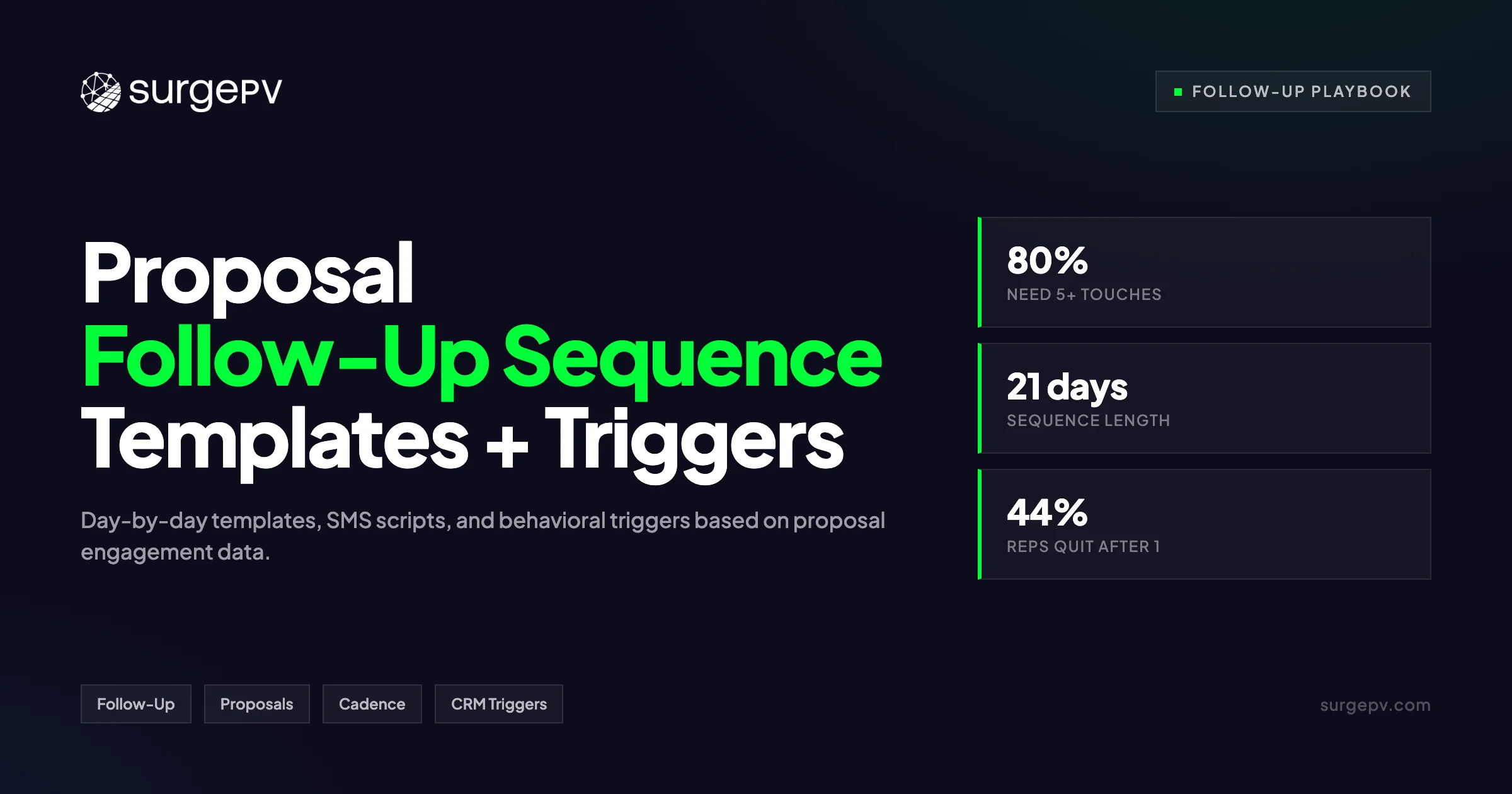
This happens to 44% of sales reps who give up after a single follow-up. Brevet Group research shows 80% of deals need 5 or more touches to close. Brevet Group research shows 80% of deals need 5 or more follow-ups to close. The US residential solar market contracted 31% in 2024 to 4.7 GWdc (SEIA/Wood Mackenzie, 2025).
You sent the proposal. Then silence. No reply. No call back. No signed contract.
This happens to 44% of sales reps who give up after a single follow-up. Brevet Group research shows 80% of deals need 5 or more touches to close. Brevet Group research shows 80% of deals need 5 or more follow-ups to close.
This happens to 44% of sales reps who give up after a single follow-up. Brevet Group research shows 80% of deals need 5 or more touches to close. Yet most reps stop at one. The result is a pipeline full of ghosted proposals and lost revenue.
In this guide you will get a complete 21-day solar proposal follow-up sequence. It includes exact email and SMS templates, voicemail scripts, and behavioral triggers based on what prospects click inside your proposal. You will also learn how to handle the four objections that kill most post-proposal deals.
TL;DR — Solar Proposal Follow-Up Sequence
80% of solar deals need 5 or more follow-up touches to close, yet 44% of reps quit after one. A structured 21-day sequence using email, SMS, and voicemail recovers no-shows and raises close rates. Sales teams with a standardized follow-up process see 78% higher conversion than teams without one.
In this guide:
- The follow-up gap in solar sales — why most reps quit too early
- The 21-day no-show recovery sequence with day-by-day templates
- Behavioral branching based on what prospects do inside the proposal
- Scripts for the four deadliest post-proposal objections
- Why interactive proposals make follow-up 3x more effective
- How to automate the sequence without sounding robotic
- The metrics that tell you if your sequence is working
Solar Proposal Follow-Up Sequence: The Data Behind the Gap
Most solar proposals die from silence, not rejection. Brevet Group research shows 80% of deals need 5 or more follow-ups to close. Yet 44% of reps quit after one. In solar, poor follow-up discipline bleeds leads and revenue. A structured sequence fixes this.
Solar is not an impulse buy. The median quoted system price sits at $2.65 per watt. A typical residential install runs over $20,000. Homeowners need time. They need reassurance. They need multiple touchpoints before they sign.
The US residential solar market contracted 31% in 2024 to 4.7 GWdc (SEIA/Wood Mackenzie, 2025). Installers now compete harder for fewer deals. Every lead costs more to acquire. Every proposal matters more. A single ghosted prospect is not just annoying. It is expensive.
Speed matters too. MIT research found that leads contacted within 5 minutes are 21 times more likely to qualify than leads contacted after 30 minutes. Only 7% of companies respond that fast. Most solar reps send a proposal and wait. They wait 3 days. Then they send one email. Then they move on.
This is the follow-up gap. HubSpot sales research notes that after four follow-ups, 94% of salespeople have given up. The data is clear. The reps who persist win the deals. But persistence without a plan is just spam. You need a sequence. You need timing. You need the right message for each stage.
Rocky Mountain Institute research (2018) shows the top three homeowner motivations for solar are long-term savings, resale value increase, and financing ability. Your follow-up sequence should speak to all three. Each touch should reinforce savings. Each touch should reduce risk. Each touch should make the financing path clearer.
Industry data from solar installer Ipsun Solar shows referral leads close at 37.5%, while blended inbound web leads close near 15% (Sunvoy, 2022). Both need follow-up to get there. Lead-aggregator leads show the lowest conversion. These shoppers compare 3 or more quotes. They need more nurture, not less. A strong sequence is your only edge.
Without a sequence, you leave money on the table. With one, you turn no-shows into signed contracts.
The 21-Day No-Show Recovery Sequence
Start the sequence the same day you send the proposal. Day 1 is confirmation plus a quick win. Days 2 to 7 layer value through savings data and social proof. Days 8 to 14 handle objections directly. Days 15 to 21 create respectful urgency. Use email, SMS, and voicemail at each stage.
Day 1 — Confirm and Anchor
Send the proposal by email and SMS within 30 minutes of the meeting. Include a one-sentence summary of the biggest savings number. Ask one specific question. “Does the 8.2 kW system on your south roof hit your target bill reduction?” This gives the prospect a reason to reply.
Day 2 to 3 — Value Drop
Send a short email with a customer testimonial video or case study from a nearby home. Keep it under 100 words. Mention the neighbor’s street or town. Proximity builds trust. If they do not open the email, send an SMS with the same social proof.
Day 4 to 5 — The Call
Phone call with a voicemail script. “Hi [Name], this is [Rep] from [Company]. I wanted to make sure you could open the proposal and answer any questions. I’ll try you again tomorrow. My number is [Number].” No pressure. Just presence.
Day 6 to 7 — Objection Seed
Email a one-page comparison of cash vs. loan vs. lease. Most prospects stall on financing. Give them the map before they ask. If your solar proposal platform tracks clicks, note which tab they opened. Reference it in your next touch. For France-specific information, see Agricultural Solar Case Study.
Day 8 to 10 — Spouse Forward
Send an email written for the decision-maker who was not in the room. “Hi [Name], many of our customers review this with their partner. Here is a one-page summary of the savings, payback, and warranty.” Attach a PDF. Make it easy to forward.
Day 11 to 14 — Direct Objection
Address the top objection you heard in the consultation. “You mentioned the upfront cost felt high. Here is how the loan option drops your out-of-pocket to $0 down and still cuts your bill by 60%.” Specific beats generic every time.
Day 15 to 18 — Urgency With Context
Introduce a real deadline. “Our installation calendar for June opens next week. To lock your panel allocation and current pricing, we need a signed agreement by [Date].” Do not invent fake scarcity. Use actual schedule limits.
Day 19 to 21 — The Break-Up
Final email. “I have not heard back, so I assume timing is not right. I will close your file. If solar makes sense next quarter, reply and I will reopen it immediately.” This triggers loss aversion. Many replies come from this email alone.
Pro Tip
Send the Day 1 confirmation from the rep’s personal email address, not a company noreply account. Replies to personal emails convert higher than replies to branded templates.
Behavioral Branching: Read the Room From Inside the Proposal
Split your sequence based on what the prospect does inside the proposal. If they open the financing tab, send loan-focused copy. If they never open the proposal, switch to SMS. If they forward it, send a spouse-ready summary. This is proposal-powered follow-up. It beats time-based drips.
Most CRM sequences run on time. Day 1, Day 3, Day 7. This is lazy. It ignores what the prospect actually did.
Your solar proposal software can tell you more. Did they open the proposal? Did they click the financing section? Did they swap the panel model? Did they spend 4 minutes on the 3D roof view, then close the tab? Each action is a signal. Each signal deserves a different message.
If they opened the proposal but did not reply, send a specific question about what they saw. “I noticed you checked the loan option. The 20-year term drops your monthly payment to $127. Want me to run the 15-year too?” This shows attention. It also moves the conversation forward.
If they never opened the proposal, pivot to SMS. Email inboxes are crowded. A text cuts through. “Hi [Name], I sent your proposal yesterday. Can you confirm you got it? Happy to walk through it on a quick call.”
If they forwarded the proposal to a spouse or partner, send a one-page summary written for that second reader. Keep jargon out. Focus on savings, payback, and warranty. The non-technical partner usually controls the decision.
If they clicked the cash tab multiple times but did not proceed, they may have a budget concern. Follow up with a financing comparison. “I saw you looking at the cash option. Here is how the loan keeps the same monthly savings with $0 down.” For France-specific information, see Floating Solar Farms France. Read more about France Solar Feed-in Tariffs.
This is where Clara AI helps. Clara reads proposal engagement data and drafts follow-up messages that reference the exact system size, roof section, and financing option the prospect viewed. No generic templates. No copy-paste. Just relevant messages at scale.
Behavioral branching raises response rates. Sales engagement research shows sequences using 3 or more channels generate 287% higher response rates than single-channel outreach. When you add behavioral triggers, the lift is even higher. You stop guessing. You start responding.
Objection-Specific Follow-Up Scripts
The four deadliest post-proposal objections are cost, spouse approval, timing, and competitor quotes. Each needs a different script. Cost objections need financing reframes. Spouse objections need one-page summaries. Timing objections need calendar anchors. Competitor objections need differentiation, not discounts.
“I need to think about it.”
This is not a real objection. It is a stall. Use the Sandler reverse. Turn it back as a question. “I understand. What specifically do you need to think through — the savings numbers, the financing, or the installation timeline?” Isolate the real blocker. Then solve it.
“I need to talk to my spouse.”
This objection is valid. Do not fight it. Equip it. Send a one-page summary written for the absent partner. Include the savings, the payback, and the warranty. Offer a joint call. “I would love to walk both of you through the numbers. When works this week?” If they still stall, ask: “What is your spouse’s biggest concern?” Address that directly.
“It’s too expensive.”
Reframe around monthly cash flow, not total cost. “The system costs $24,000. But the loan option drops your out-of-pocket to $0 and cuts your electric bill by $180 per month. You are cash-flow positive from month one.” Use your solar yield and financial analysis to model this live during the consultation. Then reference the same numbers in follow-up.
“A competitor quoted me lower.”
Never trash the competitor. Differentiate instead. “A lower price usually means fewer panels, lower-wattage modules, or a shorter warranty. Let me show you the side-by-side.” Pull up the actual equipment list. Show the panel wattage, the inverter brand, and the warranty term. Data beats opinions.
The Sandler Training framework teaches preemptive objection handling. Diffuse the bomb before it blows up. Ask about budget, timeline, and decision-makers during the first meeting. Note their answers. Reference them in follow-up. This builds trust faster than any template.
These scripts work best when you have already done the hard work in the room. A live 3D model and real-time savings data from your solar design software close objections before they become follow-up problems. Follow-up is recovery. The live proposal is prevention.
Why Interactive Proposals Make Follow-Up 3x More Effective
Static PDF proposals create a dead zone. Prospects open them once, then forget. Interactive proposals with live 3D models and real-time financial data keep prospects engaged. They click, they explore, they share. Each click is a signal your follow-up can use. Better proposals mean better follow-up.
A PDF proposal is a wall. The prospect downloads it, scrolls once, and closes the tab. You have no idea if they read page 3 or skipped straight to pricing. You send a generic follow-up. They ignore it. The deal dies.
An interactive proposal is a conversation. The prospect rotates the 3D roof model. They toggle between cash and loan. They zoom in on panel placement. Every action creates data. Your follow-up sequence reads that data and responds.
This is the core idea behind proposal-powered follow-up. The proposal itself becomes a qualification tool. If a prospect spends 6 minutes on the financing tab, they are interested but cautious. Your next message should address risk, not urgency. If they share the proposal with a partner, send a joint-call invitation. If they view the proposal 4 times in 2 days, they are close to yes. A well-timed call seals it.
The average US residential electricity price was about $0.17 per kWh in early 2025 (EIA, 2025). Solar offsets that rate directly. But only if the prospect sees the math. An interactive proposal lets homeowners adjust their own assumptions. They change the energy escalation rate. They test the loan term. They own the math. When they own the math, they trust the result.
SurgePV proposals include live design, shadow analysis, and financial modeling in one link. Reps send the link immediately after the consultation. Prospects explore on their own time. Reps see what they explored. The follow-up writes itself. For a direct comparison, see Arka 360 vs SurgePV.
Compare this to Tesla Energy’s online-only model. Tesla sends a price. Minimal follow-up. No live model. Homeowners who want hand-holding go elsewhere. Sunrun uses in-home consultants with tablets. They show live designs. Their close rates reflect that investment. SunPower’s dealer network requires consultants to show live designs on tablets. The consultative approach takes longer per appointment but produces higher close rates. Interactive proposals replicate that experience online. Prospects get the same visual proof without the in-home visit.
The quality of your proposal sets the ceiling for your follow-up. A weak proposal with strong follow-up is spam. A strong proposal with weak follow-up is wasted. You need both.
Stop Losing Deals to Silence
Your proposals deserve follow-ups that actually work.
Book a DemoNo commitment required · 20 minutes · Live project walkthrough
How to Build This in Your CRM
Set up 4 automation triggers in your CRM. Trigger 1: proposal sent. Trigger 2: proposal opened but no reply within 48 hours. Trigger 3: financing tab clicked. Trigger 4: no activity for 7 days. Each trigger starts a different message branch. Test one branch per week.
You do not need expensive software to start. You need discipline. Here is how to build the sequence in any CRM.
Start with the proposal-sent trigger. When your rep marks a proposal as sent, the CRM should auto-create a task. Task 1: send confirmation SMS within 30 minutes. Task 2: send value-drop email on Day 2. Task 3: call on Day 4. Most CRMs do this with simple workflow rules.
Add the opened-but-silent trigger. If the prospect opens the proposal but does not reply within 48 hours, branch to a financing-focused email. Reference the specific tab they viewed. “I saw you checked the loan numbers. Here is the 15-year option too.” This requires proposal software that sends engagement data to your CRM.
Create the no-activity trigger. If the prospect does not open the proposal for 7 days, switch to SMS and voicemail. Email deliverability drops when prospects ignore your first message. A text resets attention.
Use a simple A/B test framework. Test subject lines first. Then test send times. Then test message length. Solar sales cycles run 3 to 6 months. You will need 30 to 60 days of data per variant. Be patient. Process discipline beats hacks.
Your solar software for installers should connect proposal data to CRM actions automatically. SurgePV pushes proposal open events, tab clicks, and time-on-page directly to your CRM via webhook. Reps see the activity feed inside the contact record. No tab switching. No guesswork.
Avoid robotic automation. Personalized subject lines boost open rates 20% to 30% (Backlinko, 2024). A subject line like “Question about your 8.2 kW system” beats “Following up on your solar proposal.” Use the prospect’s name, their roof direction, or their estimated savings. Details signal effort. Effort builds trust.
Set a meeting reminder for Day 21. If the break-up email gets no reply, schedule a manual check-in for 90 days later. Solar leads go cold. Then they warm up again. A simple calendar reminder keeps the pipeline alive. For more on this topic, see Solar Lead Generation Strategies.
Test your automation on internal contacts first. Send the sequence to your own phone and email. Read every message aloud. If it sounds robotic to you, it will sound robotic to a homeowner. Rewrite until it sounds like a text you would send a neighbor.
Review your sequence monthly. Remove steps that get zero replies. Double down on steps that book meetings. A sequence is a living system, not a set-it-and-forget-it tool.
Metrics That Tell You If Your Sequence Is Working
Track 4 numbers weekly. Reply rate: what percentage respond to each touch. Meeting book rate: how many replies turn into appointments. Proposal-to-close rate: your ultimate conversion metric. Sequence completion rate: how many prospects reach Day 21 without opting out. Improve one metric at a time.
Data beats gut feel. Here are the metrics that matter.
Reply rate by touch. Measure the percentage of prospects who respond to each email, SMS, or call. Industry benchmarks vary. A healthy solar sequence sees 15% to 25% reply rates on early value emails. Break-up emails see 5% to 10%. If your Day 1 confirmation gets under 10% replies, your subject line or send time needs work.
Meeting book rate. Not all replies are equal. Some prospects reply with objections. Others reply to decline. Track how many replies result in a booked appointment or contract signing. A good benchmark is 30% to 50% of replies converting to a next step.
Proposal-to-close rate. This is your north star. Divide signed contracts by proposals sent. The US residential solar industry sees wide variance here. Referral leads close at 37.5%. Blended inbound web leads close near 15%. Lead-aggregator leads close lower. Your sequence should lift your baseline by 10% to 20% within 90 days.
Speed-to-proposal. Measure the time from first contact to proposal sent. Then measure the time from proposal sent to first follow-up. The faster your proposal, the fresher the prospect’s interest. A solar design tool that generates quotes in 4 minutes lets you start your sequence the same day. A manual process that takes 48 hours lets interest fade.
Sequence completion rate. How many prospects reach Day 21 without unsubscribing or asking you to stop? A high completion rate means your messages add value. A low rate means you are sending noise. Aim for over 80% completion.
Compare your sequence against industry baselines. If your reply rate sits below 15%, your message is too long or too generic. If your meeting book rate sits below 30%, your call-to-action is weak. Fix the message before you blame the lead.
Review these numbers in a weekly sales huddle. Ask one question: “What changed this week?” Small improvements compound. A 5% reply-rate lift on 100 proposals per month means 5 more conversations. At a 20% close rate, that is one extra contract per month. In a $24,000 average deal, that is $24,000 in recovered revenue. Just from better follow-up.
Conclusion
- Pick one objection script from this guide. Use it on your next stalled proposal.
- Build one CRM trigger that fires when a proposal is sent. Start with Day 1 and Day 3 touches only.
- Review reply rates every Friday. Cut the steps that get silence. Double down on the steps that book meetings.
Pick one script. Build one trigger. Review one number. That is how you turn no-shows into contracts.
Frequently Asked Questions
How do you follow up on a solar proposal?
Send a confirmation within 30 minutes of the meeting. Then run a 21-day sequence with value emails, SMS, calls, and objection-handling scripts. Branch your messages based on what the prospect clicks inside the proposal. Use email for detail, SMS for attention, and calls for closing.
How many follow-ups does it take to close a solar sale?
Brevet Group research shows 80% of deals need 5 or more follow-ups. Yet 44% of reps quit after one. In solar, where systems cost over $20,000, the cycle often stretches to 3 to 6 months. A 21-day sequence with 7 to 10 touches covers the critical first month.
What do you say in a solar sales follow-up email?
Lead with a specific detail from the proposal. “Your 8.2 kW south-facing system cuts your bill by $180 per month.” Then ask one question. Avoid “just checking in” emails. Offer a comparison, a testimonial, or a financing update instead.
How do you handle solar sales objections during follow-up?
Use the Sandler reverse. Turn stalls into questions. “What specifically do you need to think through?” Isolate the real blocker. For spouse objections, send a one-page summary. For cost objections, reframe around monthly cash flow. For competitor quotes, differentiate on equipment and warranty.
How do you automate solar proposal follow-ups?
Set CRM triggers for proposal-sent, proposal-opened, and no-activity events. Use your solar proposal software to push engagement data into the CRM. Then build message branches for each trigger. Start simple. Test one branch at a time. Add complexity only after you see results.
Where this fits
This article is part of SurgePV's Solar Sales & Proposals hub, which works through the topic from first principles to the decisions a project team actually has to make.