

Quick answer
PVcase runs inside AutoCAD on Windows and designs utility-scale and large rooftop plants, with no published price. SurgePV is a web tool for roof modeling, array layout, shading, yield, financial modeling and proposals from $1,899 per user per year. The deciding factor is whether you need ground-work engineering or design plus proposals. Checked November 2026.
Comparing PVcase with SurgePV?
Bring a live project to a guided demo and judge the workflow, not just the feature list.
Book a Free DemoChecking cost first? See the SurgePV pricing page.
SurgePV publishes this page and is one of the two products compared, so read it with that in mind. PVcase facts come from PVcase’s public pages and SurgePV facts from SurgePV’s pricing page and published product scope, checked October and November 2026.
PVcase vs SurgePV: Scope and Price at a Glance
PVcase is a set of AutoCAD-based engineering tools, while SurgePV is one web product for design and proposals.
| PVcase | SurgePV | |
|---|---|---|
| Where it runs | Ground Mount and Roof Mount run inside AutoCAD; Windows 10 (x64) or newer | Web application |
| Main users (vendor wording) | Ground Mount: utility-scale EPCs and engineers. Roof Mount: C&I designers and sales teams | Solar design and proposal teams |
| Scope | Site selection, ground and roof design, yield with P50 and P90 | 3D roof modeling, array layout, shading, yield, financial modeling, electrical workflow support, bill of materials, proposals |
| Single line diagram | SLD export listed | Electrical workflow support listed |
| Price | Not published (“Request pricing”) | USD per user per year: $1,899 (1 user), $1,499 (3 seats), $1,299 (5 seats) |
| How to try | “Request a demo”; free trial not stated | Guided demo; no self-serve trial |
Sources: PVcase pricing plans, PVcase system requirements, SurgePV pricing. Checked November 2026.
- SurgePV, 1 user$1,899
- SurgePV, 3 seats$1,499
- SurgePV, 5 seats$1,299
- PVcase$0 not published
Source: SurgePV pricing page; PVcase pricing page, checked November 2026.
What Does PVcase Do?
PVcase sells four products. Ground Mount is an AutoCAD plugin for utility-scale design: slope, collision and grading analysis, piling analysis, stringing, cable sizing, single line diagram export, bill of materials export and battery storage design. Roof Mount covers C&I rooftops with setbacks, obstructions and layout optimization. Yield adds bifacial modeling and P50 and P90 scenarios.
PVcase says it does not publish a full price list and offers customized packages. See the PVcase review.
Pros: ground-work and cable engineering in CAD, one vendor from site selection to yield. Cons: needs AutoCAD and Windows, no published price.

What Does SurgePV Do?
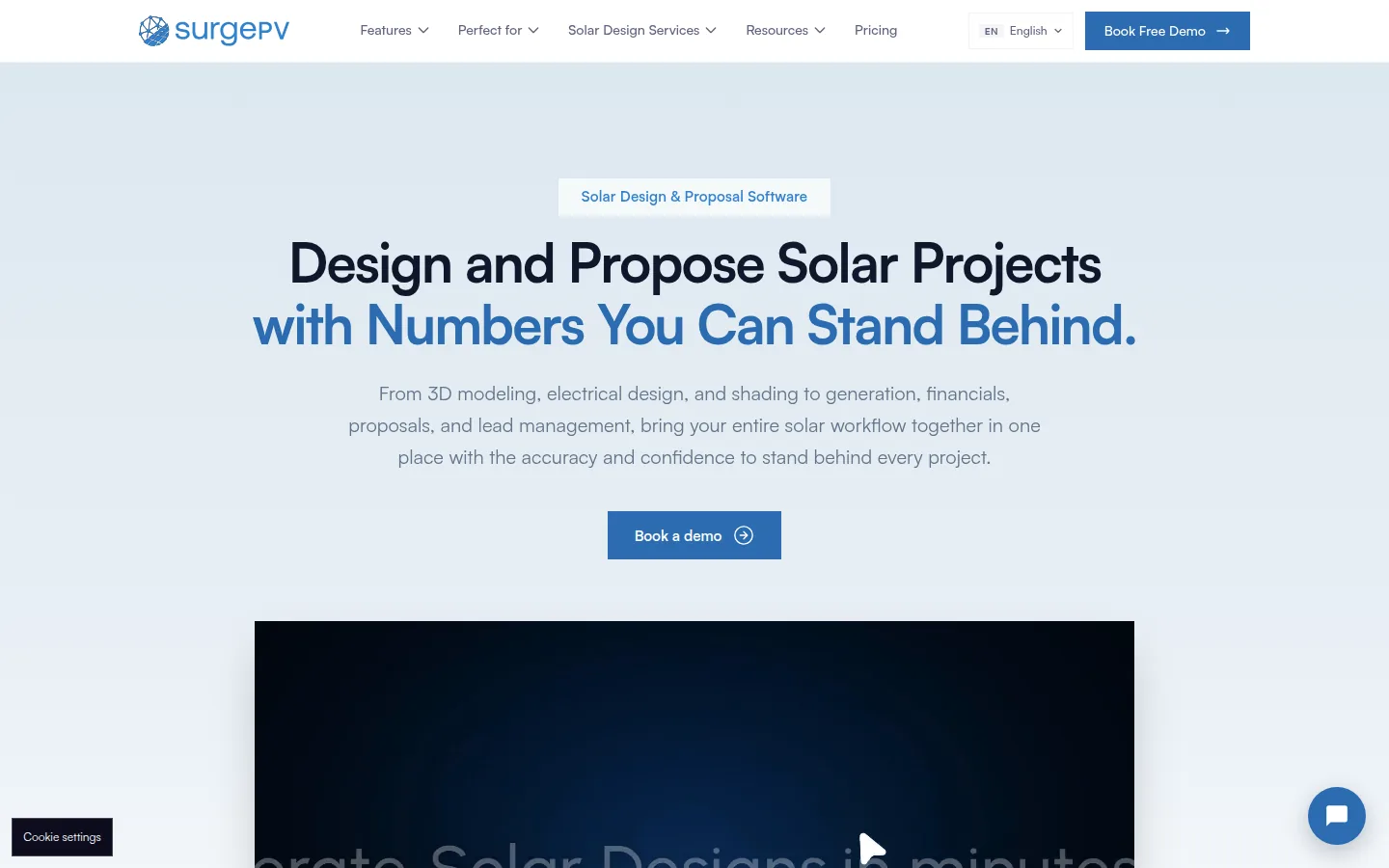
SurgePV is cloud solar design and proposal software. Its published scope is 3D roof modeling, solar array layout, shading analysis, energy-yield modeling, financial modeling, electrical workflow support, bill-of-materials output and proposal generation.
Results depend on source data, assumptions, equipment models, configuration and review. Outputs support design and documentation workflows but do not replace approval by the responsible engineer, authority, lender, insurer or utility. Pricing, access and contract terms are confirmed in a written quote.
Pros: design to proposal in one web tool, a per-user price published. Cons: no piling, grading or cable-routing analysis in the published scope, and no self-serve trial.
Do you need proposals without a CAD host?
See SurgePV model a roof or array and produce a proposal from the same project in a guided demo.
Book a Free DemoChecking cost first? See the SurgePV pricing page.
Who Should Pick Which?
- Pick PVcase if you engineer utility-scale plants, need slope, grading and piling analysis, and your team already works in AutoCAD on Windows.
- Pick SurgePV if you design roofs and arrays, model yield and finances, and send proposals, and you want a web tool with a published per-user price.
- Use both if you win ground-mount projects that need CAD engineering and also need a proposal workflow, and you budget for two vendors.
Bottom Line
PVcase is an engineering tool, and SurgePV is a design and proposal tool. Pick by the work that costs you the most time. If that is roof design, yield and proposals, book a SurgePV demo and compare it with your current workflow, or see the pricing page. More reading: PVcase alternatives, PVcase vs RatedPower, HelioScope vs PVcase and utility-scale design software.
Sources
- PVcase pricing plans: products, users, no published price. Checked November 2026.
- PVcase Ground Mount page: AutoCAD plugin for utility-scale design. Checked October 2026.
- PVcase system requirements: Windows 10 (x64), AutoCAD, no virtual machines. Checked October 2026.
- SurgePV: pricing page and published product scope, checked November 2026.
Last checked: 4 November 2026.
Frequently Asked Questions
Is PVcase better than SurgePV?
They serve different jobs. PVcase designs utility-scale and large rooftop plants inside AutoCAD, with ground work, piling and cable analysis. SurgePV is a web tool for roof modeling, array layout, shading, yield, financial modeling and proposals. SurgePV publishes this page, so check both vendors’ pages.
Does PVcase need AutoCAD?
Yes, for Ground Mount and Roof Mount. PVcase’s system requirements say they run inside AutoCAD on Windows 10 (x64) or newer and “will not run on virtual machines”. The pages read give no AutoCAD price, so ask PVcase and Autodesk.
How much does PVcase cost?
PVcase does not publish a price. Its pricing page says cost depends on factors such as team size and platform scope, and shows “Request pricing” buttons. SurgePV lists $1,899 per user per year for one user, in US dollars. Both checked November 2026.
Is SurgePV a PVcase alternative for utility-scale design?
Not for ground-work engineering. PVcase Ground Mount lists slope, grading, piling and cable analysis for utility-scale plants. SurgePV’s published scope covers roof modeling, array layout, shading, yield, financial modeling and proposals, and does not list piling or grading analysis.
Does SurgePV run in a browser?
SurgePV is listed as a web application, so it does not require a desktop CAD host. Access is through a guided demo, and SurgePV does not advertise a self-serve trial. Confirm scope, access and terms in a written quote.
Does PVcase make customer proposals?
The PVcase plan lists do not name a proposal tool. The commercial solar page mentions integrated financial modeling and reporting for Roof Mount, so ask the vendor what your plan includes. SurgePV lists proposal generation in its scope.
